How do I turn off email notifications?
Last updated Over 1 year ago
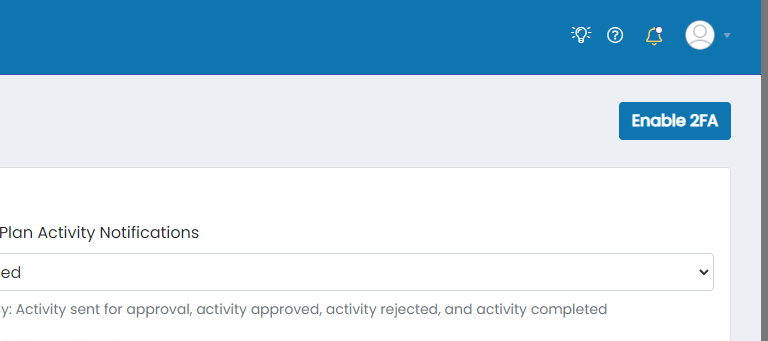
1. Click on the user avatar in the top right of the page
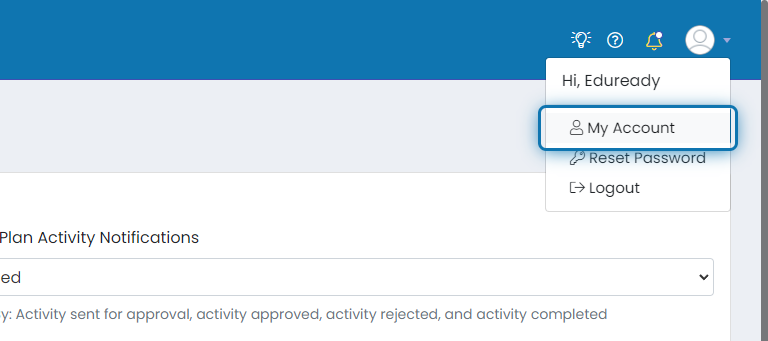
2. Click on My Account
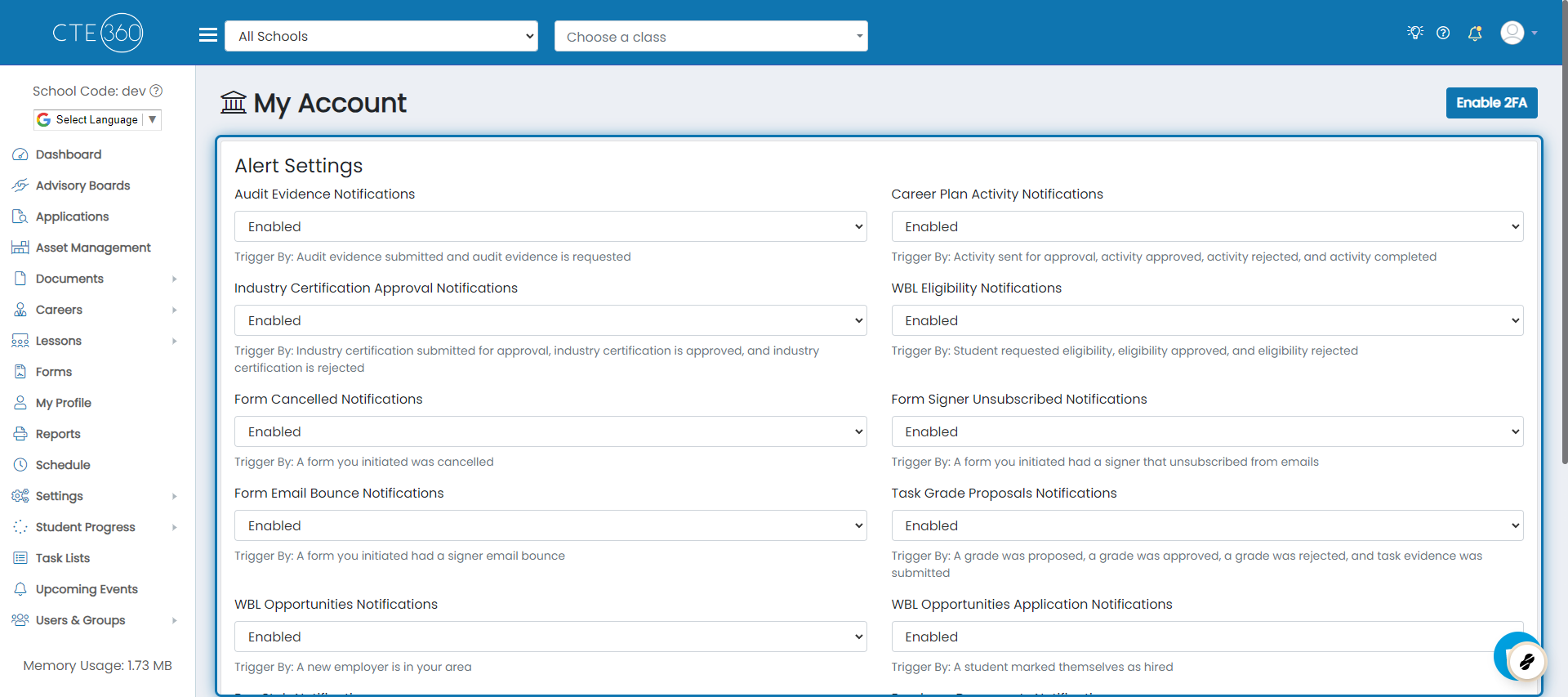
3. All of the alert settings can be found here
You will have the ability to toggler whether or not you want emails of each type here. You can see what alerts are triggered by each type directly under the Enabled/Disabled drop-down box.
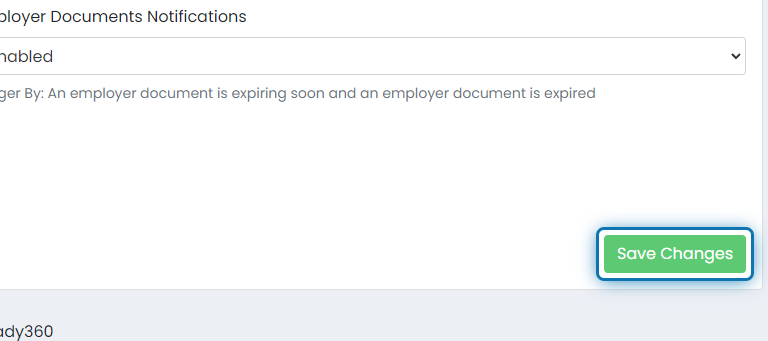
4. When you're done changing settings, click Save Changes.
Was this helpful?
Still need help? Ask the team