How do I manage General WBL Types in Work-Based Learning?
Last updated 10 months ago
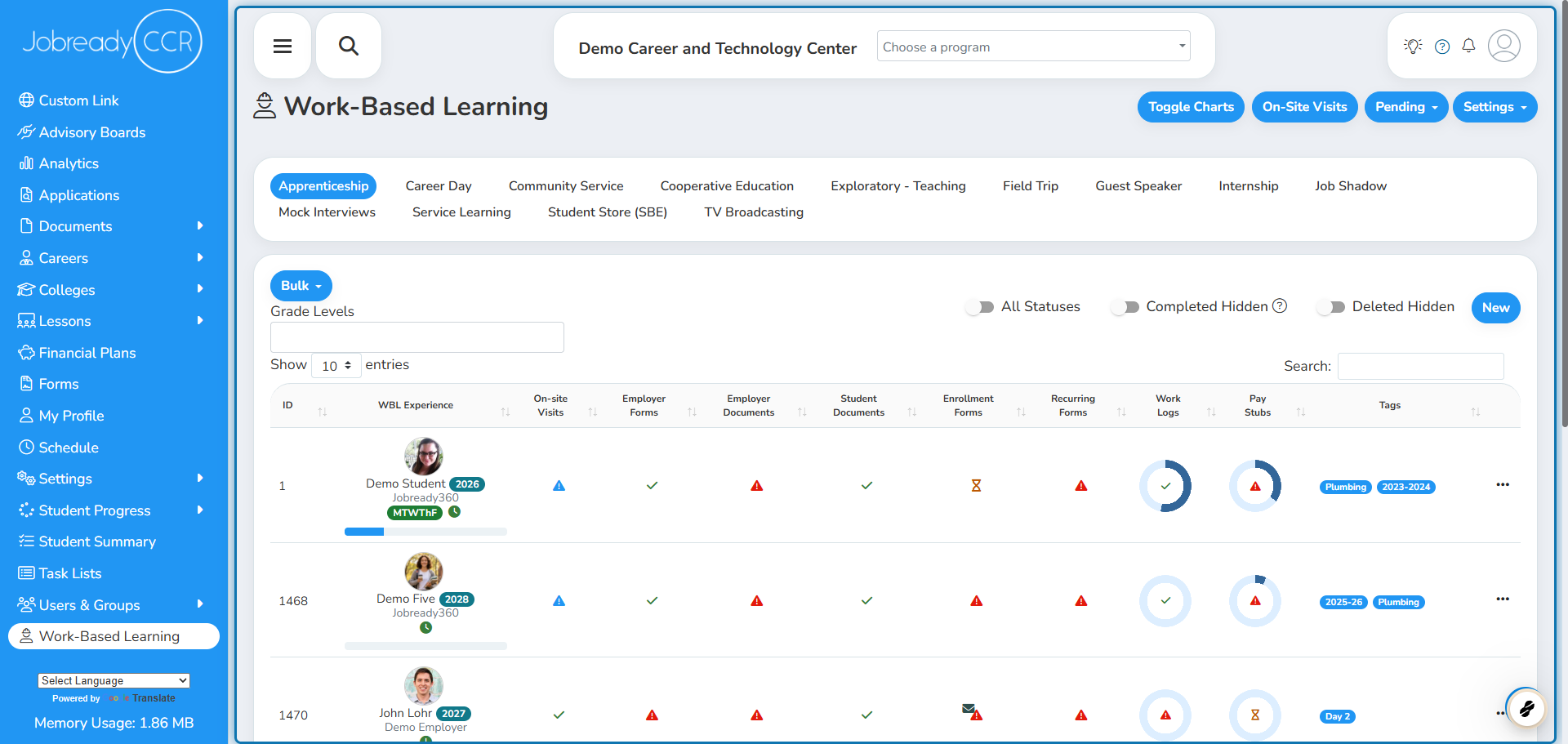
1. Navigate to Work-Based Learning
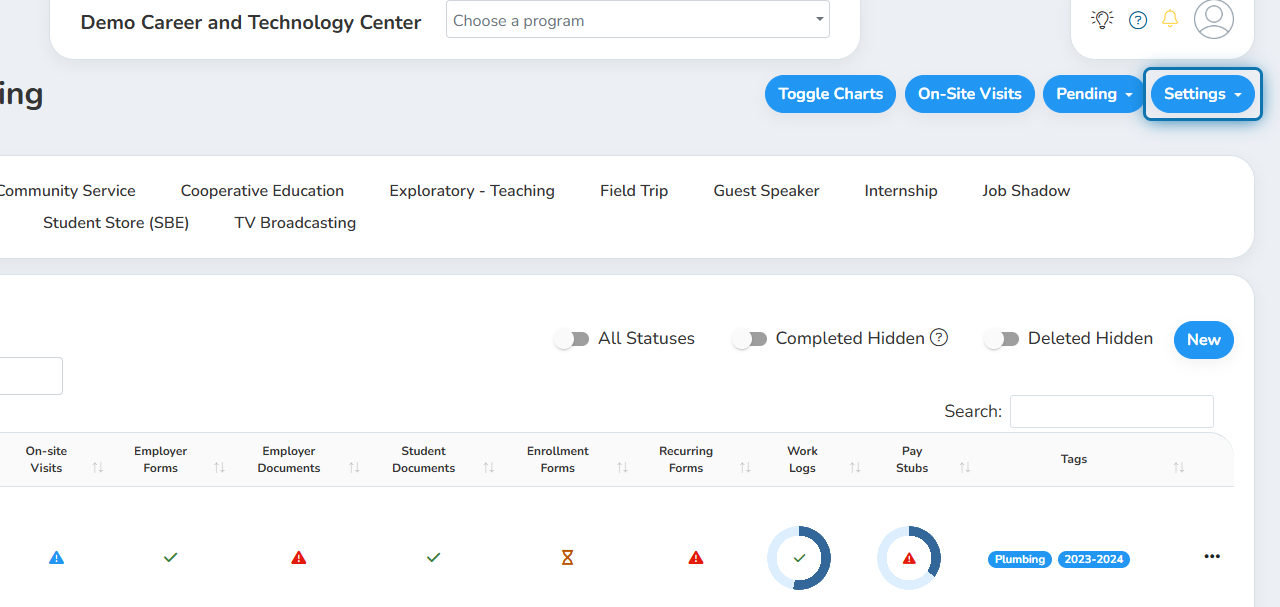
2. Click Settings in the top right corner
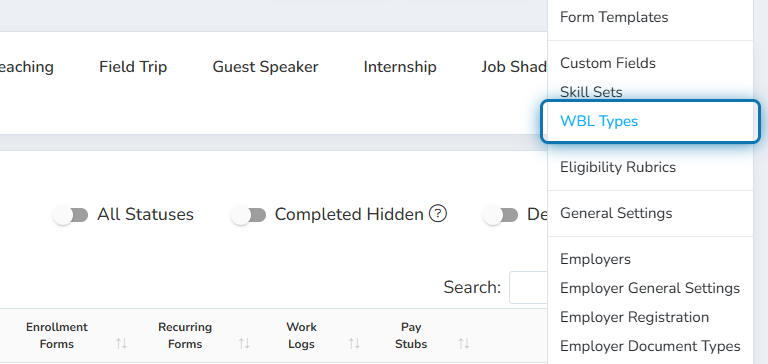
3. Click WBL Types in the menu
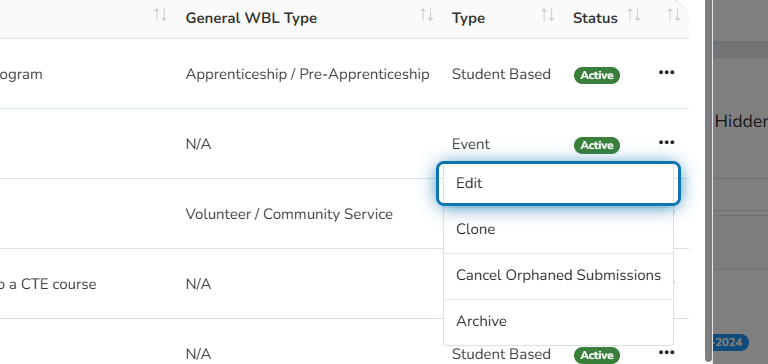
4. Click the action button of the WBL Type you would like to edit
In this example, a WBL Type without a General WBL Type was selected for editing. The WBL Type was called Career Day.
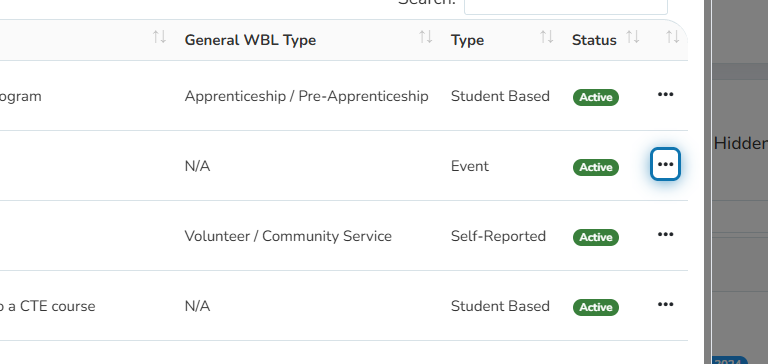
5. Click Edit in the menu
6. Scroll to the General WBL Type in the window
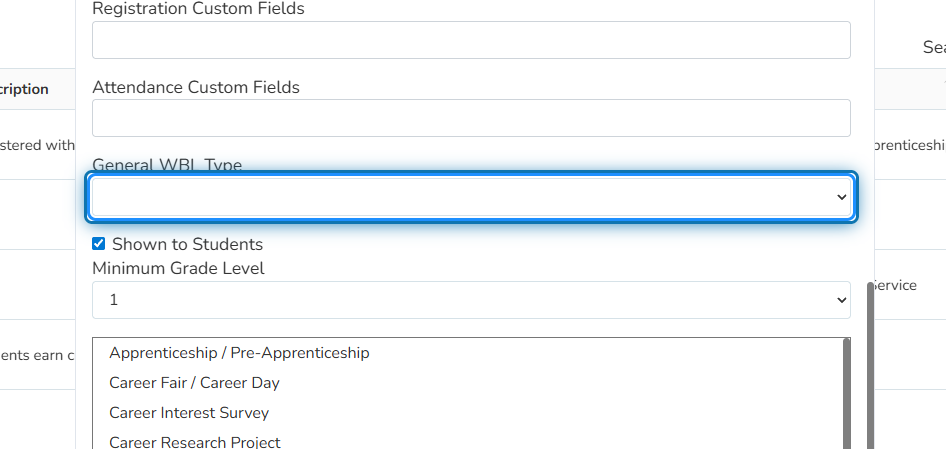
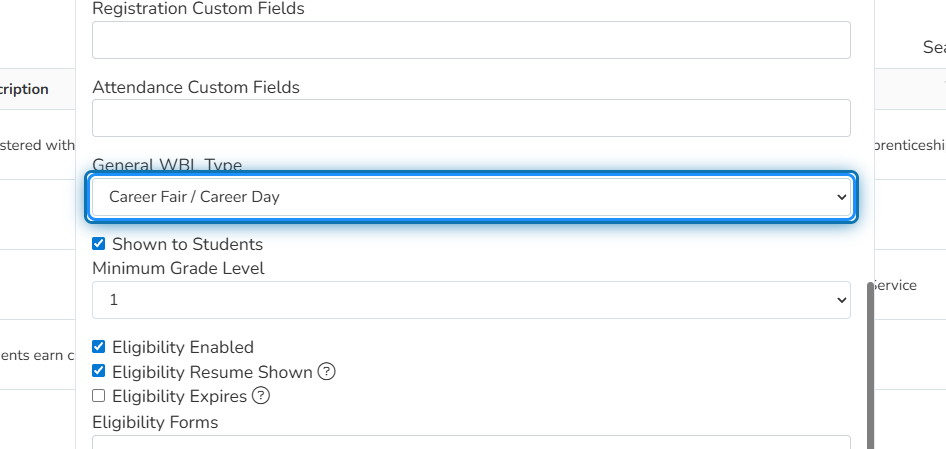
7. Select a relevant General WBL Type from the dropdown
In our example, the best General WBL Type for the Career Day was “Career Fair/ Career Day.” This is the option selected from the dropdown.
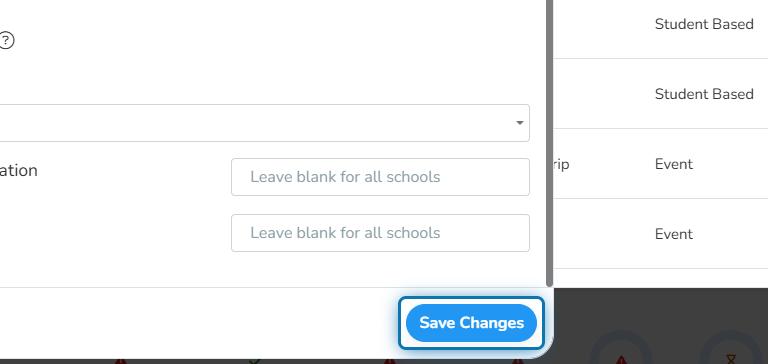
8. Click on Save Changes
Was this helpful?
Still need help? Ask the team