How do I run a report on student documents?
Last updated Over 1 year ago
This report will allow you to run a report to show all student documents, just ones with active WBL experiences, a specific status (good or needs attention), or a combination of all of those filters.
1. Navigate to the Reports page
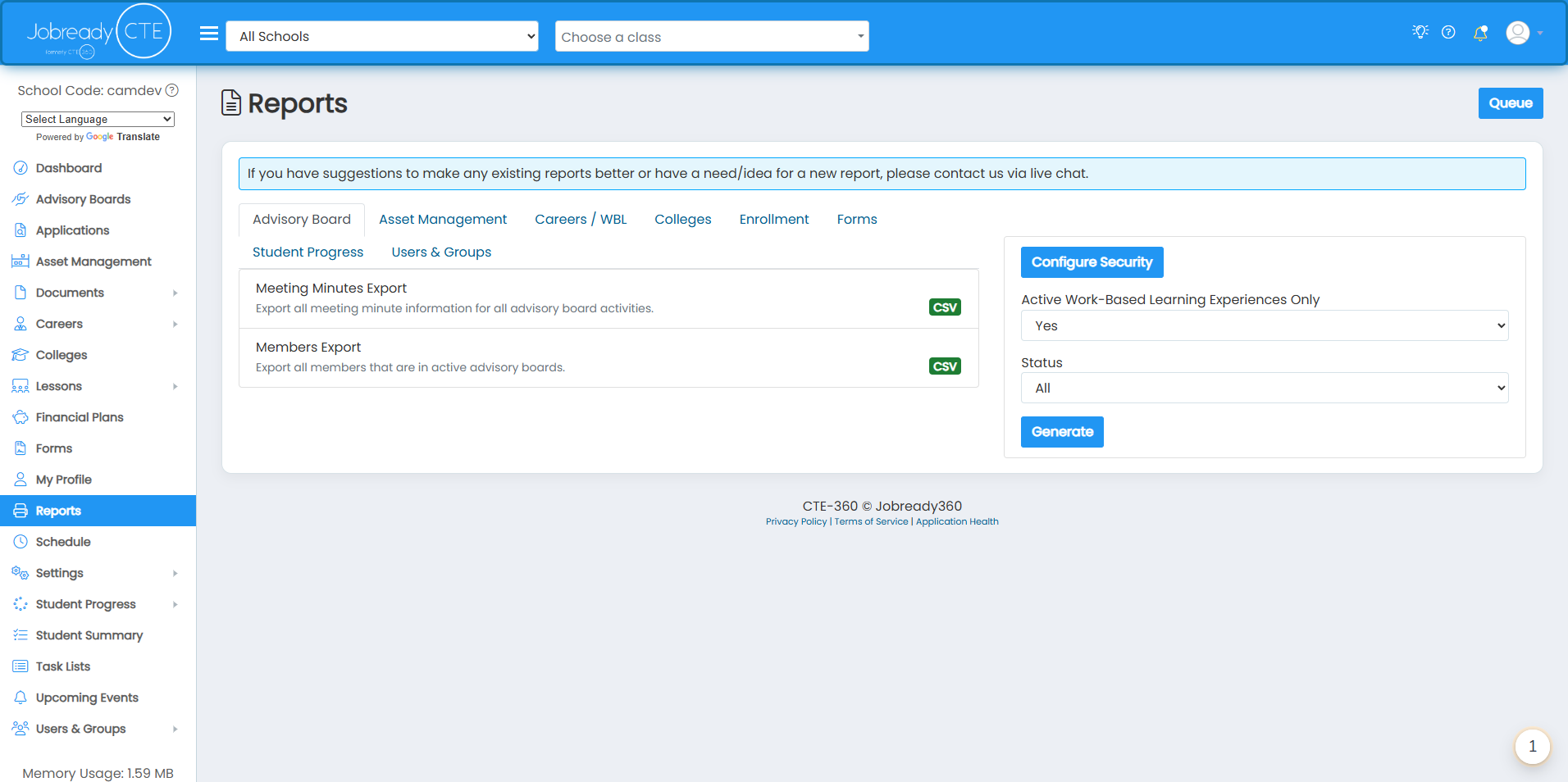
2. Click on the Users & Groups tab
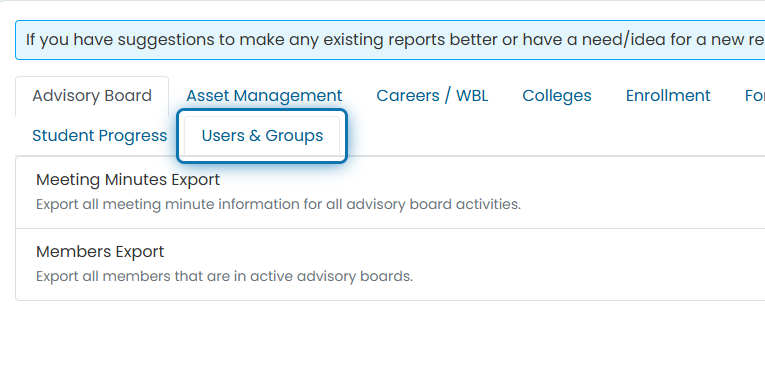
3. Click on Student Document Status
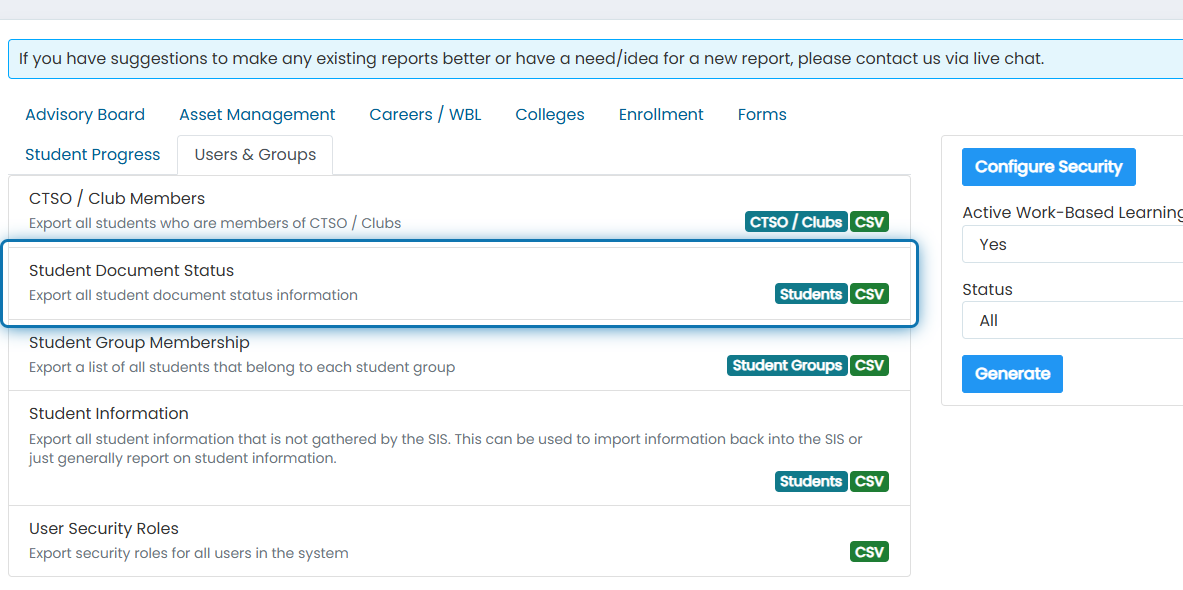
4. Specify any filters you'd like to use for the report to narrow down the documents returned
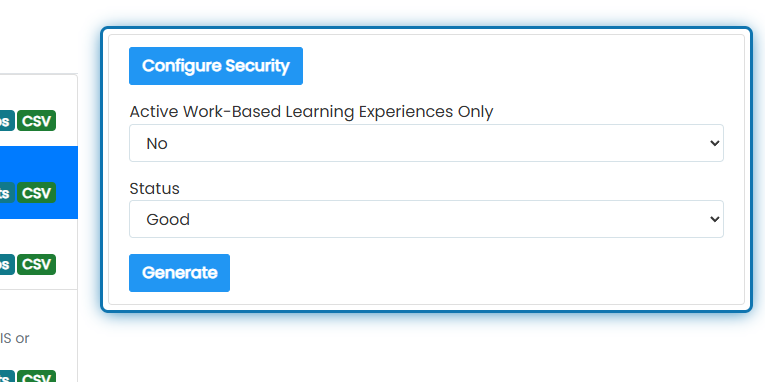
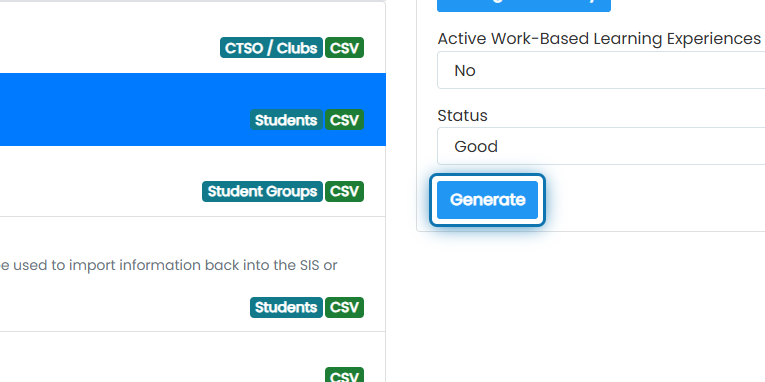
5. Click on Generate
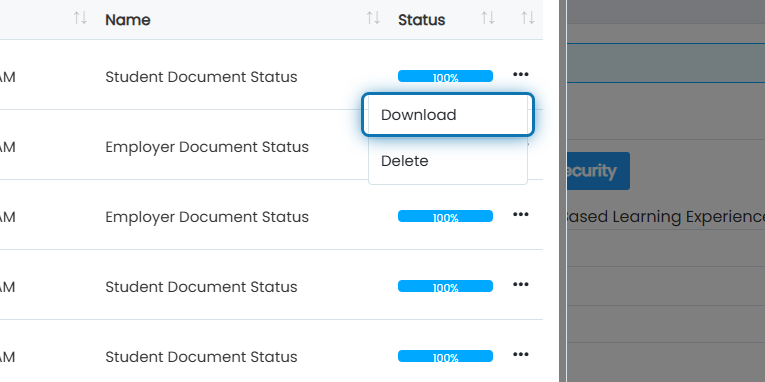
6. Once the status of the newest report reaches 100%, click the action button next to the report
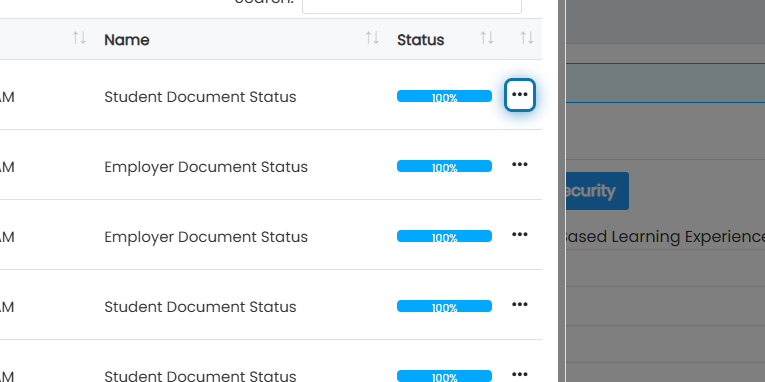
7. Click on Download
List of information you will receive for this export:
Document Type
Student Name
Email
State Student Number
Student Program
Has Document Indicator
Not Required Indicator
Overall Status - Whether it's Good or if it Needs Attention