How do I run a report about advisory board activity members?
Last updated Over 1 year ago
This report will show all members that are assigned to activities in the specified date range. This will provide details about if the members have RSVPed, were present, and if they were notified.
1. Navigate to the Reports page
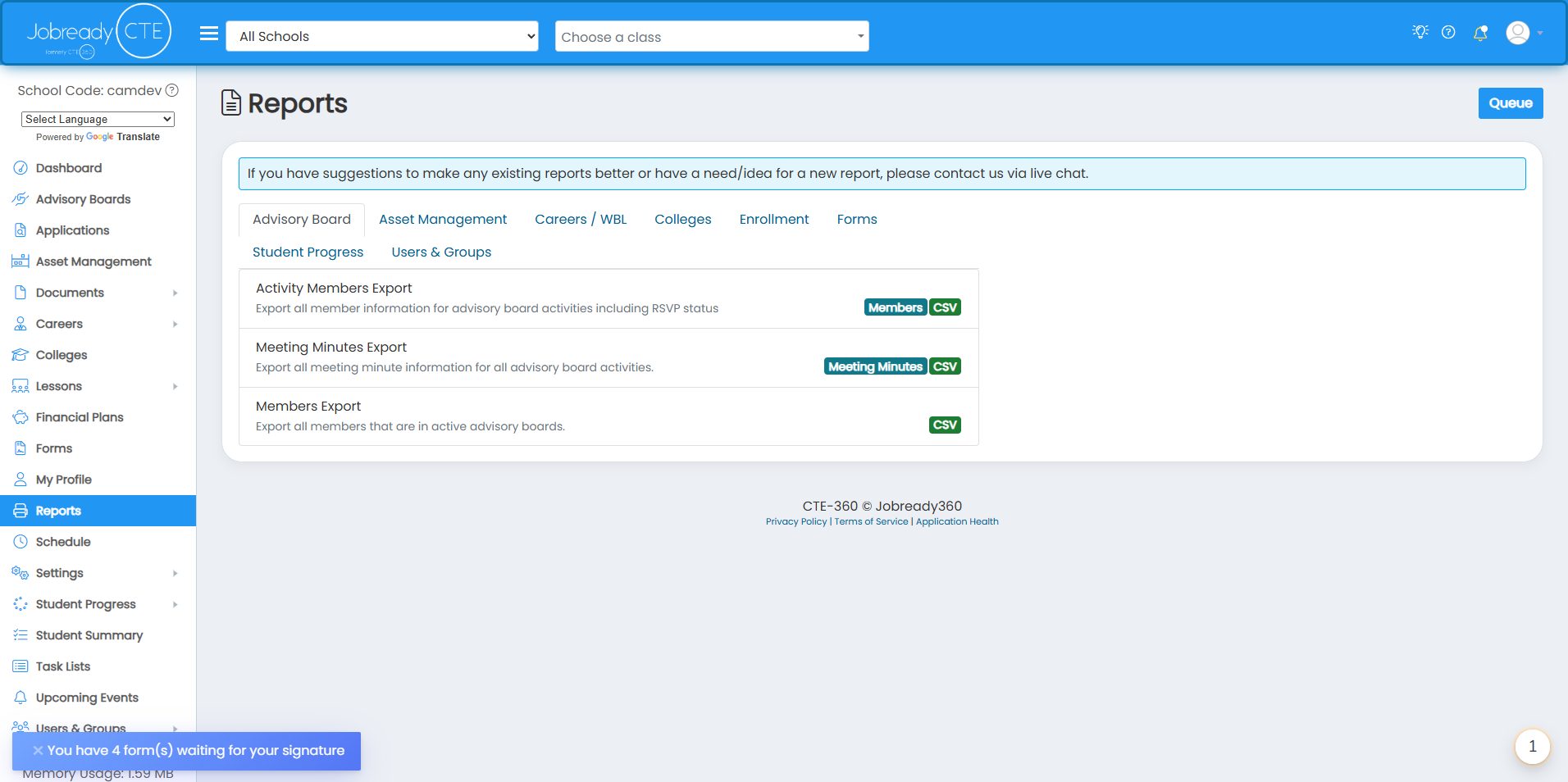
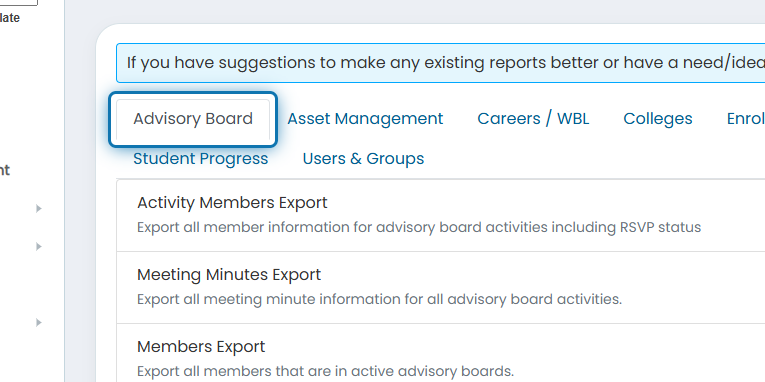
2. Click on the Advisory Board tab
3. Click on Activity Members Export
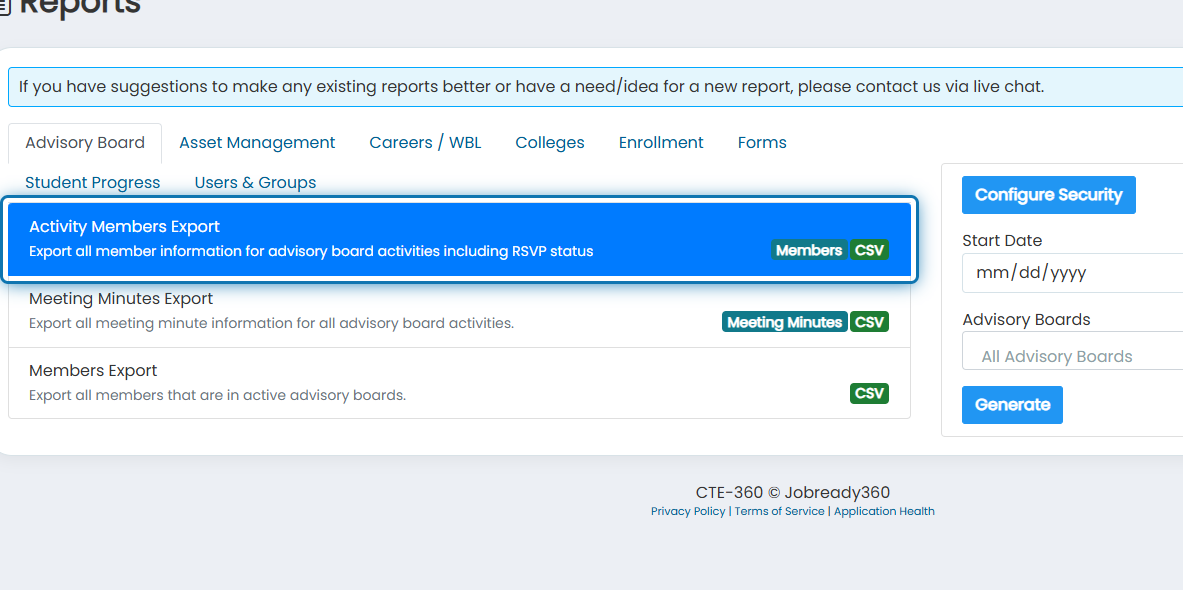
4. Specify any filters you'd like to use for the report to narrow down the documents returned
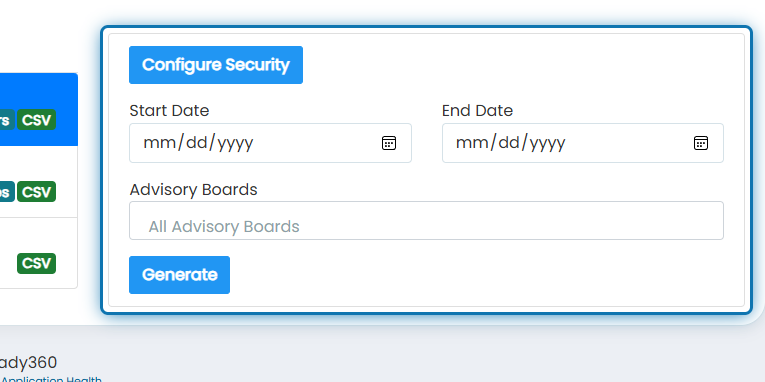
5. Click on Generate
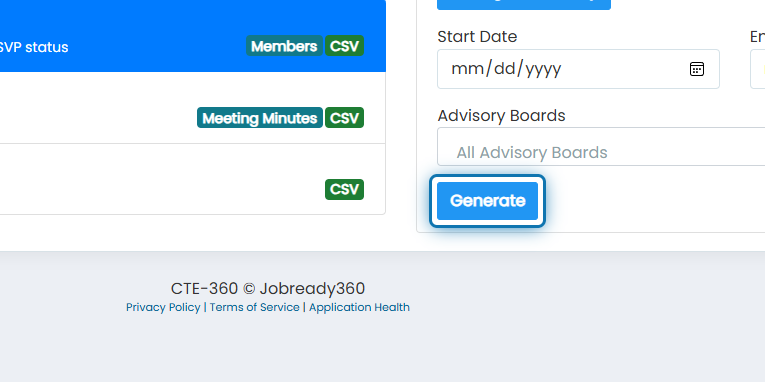
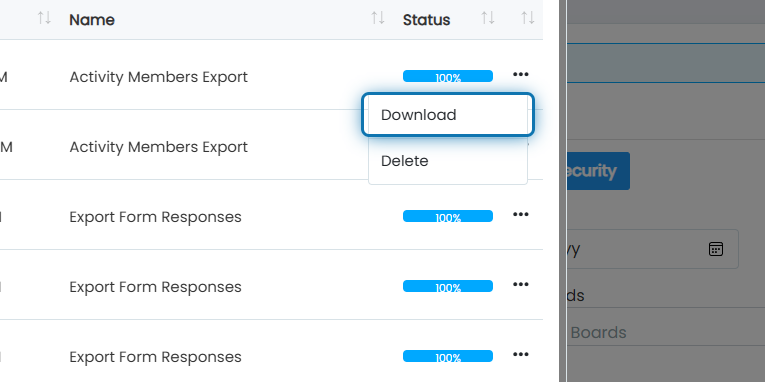
6. Once the status of the newest report reaches 100%, click the action button next to the report
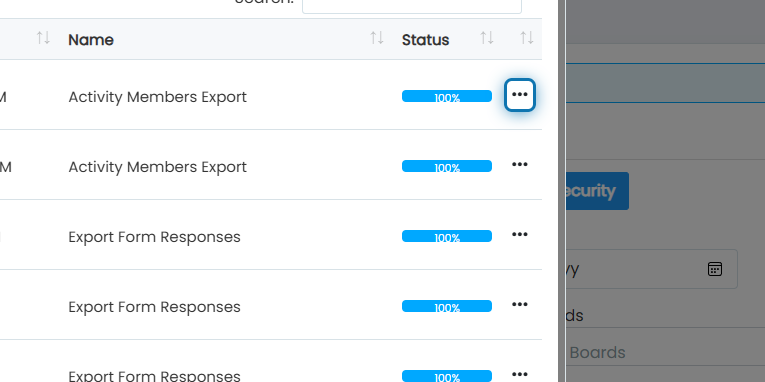
7. Click on Download
List of information you will receive for this export:
Advisory Board Name
Activity Name
Member Organization
Member First Name
Member Last Name
Member RSVP Status
Member Present Status
Member Notified Status
Member Email
Member Role