How do I report on my Project-Based Work-Based Learning (WBL) hours?
Last updated 6 days ago
1. Navigate to the reports page
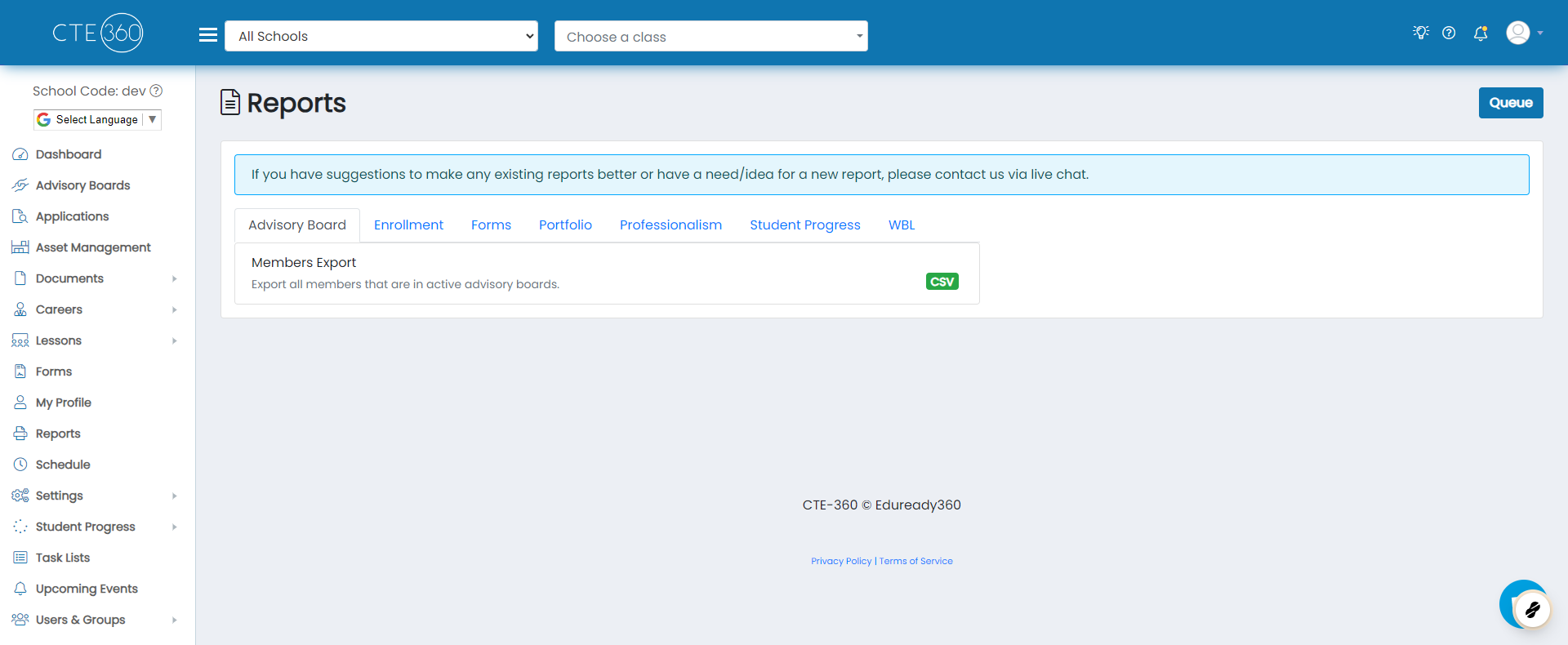
2. Click on the Careers tab
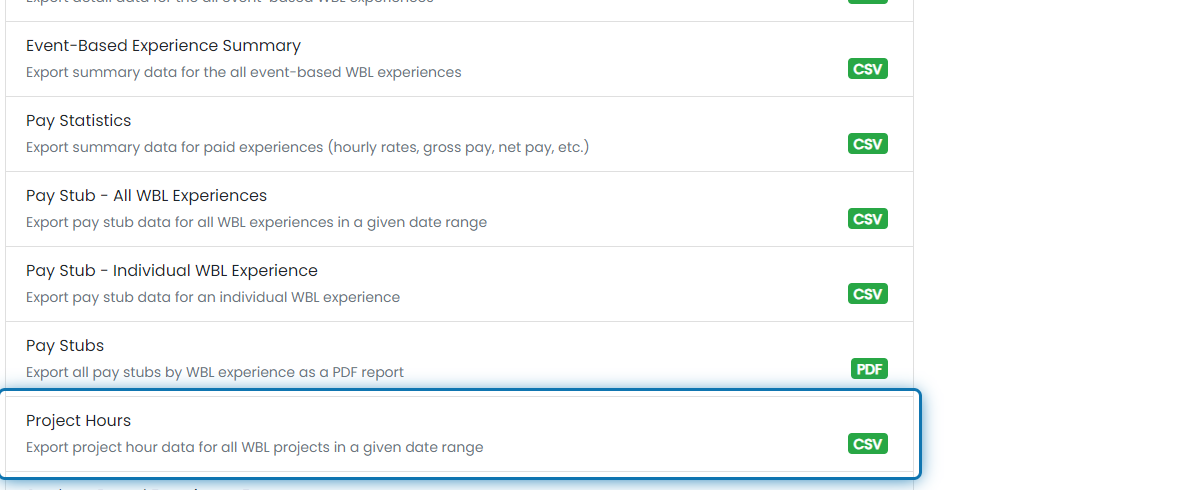
3. Scroll down to and click on Project Hours
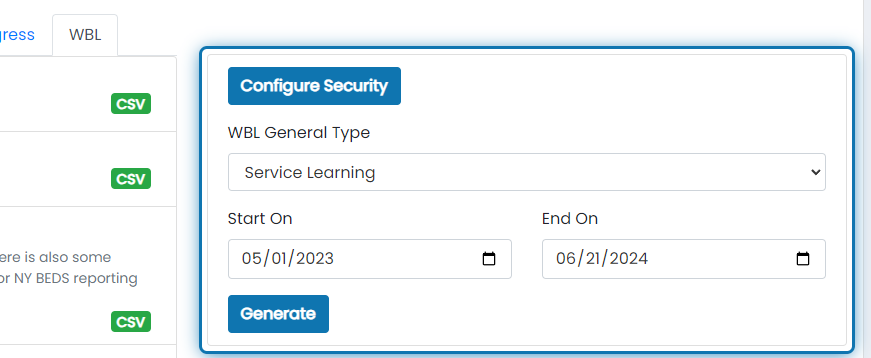
4. Choose any filters you'd like to apply to the project hour export
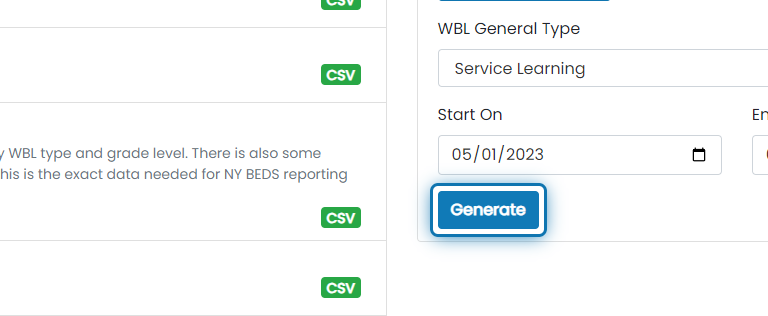
5. Click on Generate
6. Wait for the most recent report record to show 100%
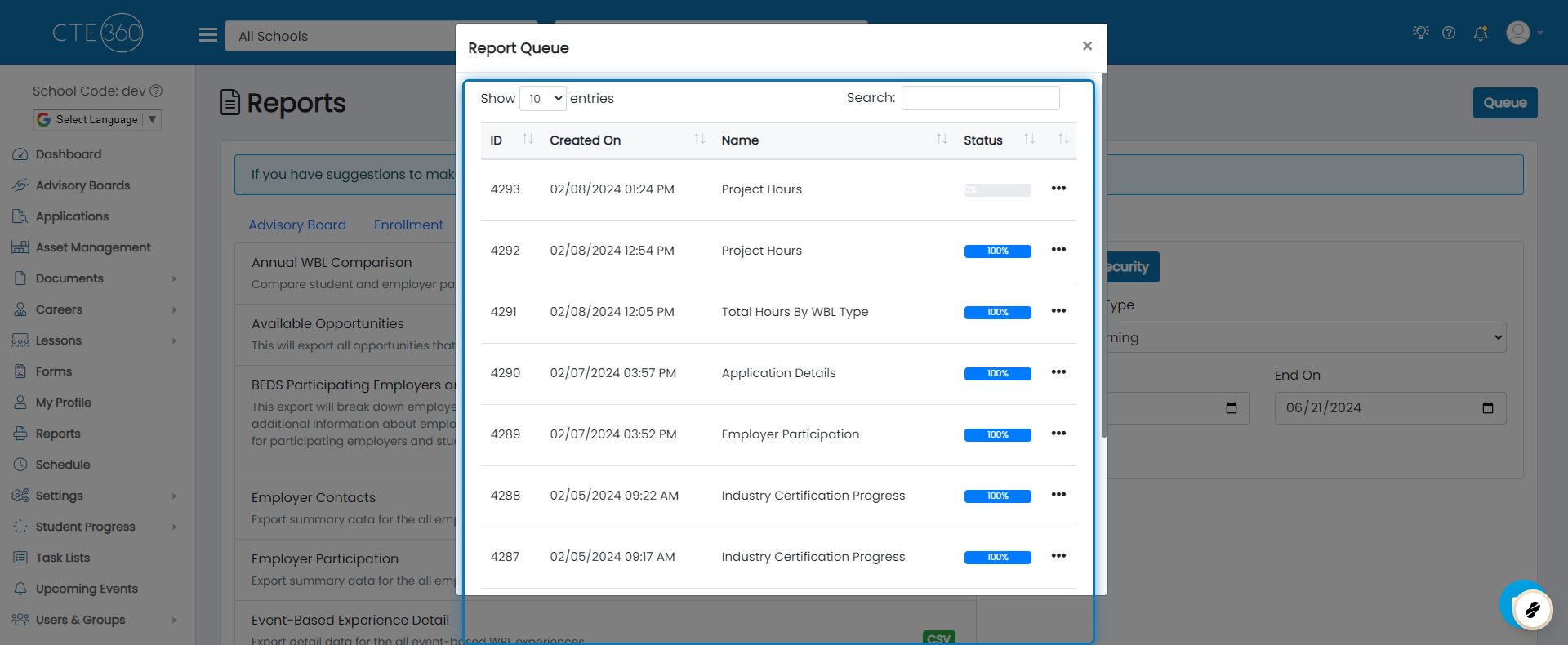
7. Click on the action button
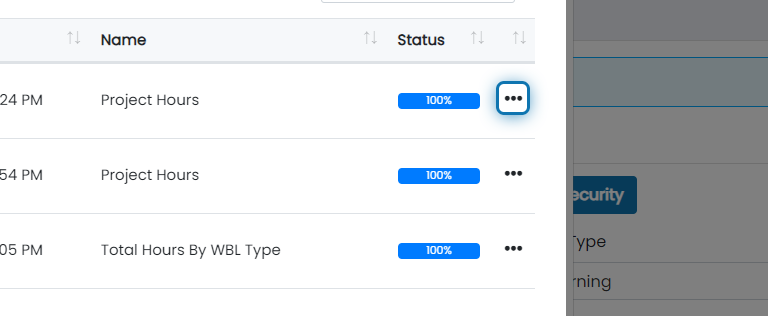
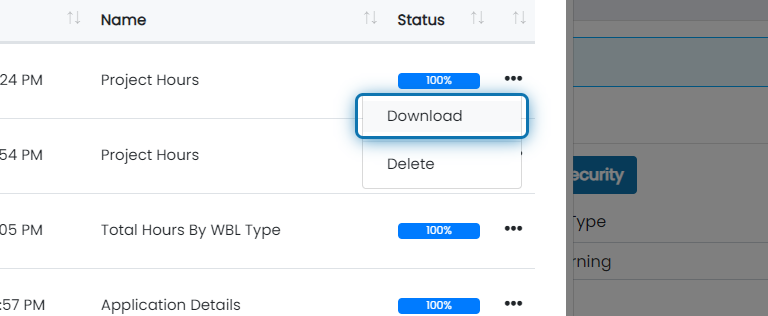
8. Click on Download
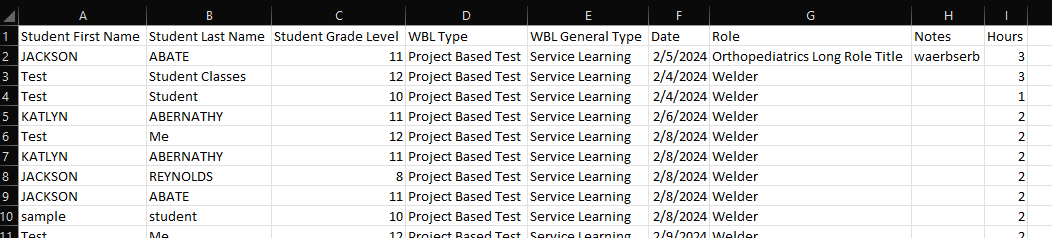
9. You will download a CSV file with the following columns
- Student first name,
- Student last name
- Student grade level
- WBL Type
- WBL General Type
- Date
- Role
- Notes
- Hours
- Custom Fields
Was this helpful?
Still need help? Ask the team