How do I submit and view requested audit evidence?
Last updated Over 1 year ago
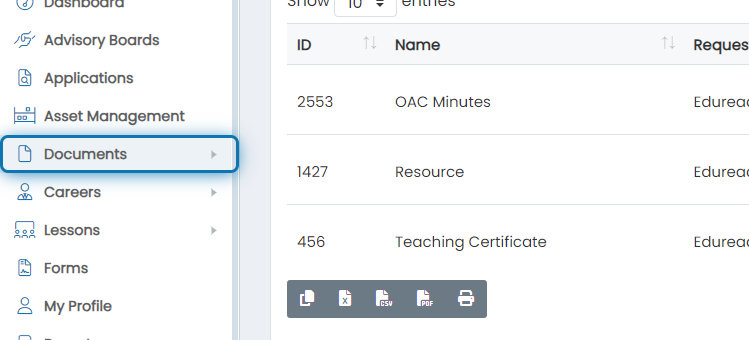
1. Click on Documents
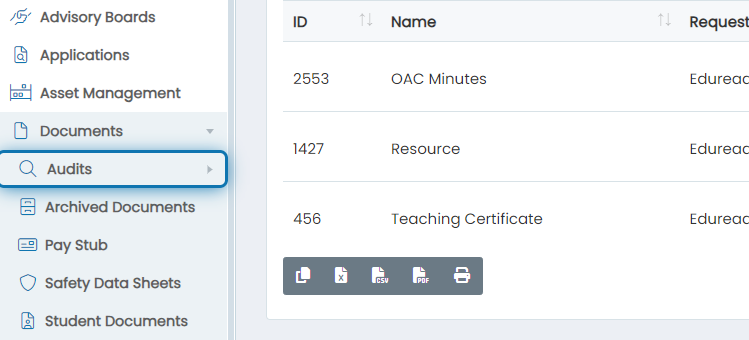
2. Click on Audits
3. Click on Requested
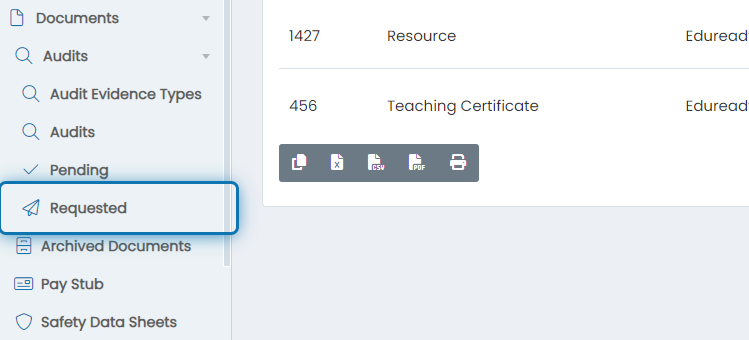
4. Now you're on the page where you can view all evidence requests
Here you can go through each of the items and start addressing each of the requests.
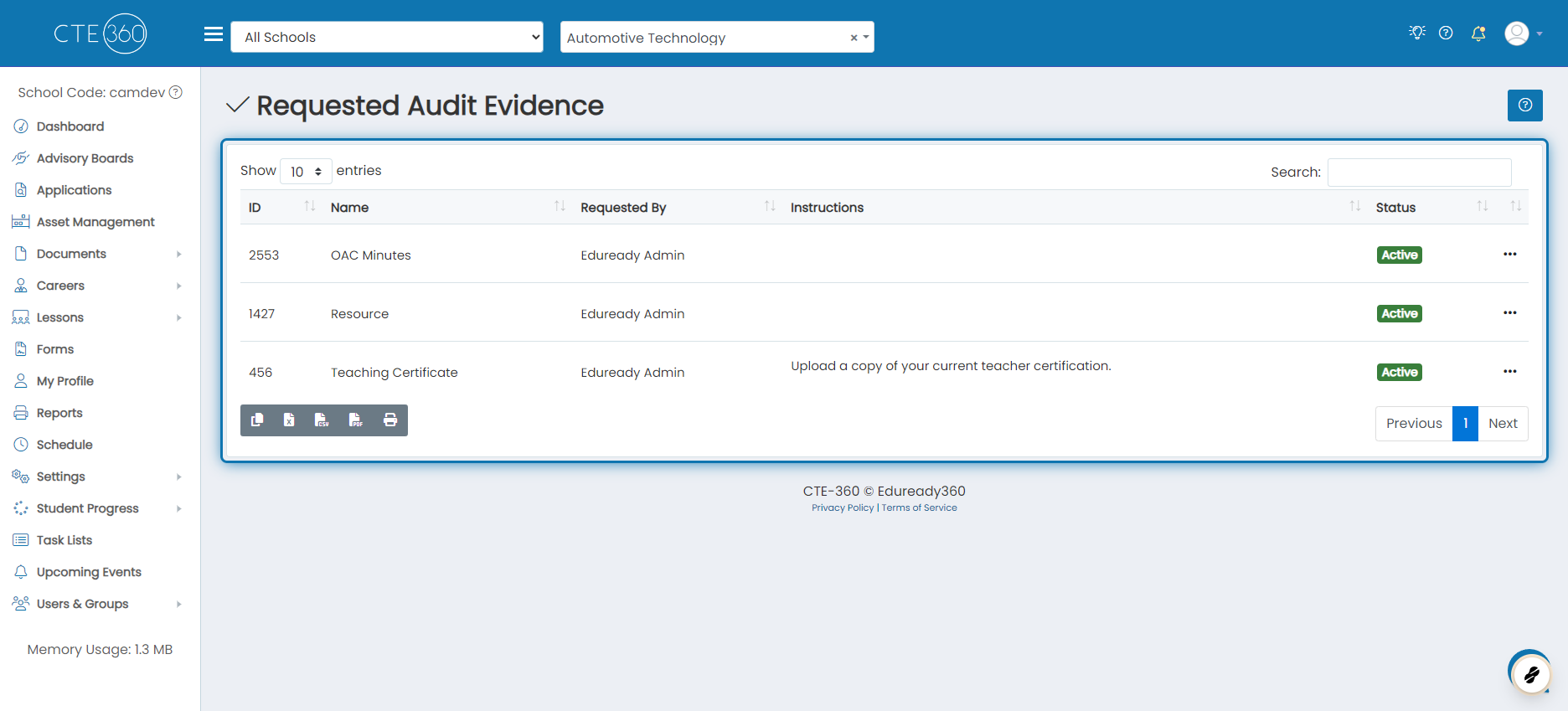
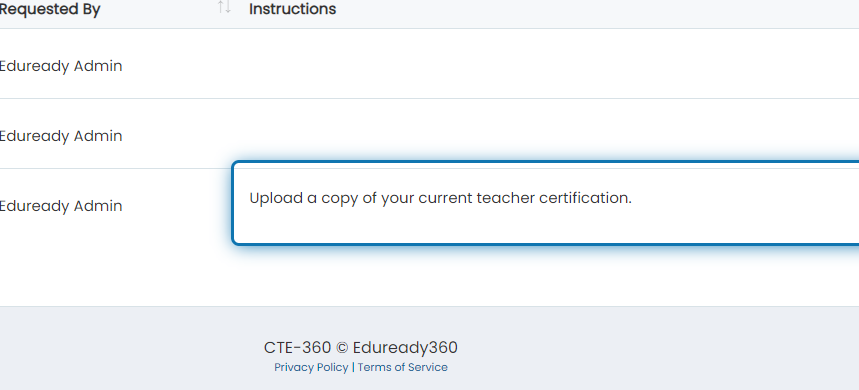
5. Take note of any instructions left by the person who requested the evidence
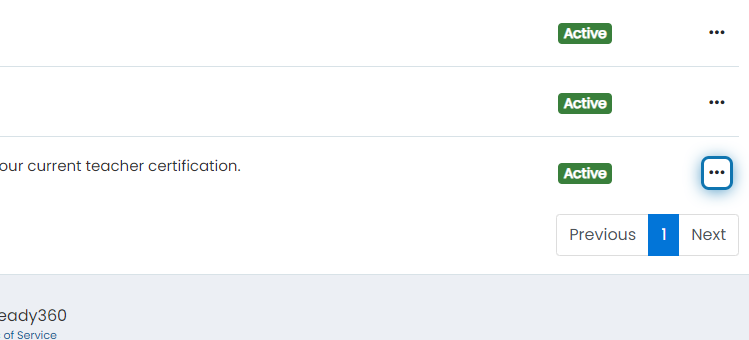
6. Click on the action button
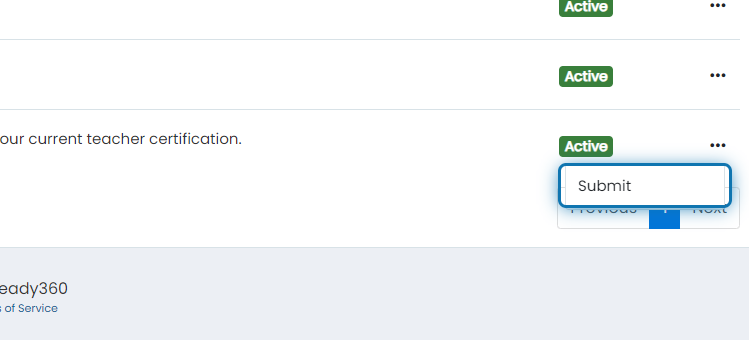
7. Click on Submit
8. Upload the evidence
Some evidence types won't have an upload box but a selector to choose evidence from somewhere else in the system. An example of this is evidence that requires a lesson plan.
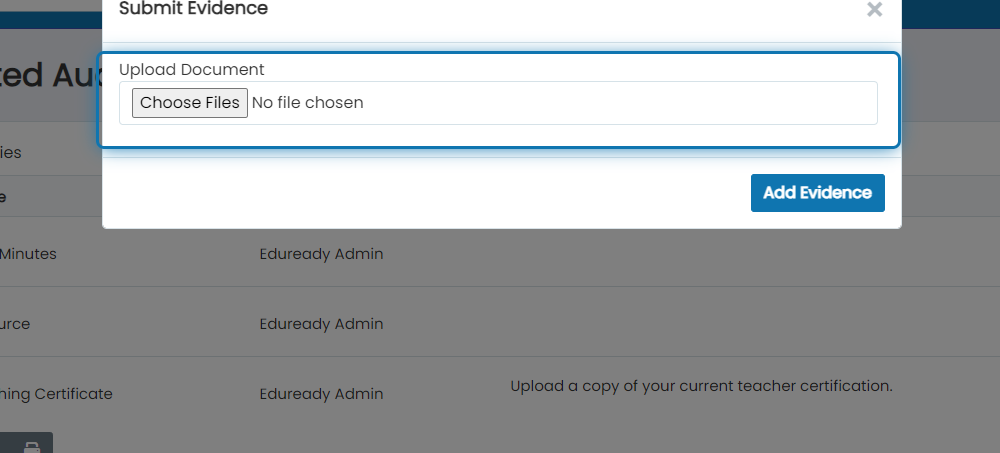
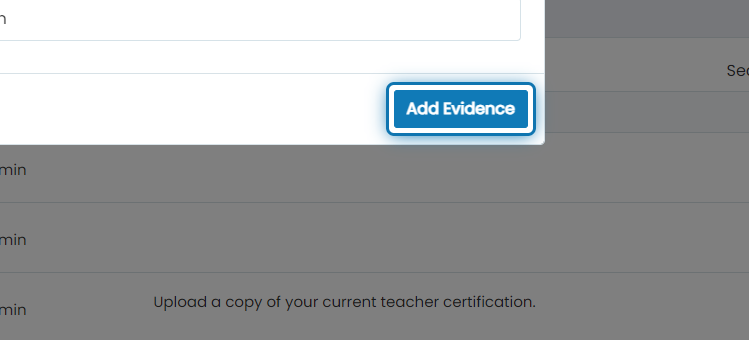
9. Click on Add Evidence