How can I mark a student document as not required for a Work-Based Learning Experience?
Last updated 6 days ago
1. Navigate to the WBL Module

2. Click on the icon in the student document column for the experience you'd like to mark a document as not required
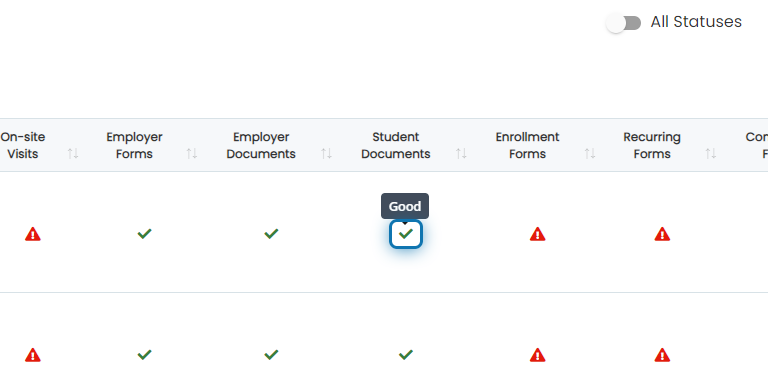
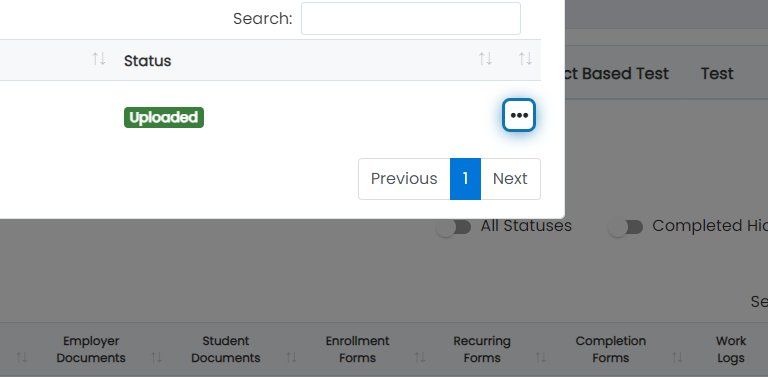
3. Click on the action button next to the document type
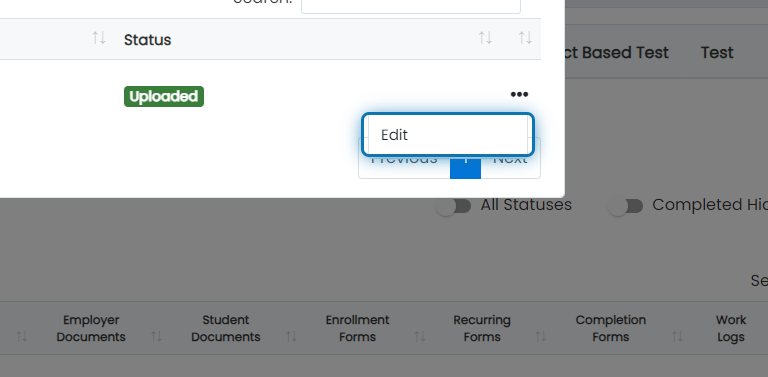
4. Click on Edit
5. Check "Not Required"
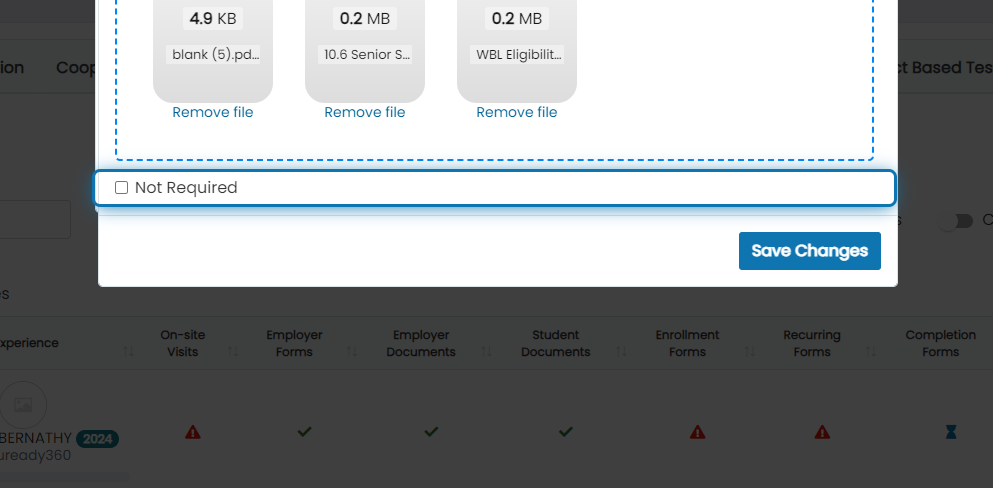
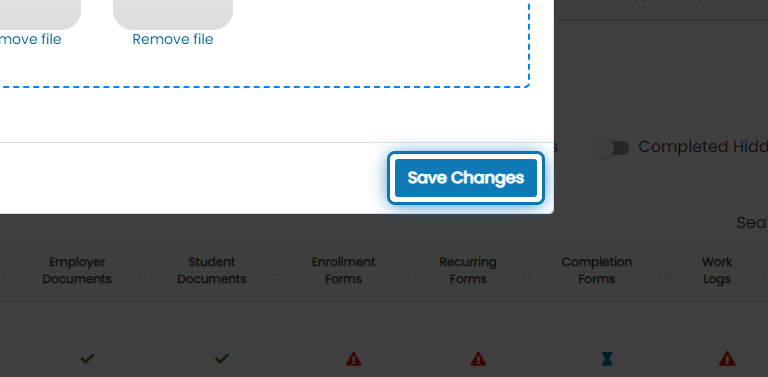
6. Click on Save Changes
Was this helpful?
Still need help? Ask the team