How can I submit a Work-Based Learning Experience form?
Last updated 6 days ago
1. Open the Work-Based Learning page
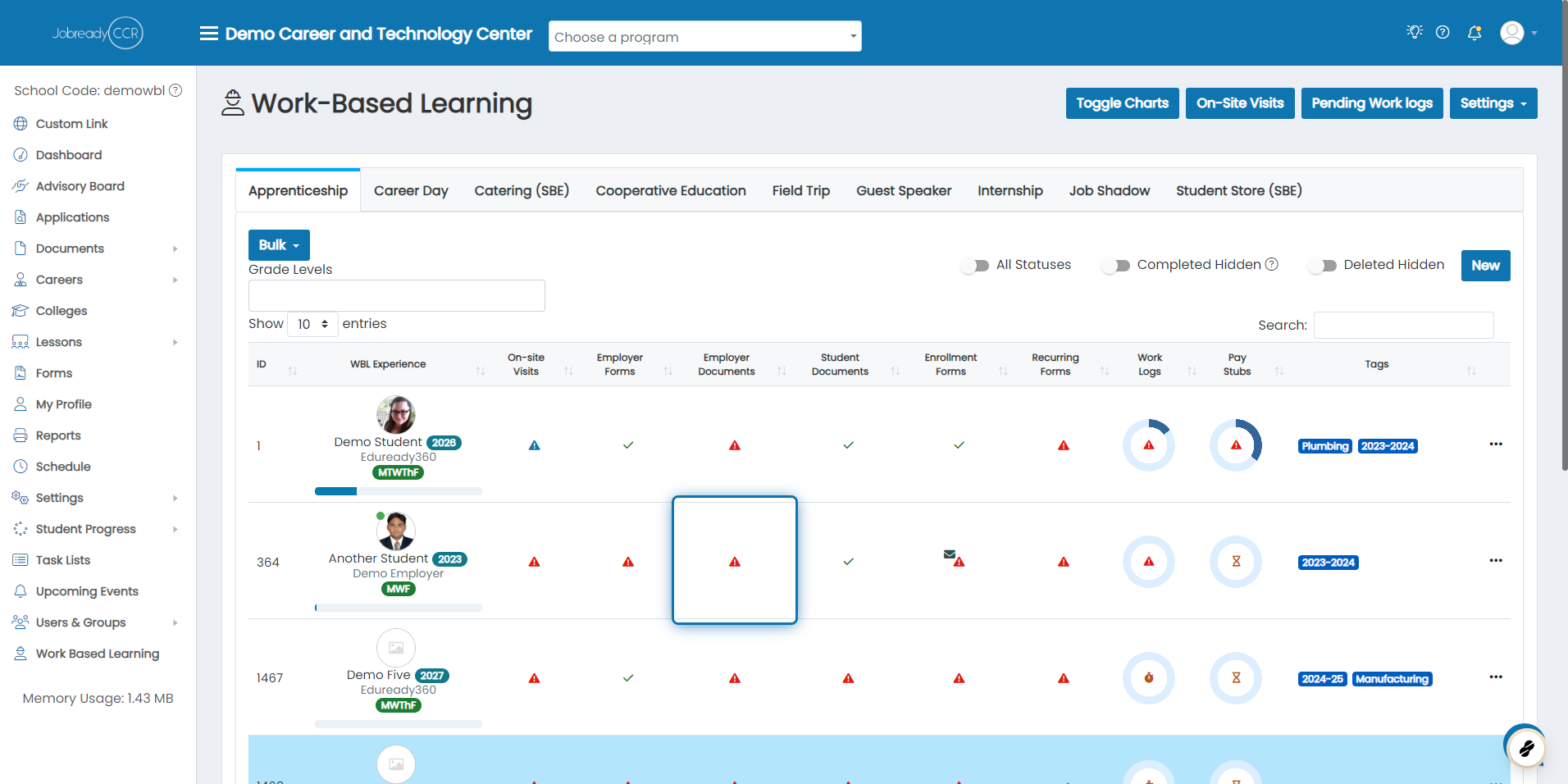
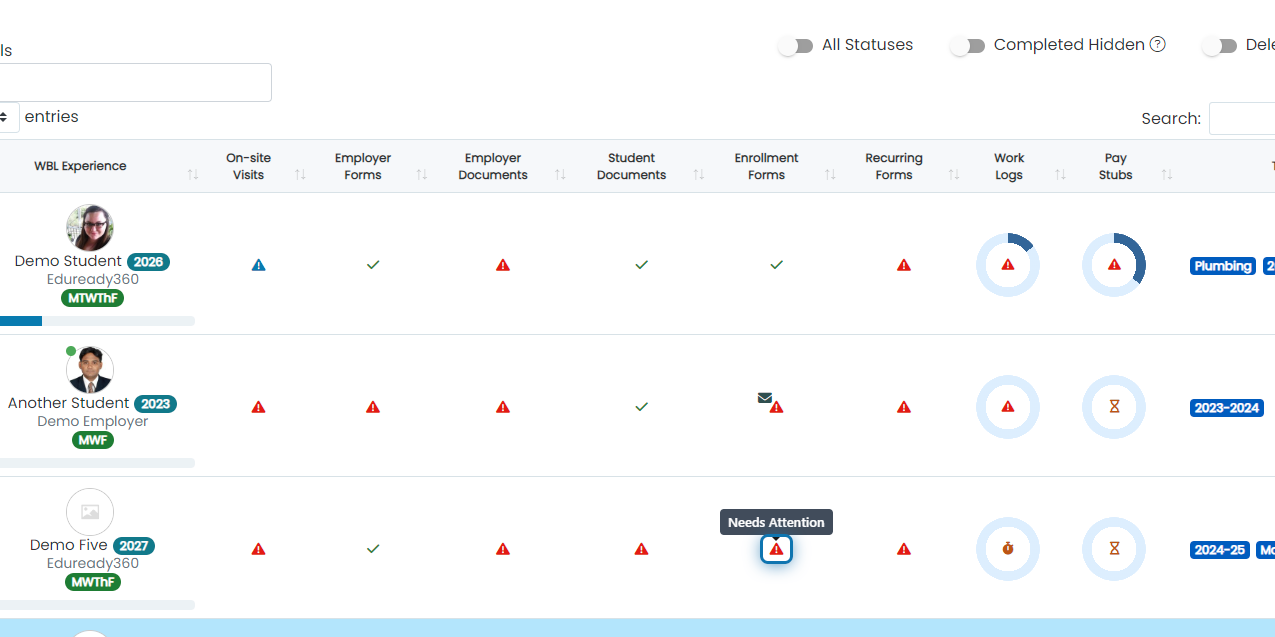
2. Click on the status indicator for the form type you want to send
In this example, we're submitting an enrollment form
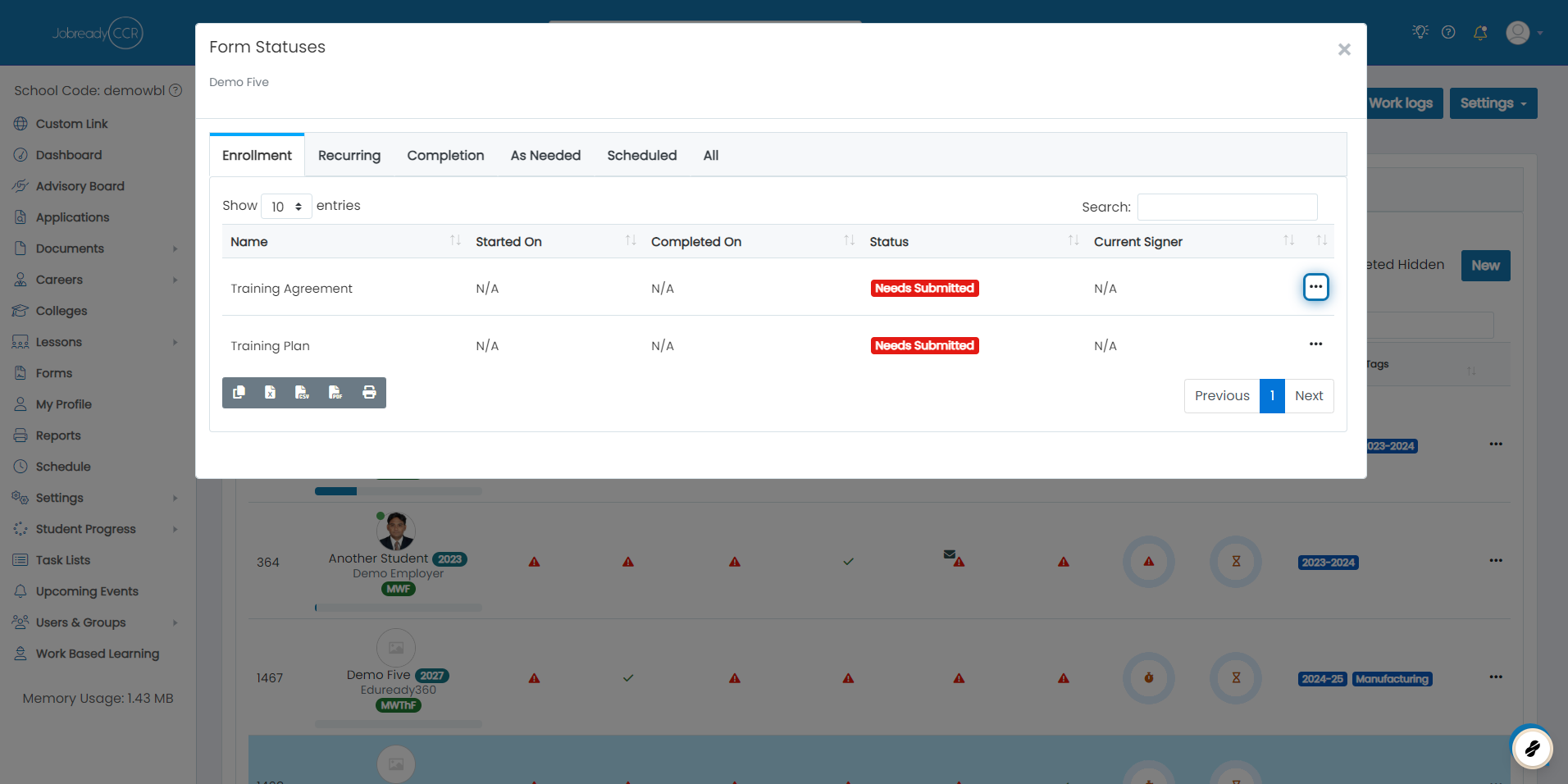
3. Click on the 3 dots next to the form you want to submit
4. Click on Submit

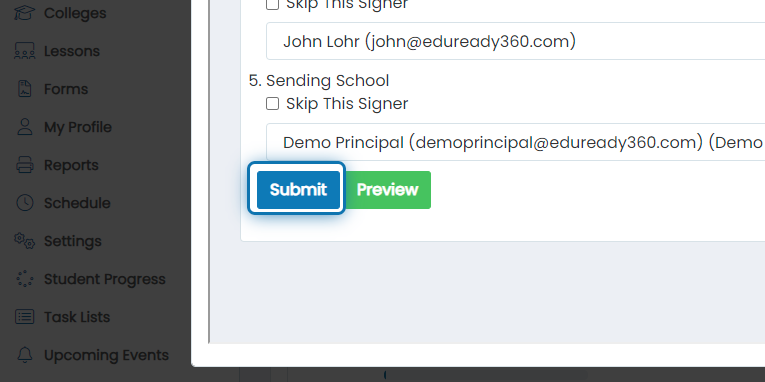
5. Set the appropriate signers for the form
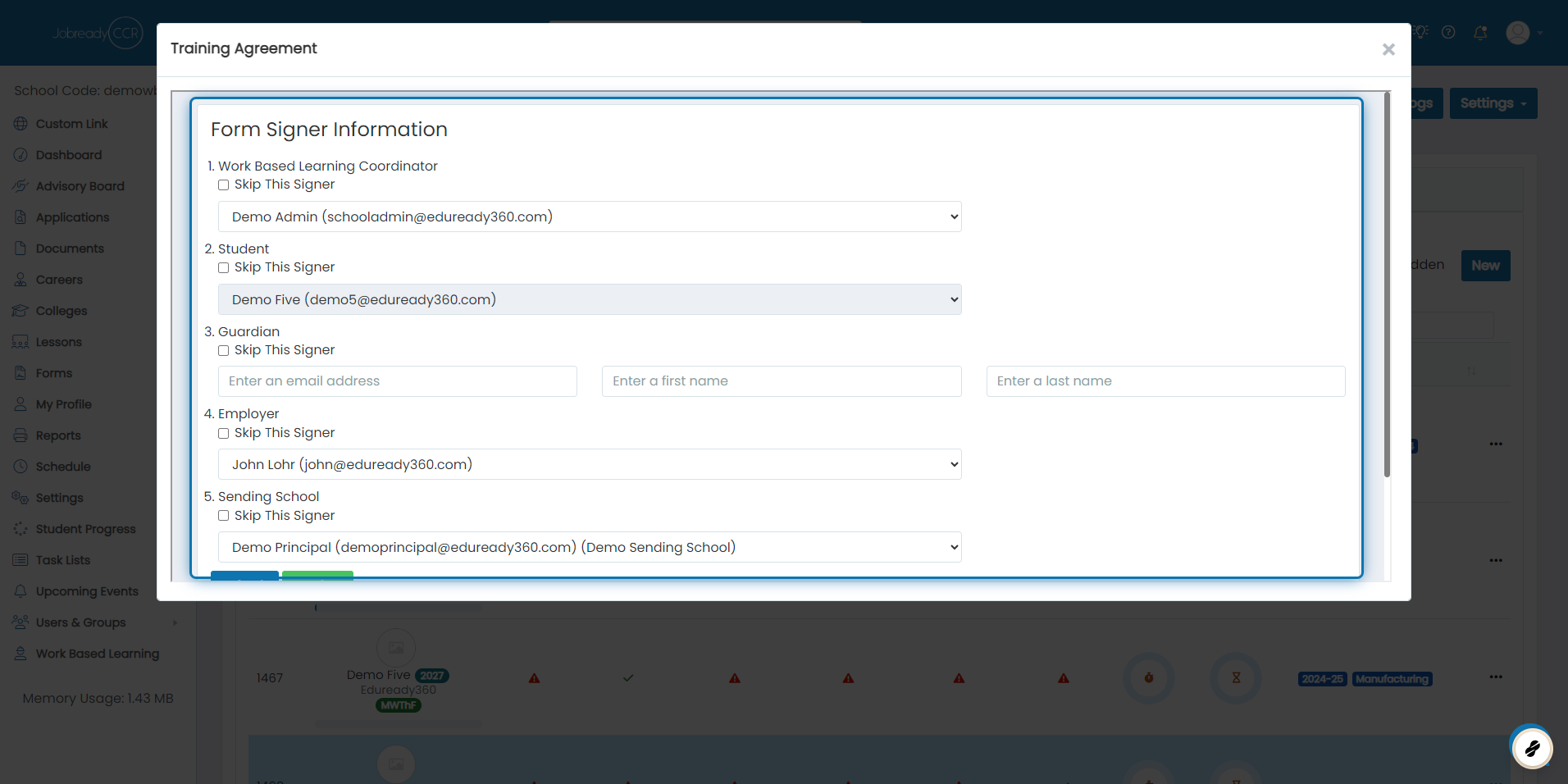
6. Click on Submit
Was this helpful?
Still need help? Ask the team