How can I view or resend an Advisory Board Meeting invitation?
Last updated Over 1 year ago
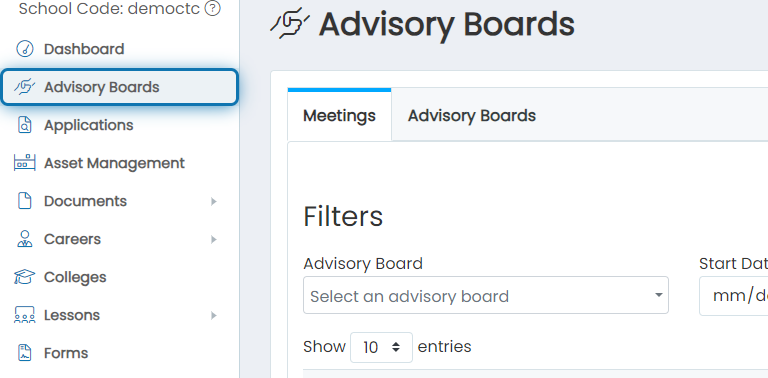
1. Click on Advisory Boards
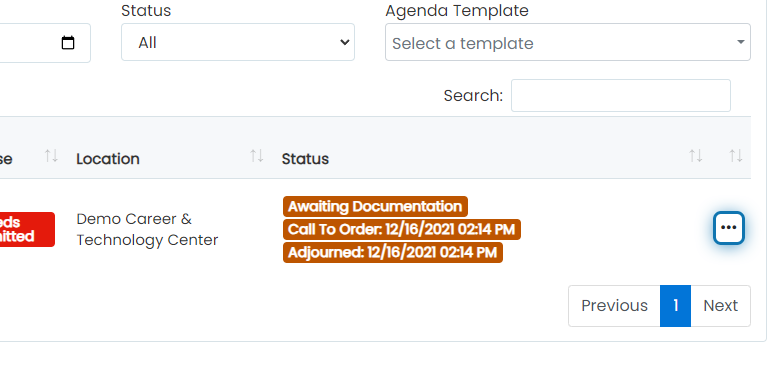
2. Click on the action buttons for the desired meeting
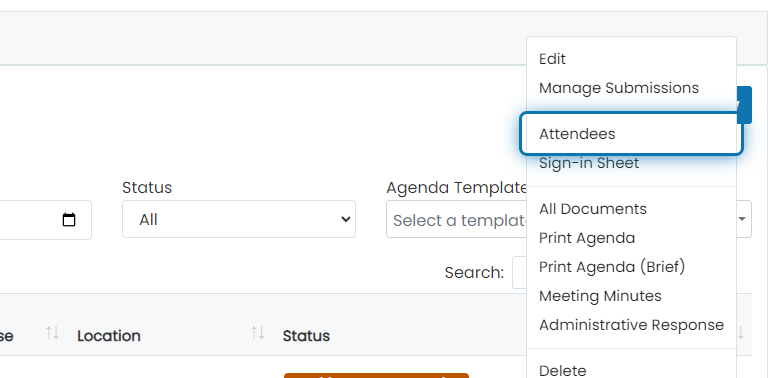
3. Click on Attendees
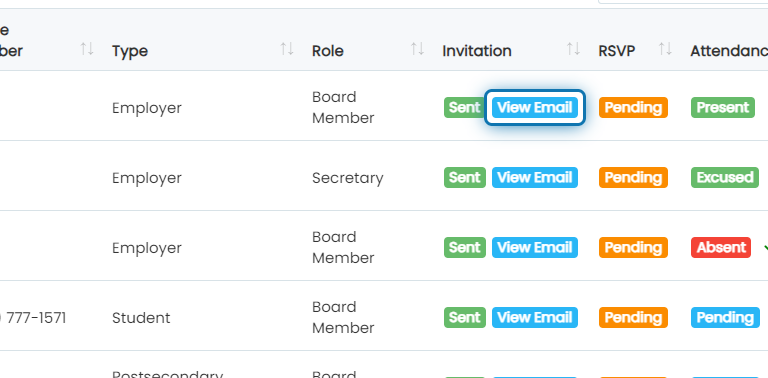
4. Click on View Email
You will see a View Email option listed in the Invitation column if you have already emailed invitations. This will show the email that was sent to each board member.
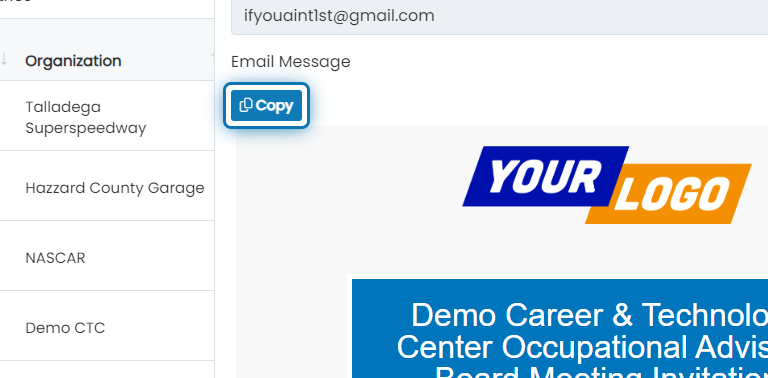
5. Click on Copy
Click on the Copy button to copy the contents of the email message. You can paste the copied content into your email to resend the message from your email account.
Note: While each message may look the same, the buttons to RSVP and View Agenda are unique to each email message.