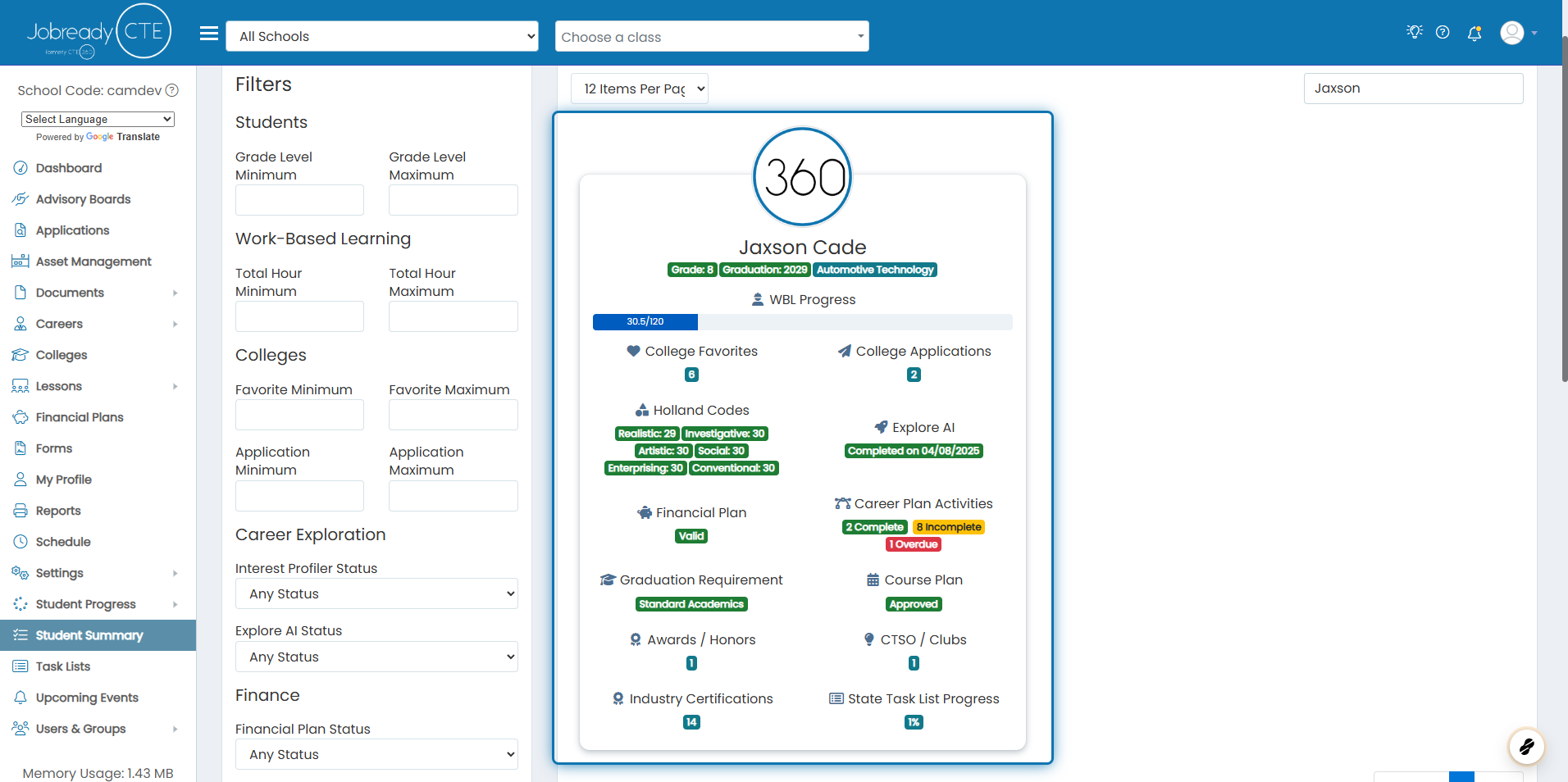
How can I see summary information about students?
Last updated Over 1 year ago
The student summary page is used to get an overall picture of each student's progress for each module in the system. You can easily see the following information:
Number of total work-based learning hours. This includes all project, experience, and event hours
Number of college favorites
Number of college applications
Holland code scores for each six categories
Explore AI completion status
Financial plan status (not complete, in progress, valid, or invalid)
Career plan activity completion information. You will get a count of how many are complete, incomplete, and overdue
Graduation requirement for the particular student
Course planning status (not complete, in progress, submitted for approval, approved)
Award / Honors recipient count
CTSO / Club membership count
Industry Certification count
State task list completion progress
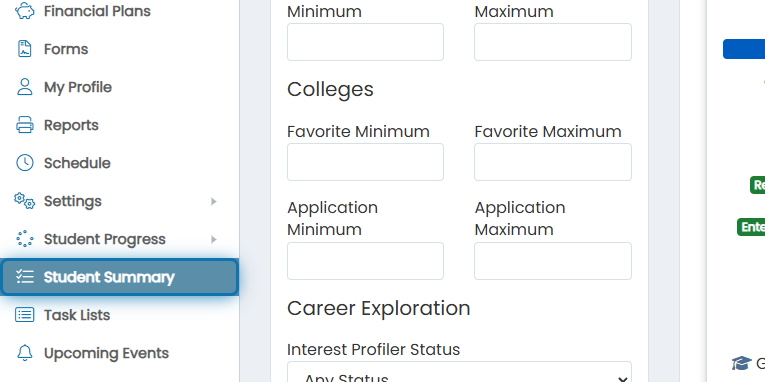
1. Navigate to the Student Summary
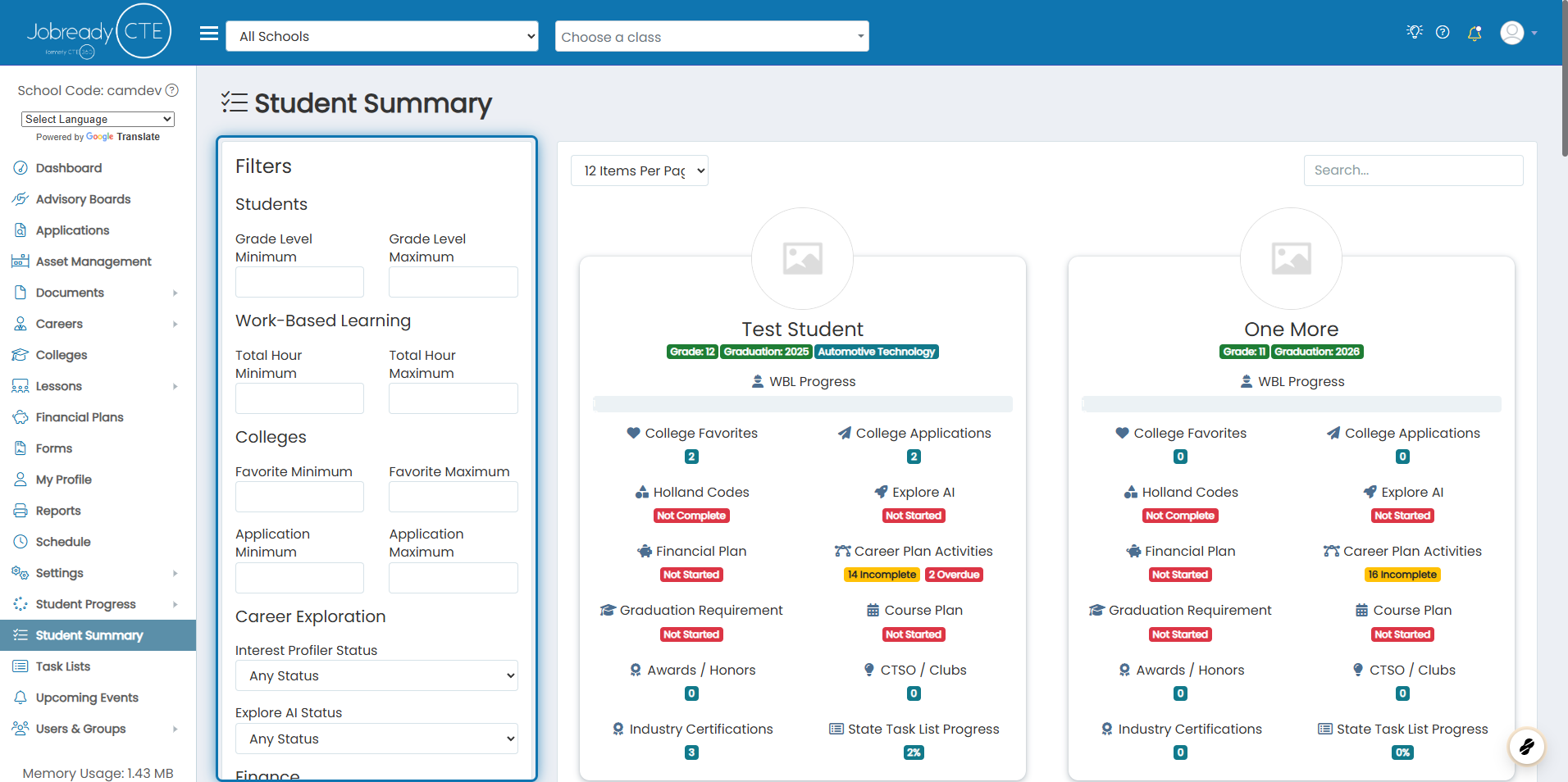
2. You can filter by each of the individual items in the summary data here
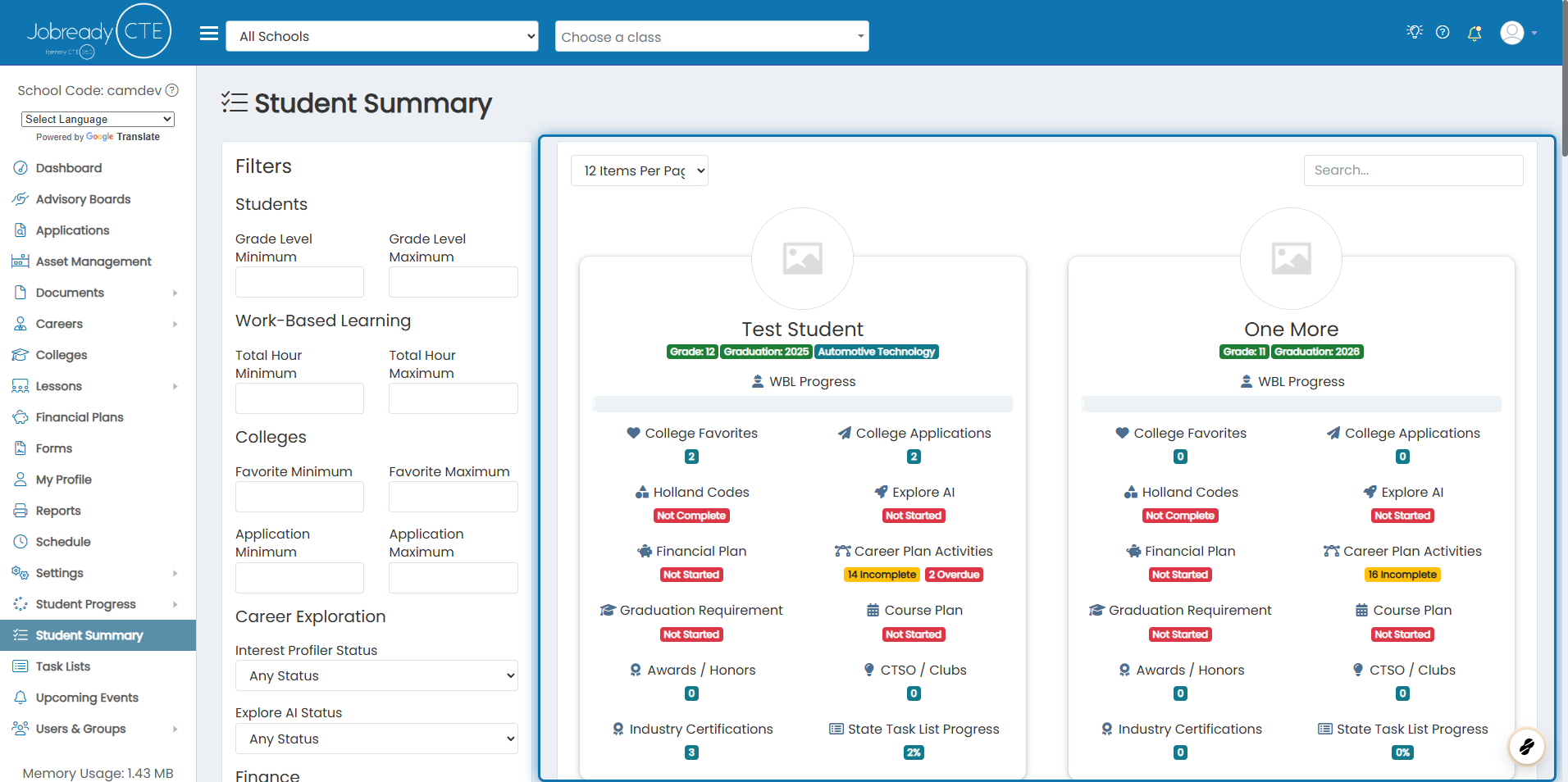
3. This is where your results will be displayed
4. Example of information for one student
Each of the summary items displayed are interactive. You can click on them to see more details for each metric displayed. You may not see all of the summary data based on what permissions your user account has.