How do I edit an employer contact?
Last updated 6 days ago
1. In Jobready WBL and Jobready CCR, click on Work-Based Learning
In CTE-360, click Careers > Work-Based Learning
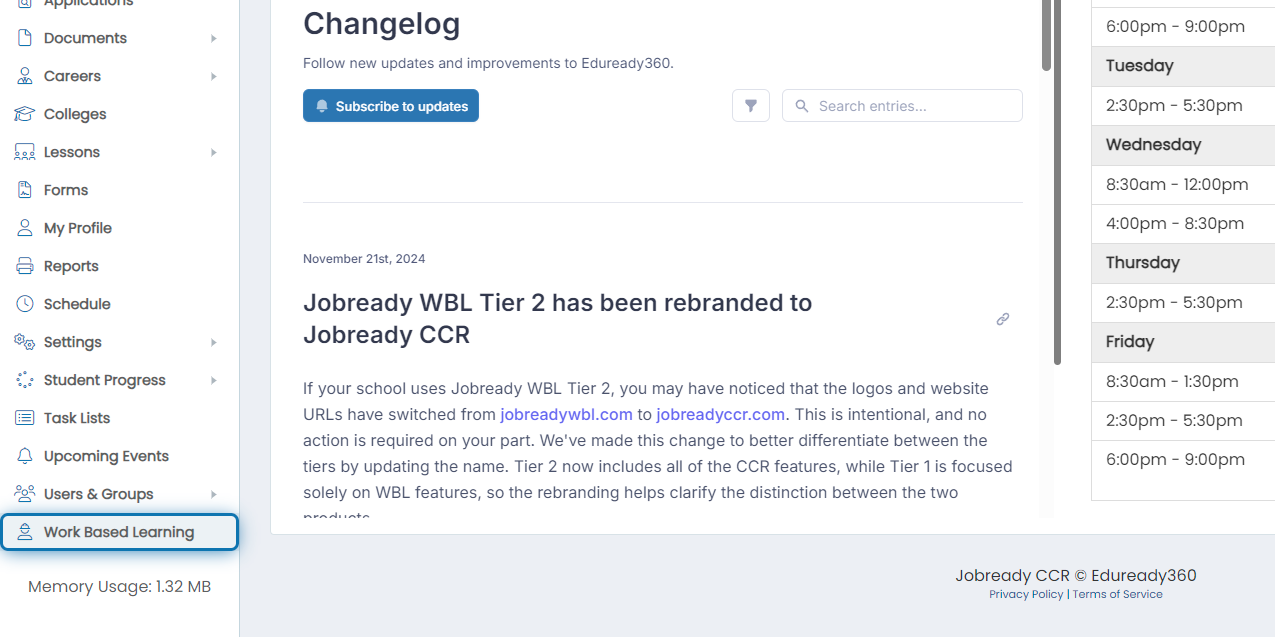
2. Click on Settings

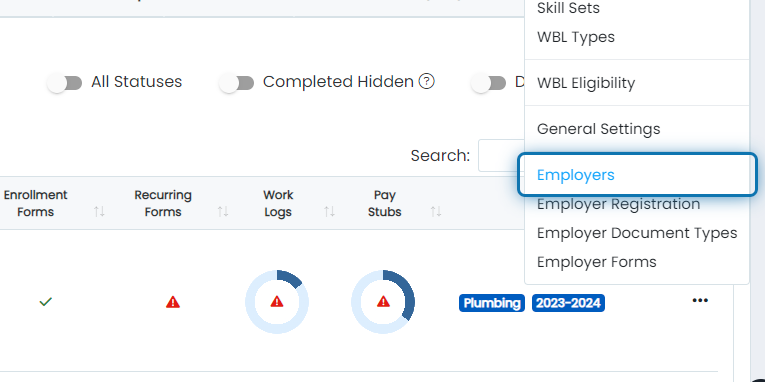
3. Click on Employers
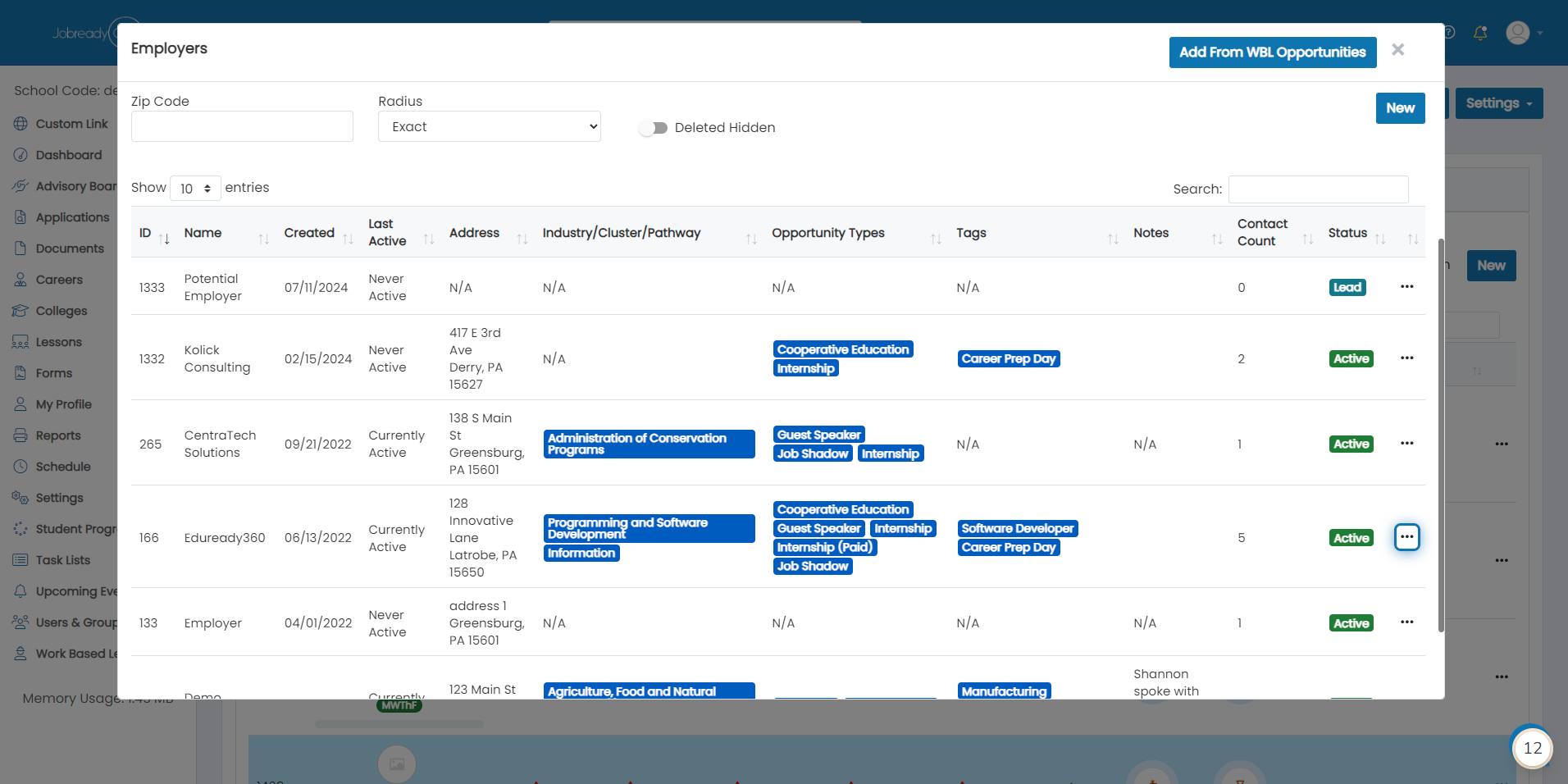
4. Search for the employer and click the 3 dots for their record
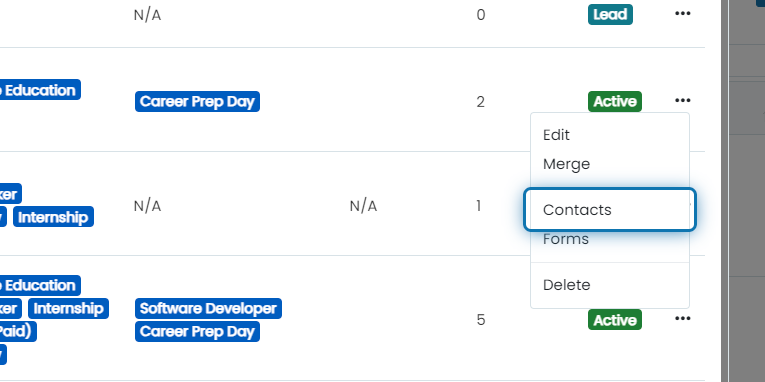
5. Click on Contacts
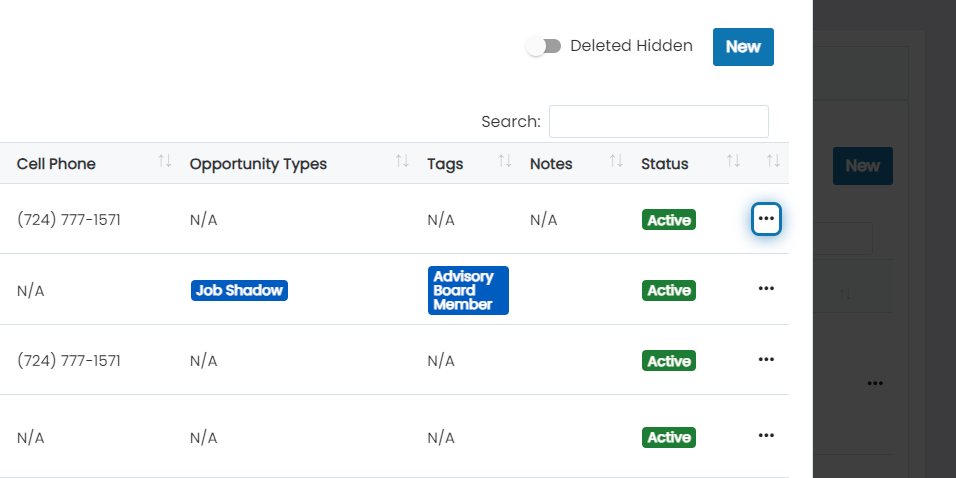
6. Click on the 3 dots for the contact you want to edit
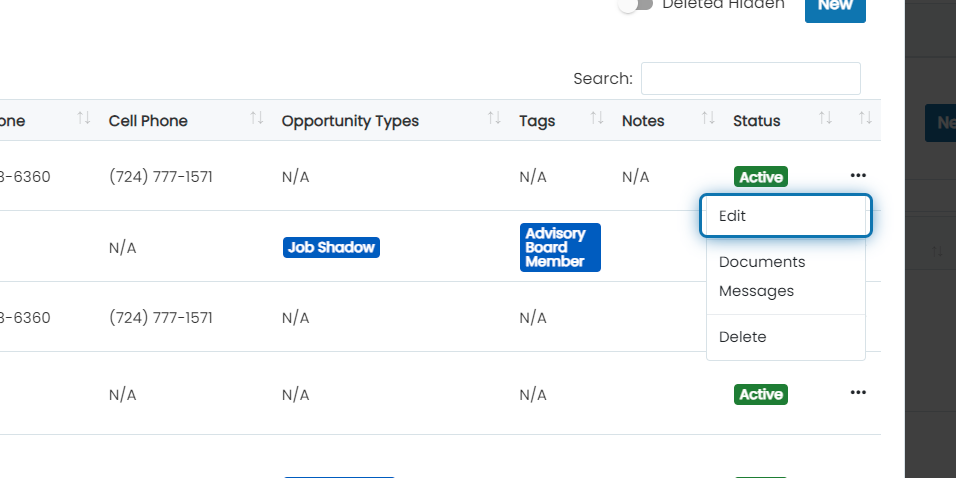
7. Click on Edit
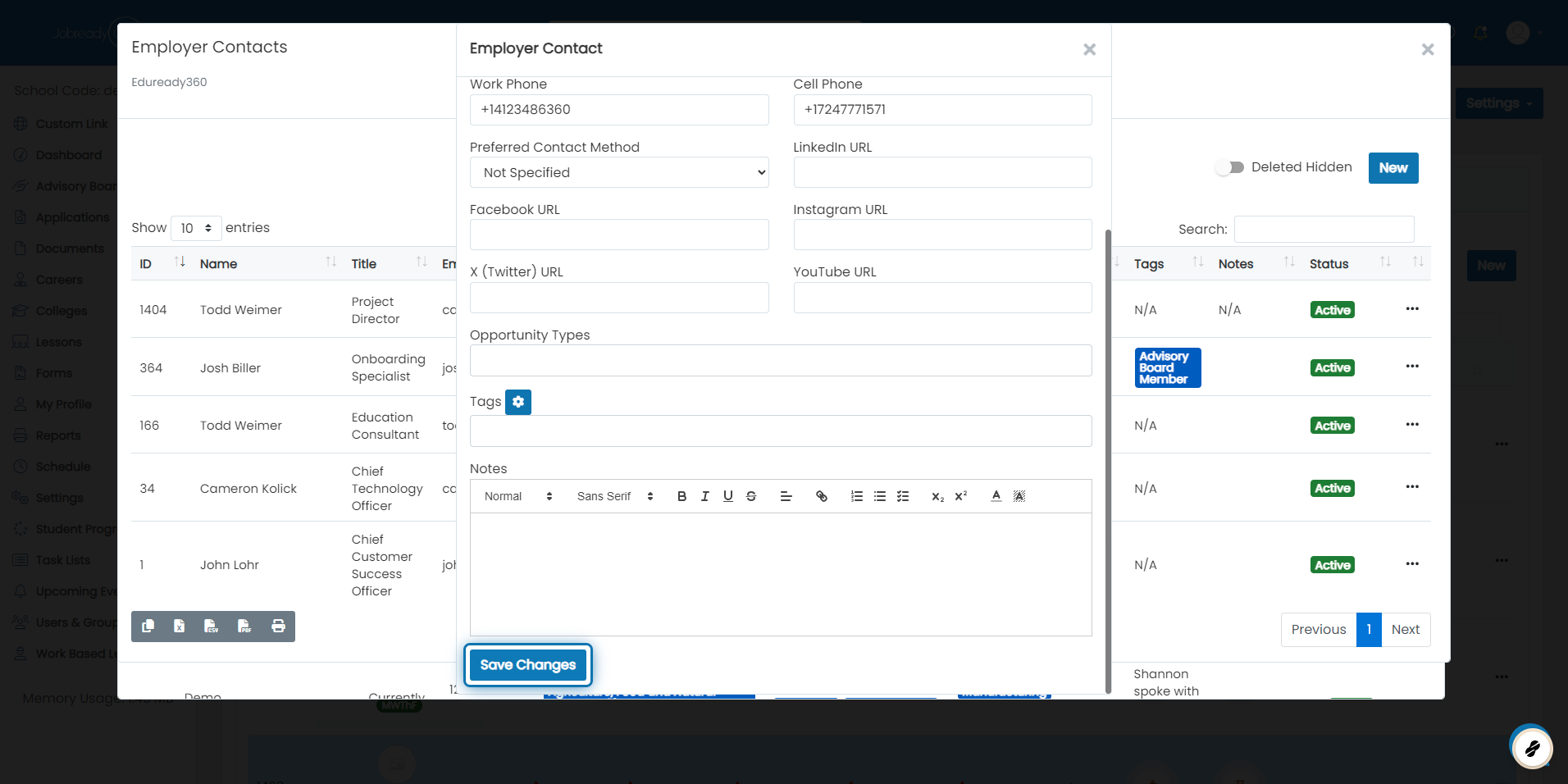
8. Make the necessary changes, scroll down, and click Save Changes
Was this helpful?
Still need help? Ask the team