How do I tell if a student is actively clocked in using the mobile app?
Last updated Over 1 year ago
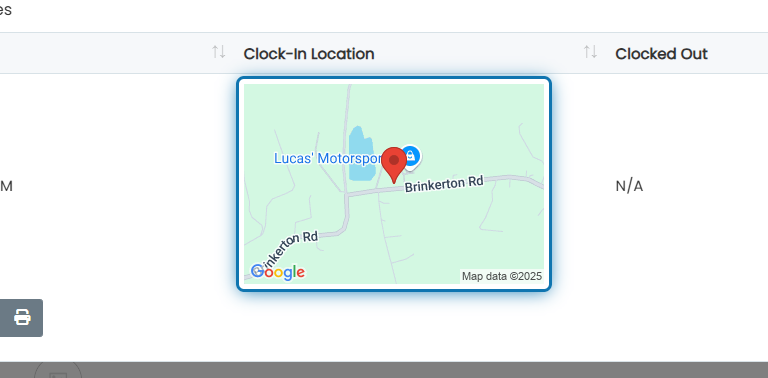
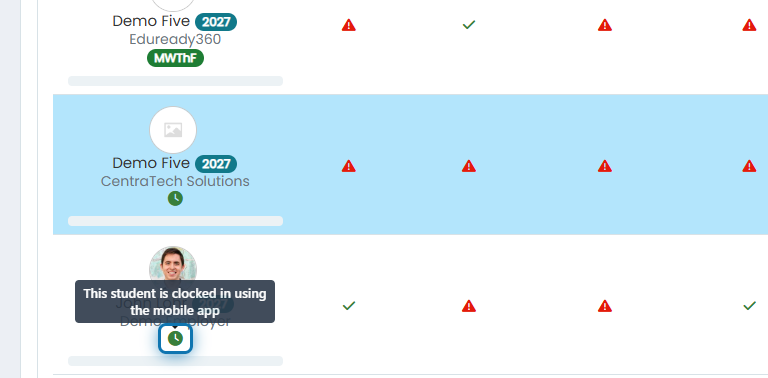
If a student is actively clocked in to a WBL experience, you'll see an icon listed below the student's name on the Work-Based Learning page. If you'd like to see details such as the student's physical location (GPS coordinates on a map) and the exact time they clocked in, click on this icon. You'll also see previous "Time Card" entries listed for this student.
1. Click on the clock symbol for the WBL experience.
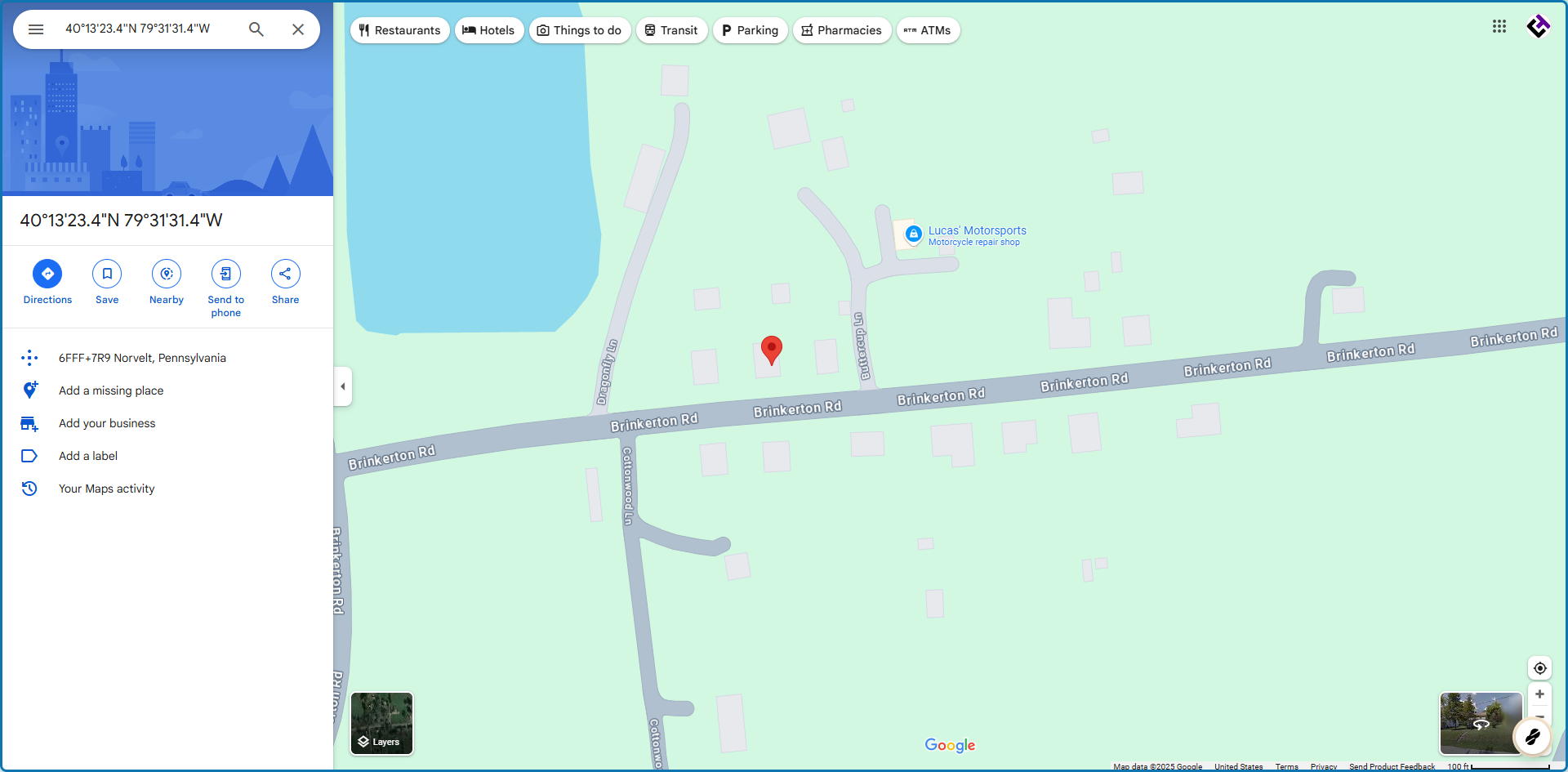
3. Click on the map to view the exact location in Google Maps.