How do I report / export all of my meeting minute responses?
Last updated Over 1 year ago
1. Navigate to the reports page
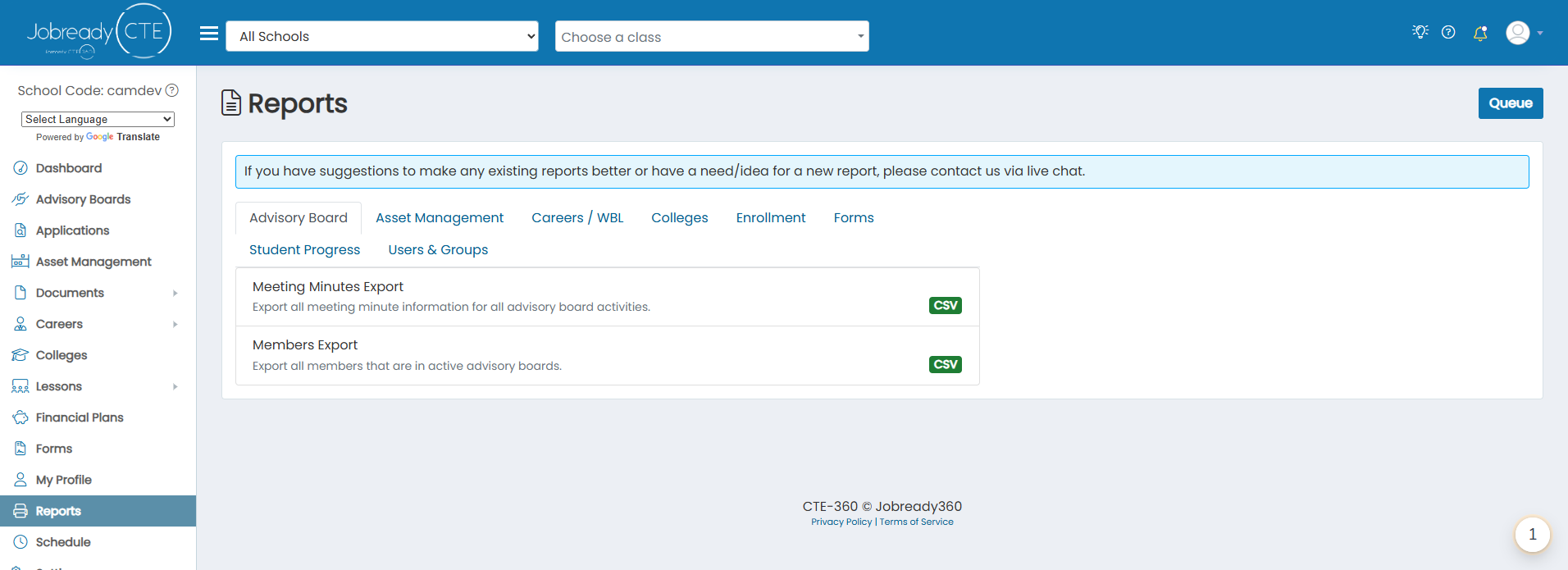
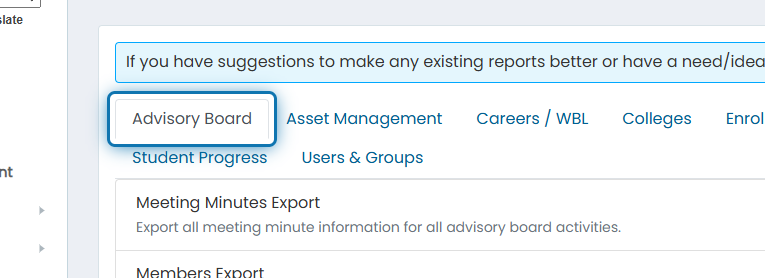
2. Click on the Advisory Board tab
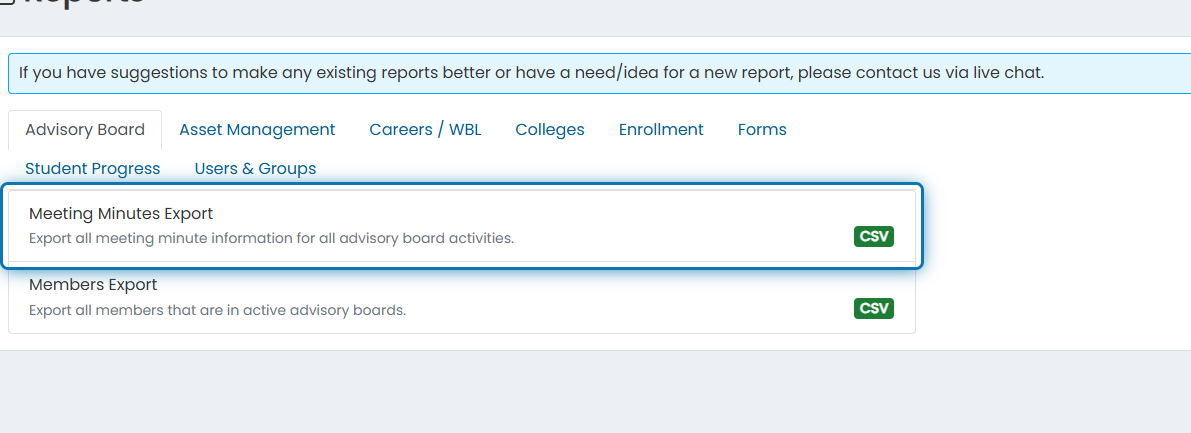
3. Click on Meeting Minutes Export
4. Choose any filters you'd like to apply
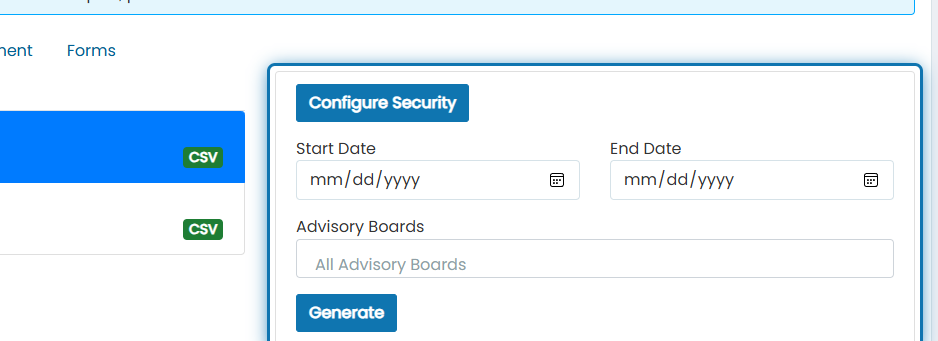
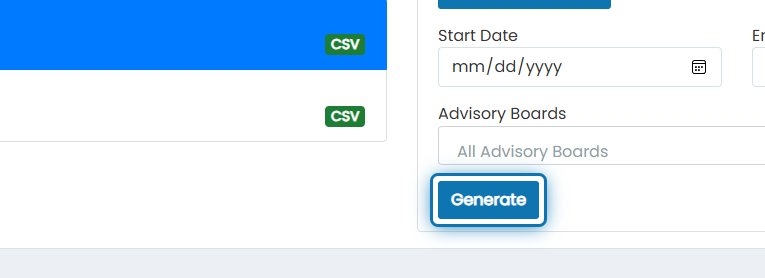
5. Click on Generate
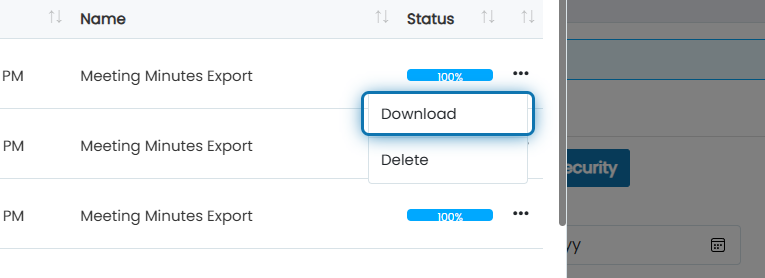
6. Wait for the most recent report record to show 100% and click the action button
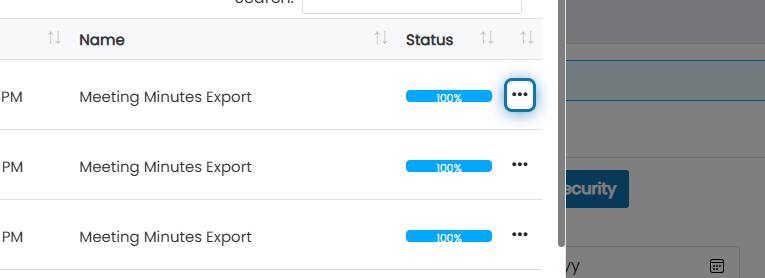
7. Click on Download
You will download a CSV file with the following columns:
Advisory Board
Activity Name
Each item as a column with the discussion, action taken, and all check box data in each cell