How can I view proposed grades and approve/reject them?
Last updated Over 1 year ago
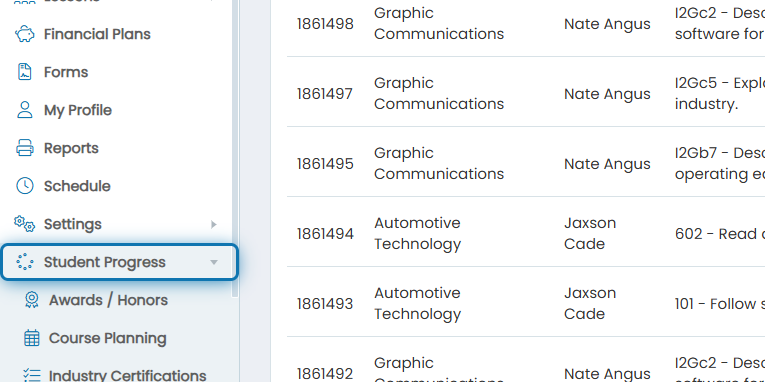
1. Click on Student Progress in the navigation menu
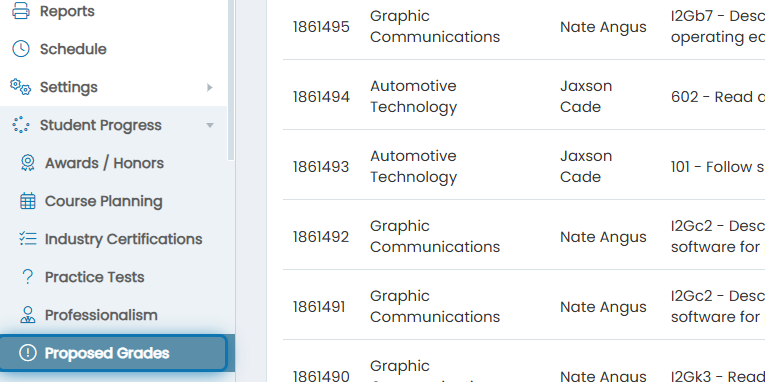
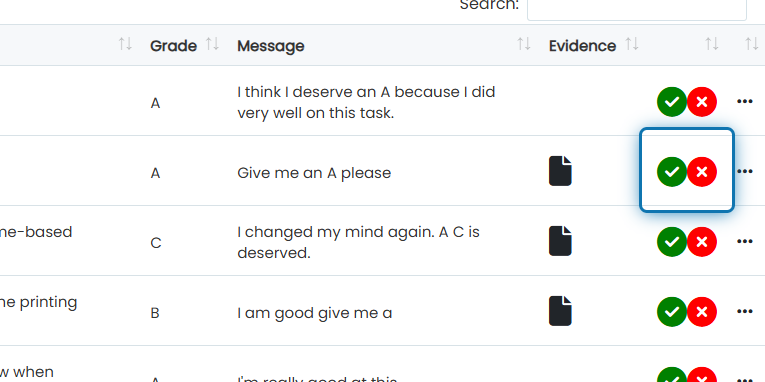
2. Click on Proposed Grades
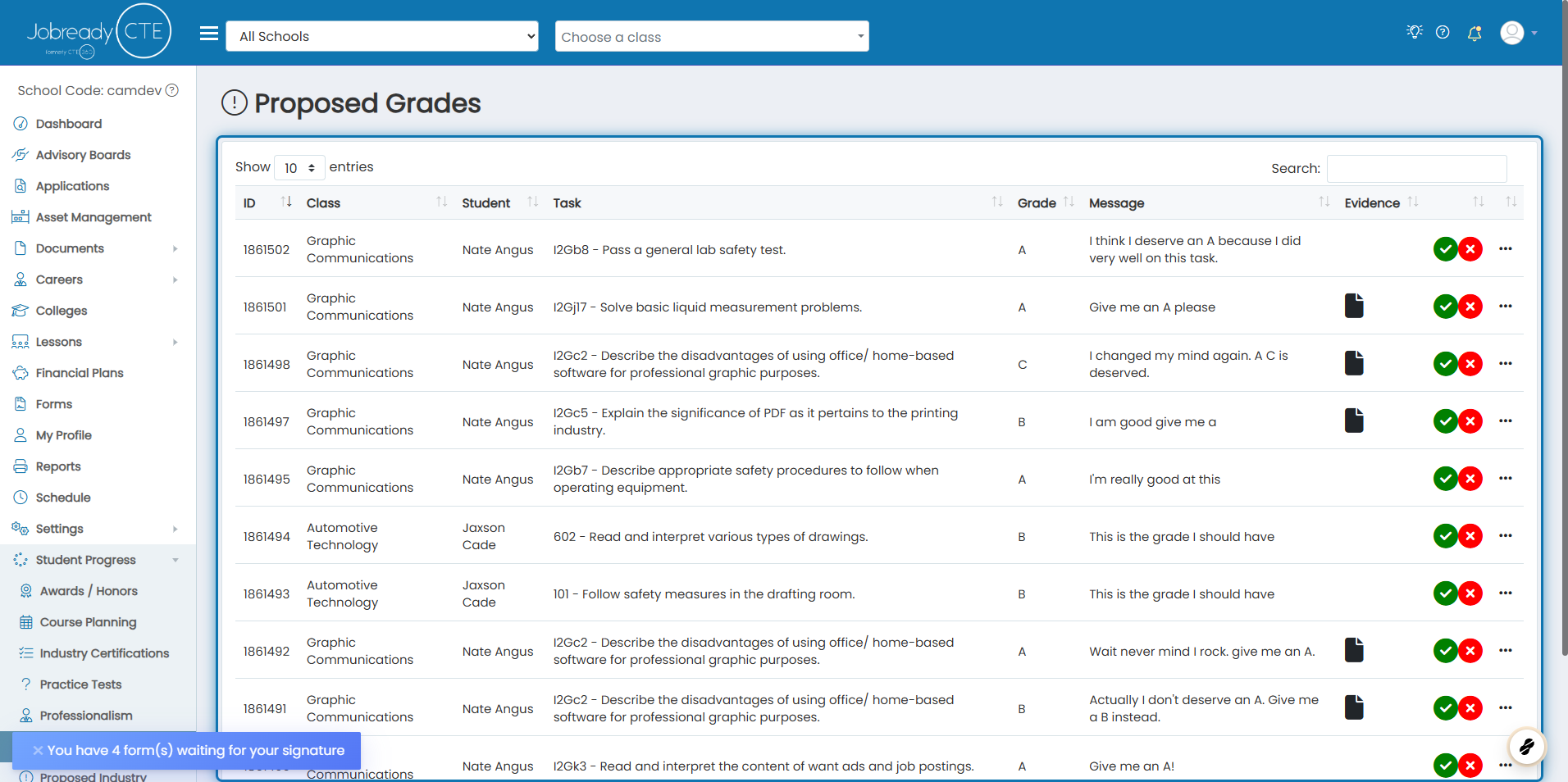
3. Here you will see a list of all proposed grades that need approved
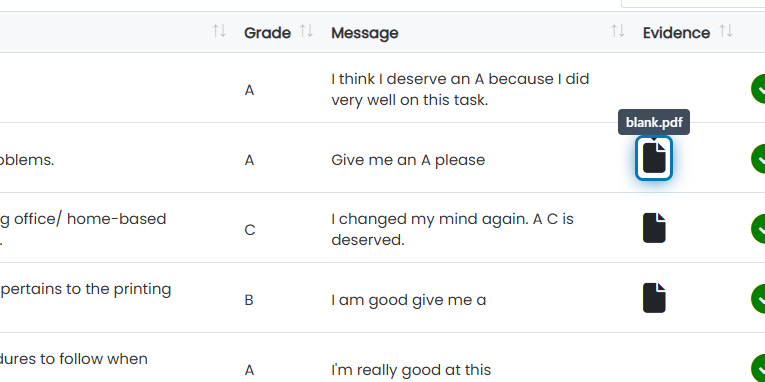
4. You can view evidence by clicking the file icons under evidence for each proposal
5. You can approve or reject the proposal by clicking the green check mark or red X
Was this helpful?
Still need help? Ask the team