How do I view and approve all Pending Work Logs for all experiences?
Last updated About 2 hours ago
1. Go to the Work-Based Learning page
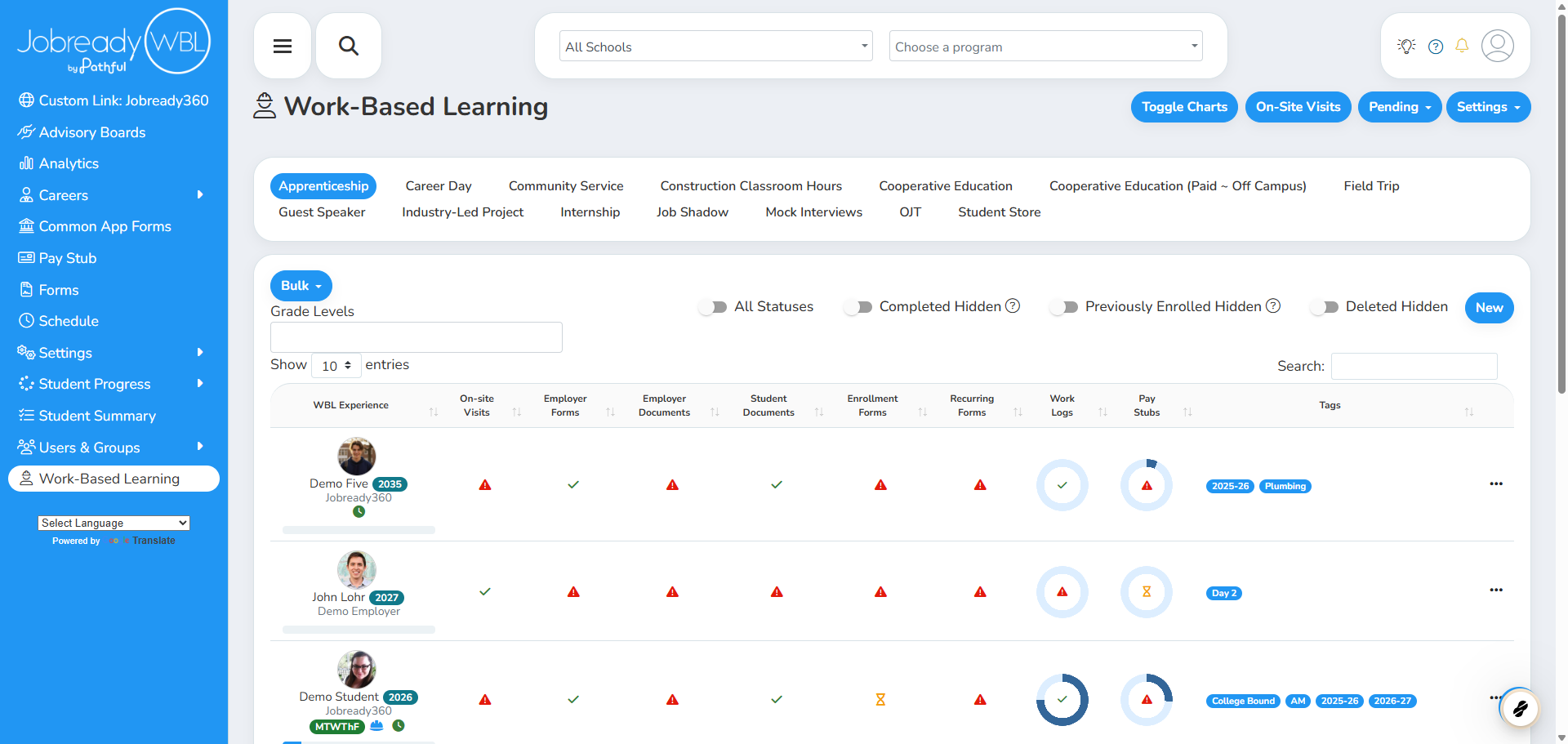
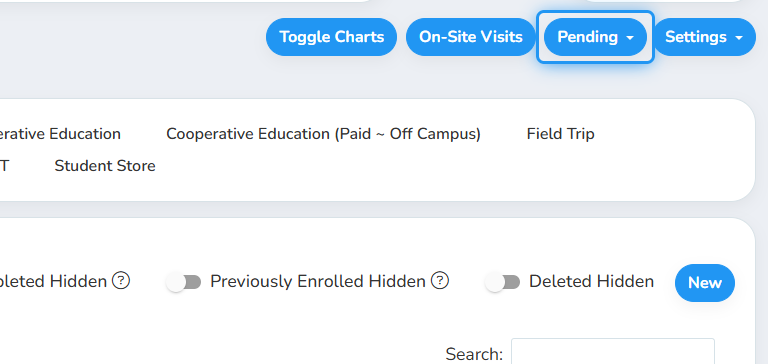
2. Click on Pending
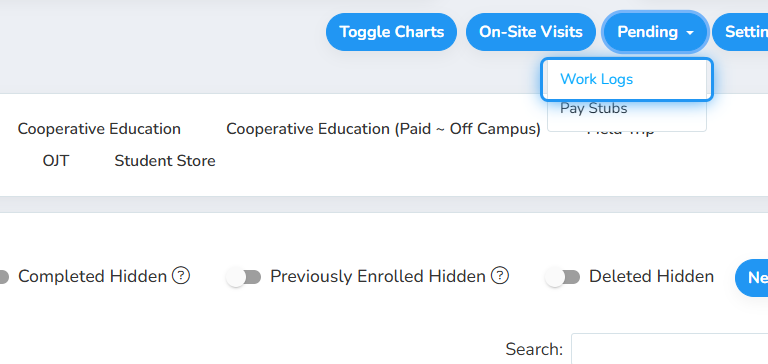
3. Click on Work Logs
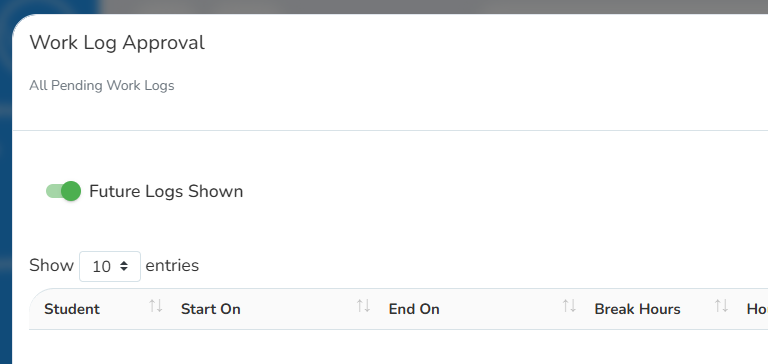
4. Toggle between Future Logs Shown and Future Logs Hidden
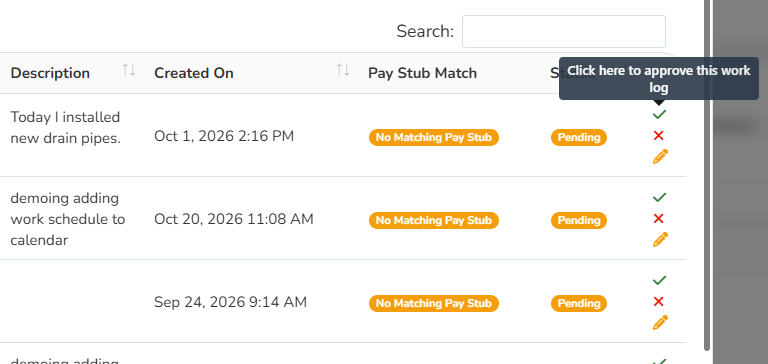
5. Click on the green checkmark to approve an entry or the red x to decline
You can also click on the pencil icon to edit the entry and make corrections.
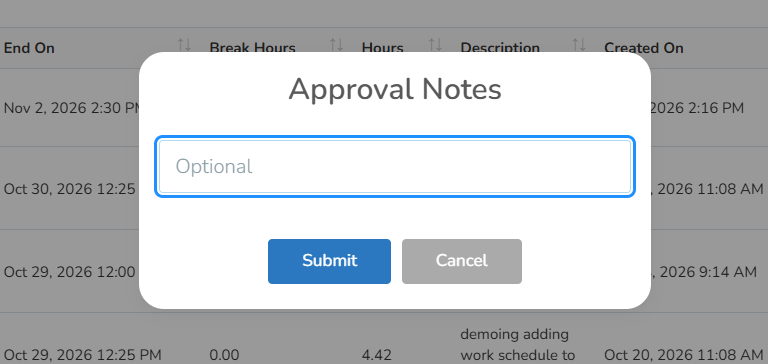
6. Optionally add Approval/Rejection Notes and click on Submit.
Was this helpful?
Still need help? Ask the team