On-Site Visit Export
Use this report to export the on-site visits made during a date range, with the observations recorded for each student. The miles and tolls columns also help when you total up travel for reimbursement.
Last updated About 8 hours ago
Available in: Jobready CTE, Jobready CCR, Jobready WBL
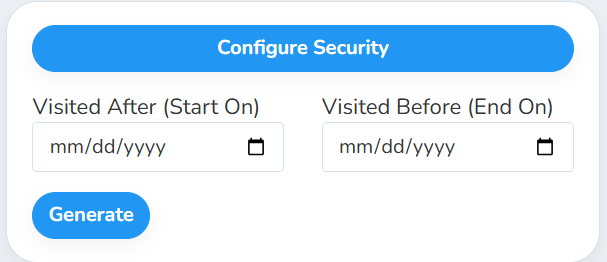
Filters
All filters are optional. Leave them blank to include every visit.
What's in the file
One row per student per visit. A visit that covered three students has three rows. Columns:
Good to know
Visit totals repeat on each student's row. Miles, Tolls and Observations belong to the visit, so a visit with several students shows the same values on each row. Count each visit once when you add up travel.
Visits with no students can still appear. When you haven't selected a school or class, a visit with no students linked to it shows up with N/A in the student columns.
Your access applies. The report only includes students you have access to, and it uses your selected school and class.
Student data: This report lists student names, emails, state ID numbers and sending schools, along with visit observations.
Related reports
On-Site Visit Status: see when each experience last had a visit and who's overdue
Was this helpful?
Still need help? Ask the team