Employer Document Status
Use this report to see which employer documents are on file, which have expired and which are missing. Run it before placements start to follow up on anything that needs attention.
Last updated About 8 hours ago
Available in: Jobready CTE, Jobready CCR, Jobready WBL
Filters
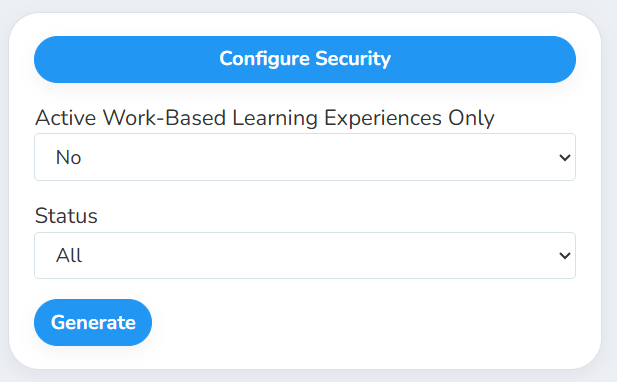
Both filters have a default, so you can run the report without changing anything.
What's in the file
One row per document for each employer, or for each employer contact when the document is tracked per contact.
Status
Good to know
"Yes" focuses on current placements. With Active Work-Based Learning Experiences Only set to Yes, the report only includes experiences that aren't marked complete and haven't ended. For each one, it lists the documents that the experience's WBL type requires, for that employer and the experience's employer contact.
"No" shows every combination. Every document type appears for every employer, and contact documents appear for every contact, even if they have never hosted a student.
Deleted employers, contacts and documents are left out.
The report covers your whole district. It includes every employer, no matter which school or class you have selected.
Student data: This report doesn't list students. It includes employer and employer contact names.
Related reports
Employer Contacts: contact details plus a Yes/No and expiration column for each document
Employer Participation: see which employers hosted experiences and when
Was this helpful?
Still need help? Ask the team