Work Log Summary
Use this report to see each student's total approved and pending work log hours for a date range. It's a quick way to spot who is on track and who has hours waiting for review.
Last updated About 9 hours ago
Available in: Jobready CTE, Jobready CCR, Jobready WBL
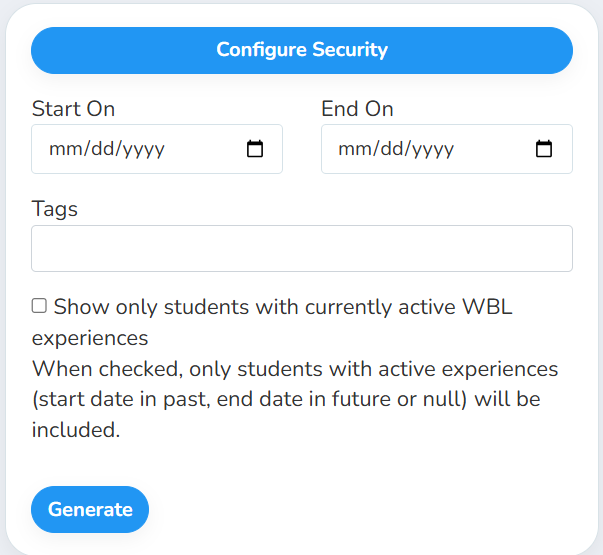
Filters
All filters are optional. Leave them blank to include every student and all work log hours.
What's in the file
One row per student, sorted by last name and first name.
Good to know
Rejected hours aren't counted in either column.
Students with no hours are listed too. Without the Tags filter or the active experiences checkbox, every student you have access to gets a row, and students with no work logs show 0.
The active experiences checkbox only changes who's listed. A listed student's hours still come from all of their experiences, not just the active one.
Hours are the scheduled time minus breaks. Entries from deleted experiences and deleted entries are left out.
Your access applies. The report only includes students you have access to. It also uses your selected school and class.
Student data: This report lists student names, emails, state student numbers, grade levels and graduation years.
Related reports
Work Logs (CSV): every work log entry behind these totals
Total Hours By WBL Type: approved hours per student split by WBL type, including pay stubs, events and projects
Was this helpful?
Still need help? Ask the team