Event-Based Experience Detail
Use this report to see every student invited to your event-based WBL experiences, whether they attended and how many hours the event was worth. It also includes their answers to the event's registration and attendance questions.
Last updated About 8 hours ago
Available in: Jobready CTE, Jobready CCR, Jobready WBL
Filters
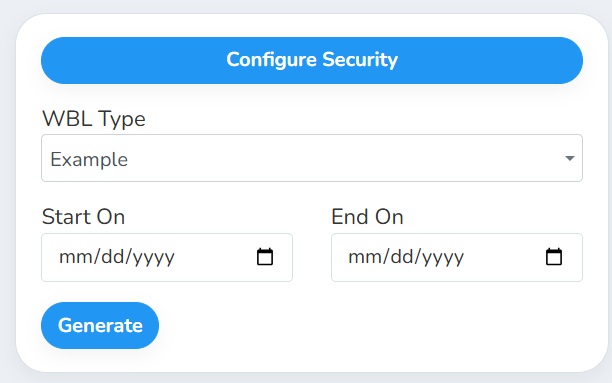
All filters are optional. Leave them blank to include every event.
What's in the file
One row per invited student per event, sorted by when the event ended. A student invited to three events has three rows. Columns:
Good to know
Every invited student is listed, whether or not they attended. Filter the Present? column to see only attendees.
Custom field columns vary. The last columns come from the registration and attendance fields on the WBL type, or on the event itself when the type uses Configure Forms Per Event. A student shows N/A for fields that don't apply to their event or that they left blank.
Grade level and school are current. They show the student's grade and schools today, not at the time of the event.
Your access applies. The report only includes students you have access to, and it uses your selected school and class.
Student data: This report lists student names, emails, SIS numbers, grade levels, schools, attendance and custom field answers.
Related reports
Event-Based Experience Summary: see one row per event with invite and attendance totals
Student-Based Experience Export: export placement-style experiences instead of events
Was this helpful?
Still need help? Ask the team