How do I send an email communication to all employer contacts that have an active work-based learning experience?
Last updated 6 days ago
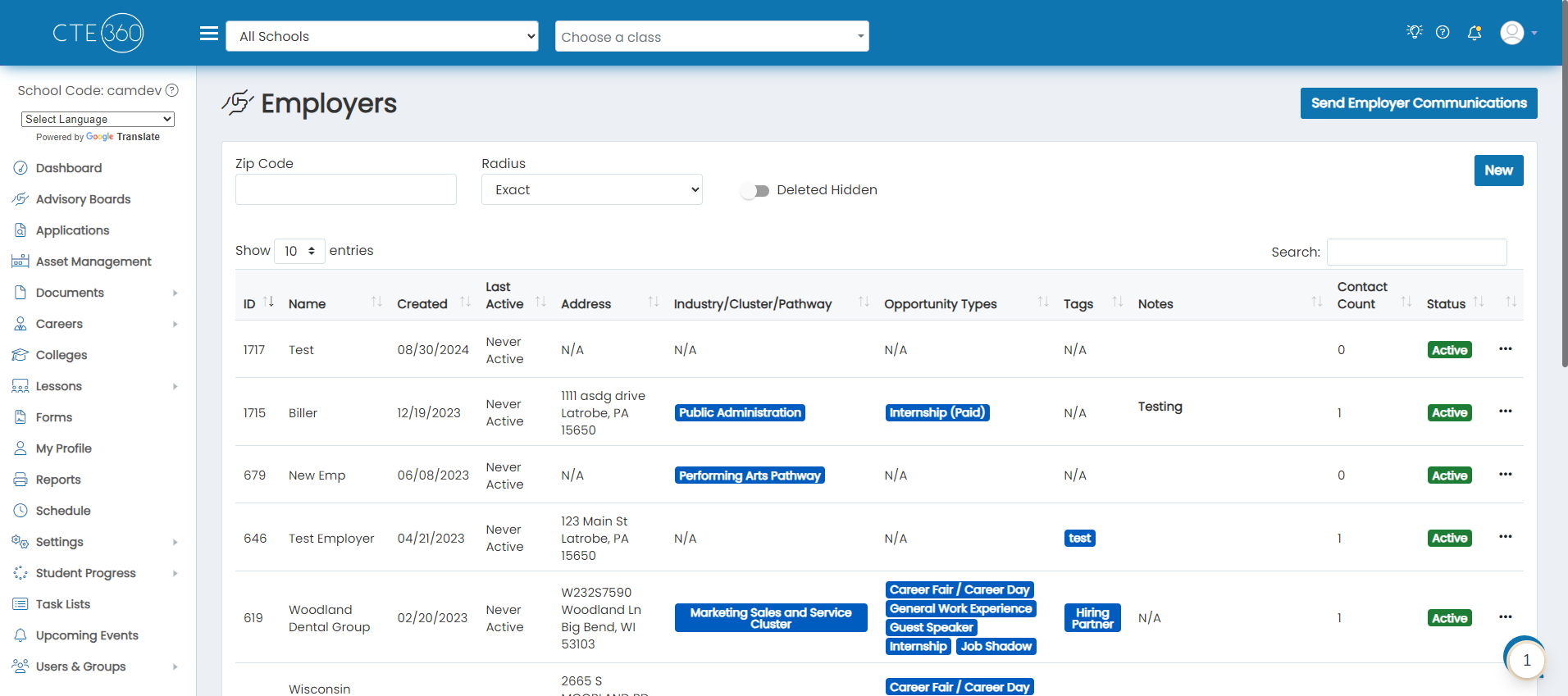
1. Navigate to the Employers page
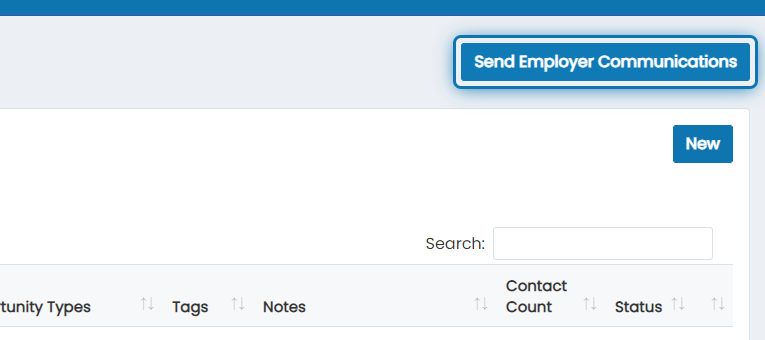
2. Click on Send Employer Communications
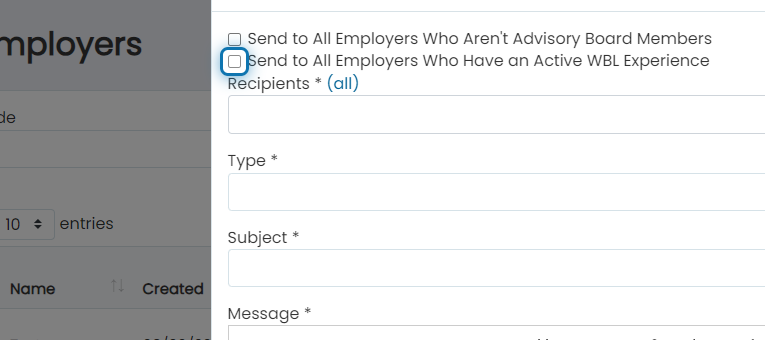
3. Check the "Send to all employers who have an active WBL experience" checkbox
4. You can choose to filter the recipients down by a particular WBL type or leave it blank to send to all
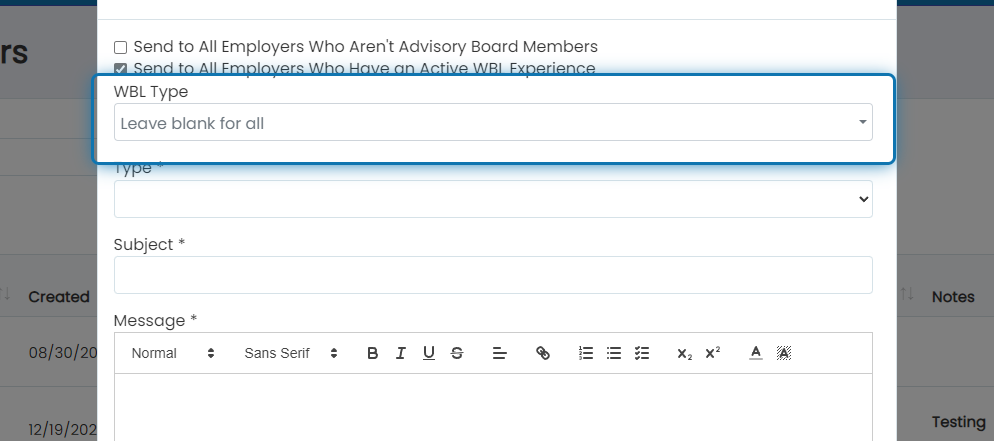
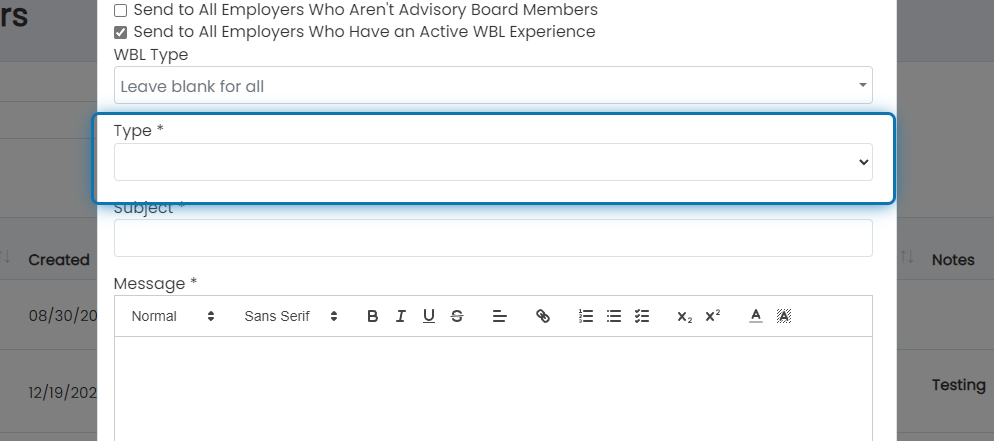
5. Choose "Email" as the type
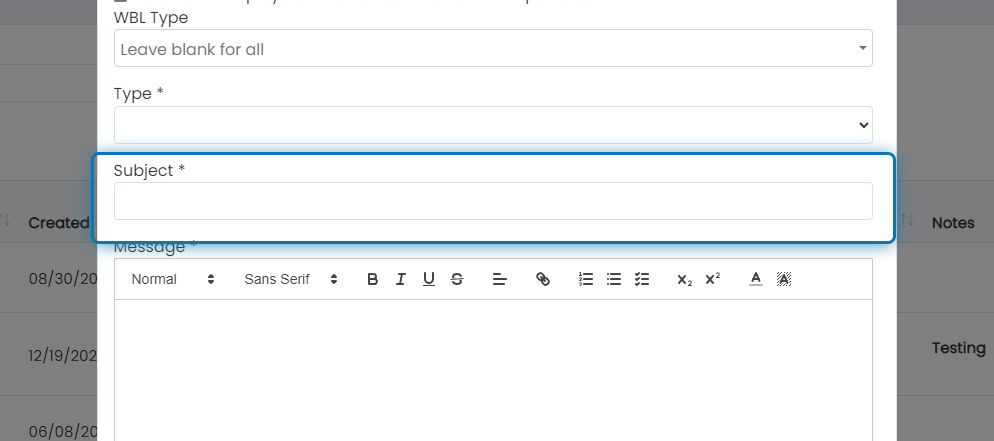
6. Specify the subject of the email
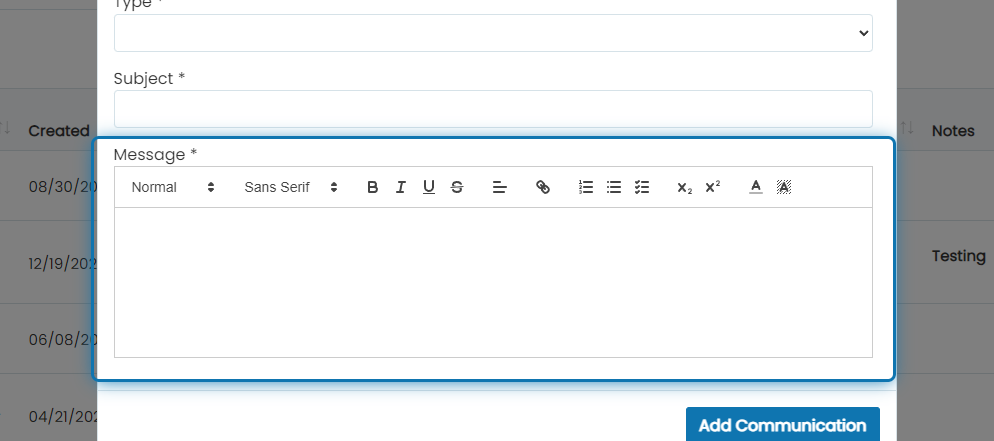
7. Write the email body message
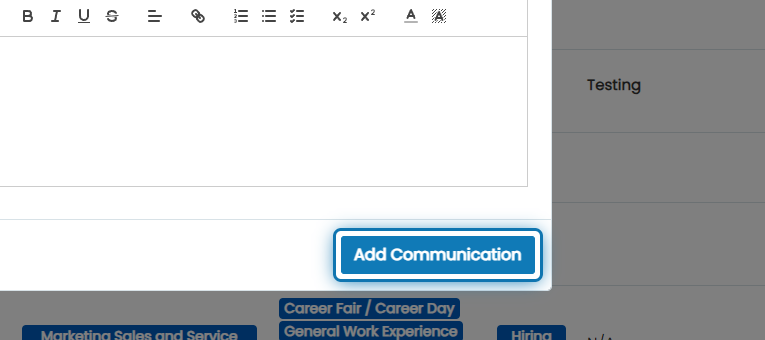
8. Click on Add Communication to send the emails
Was this helpful?
Still need help? Ask the team