How do I view all of my students' self-reported work-based learning hours?
Last updated 6 days ago
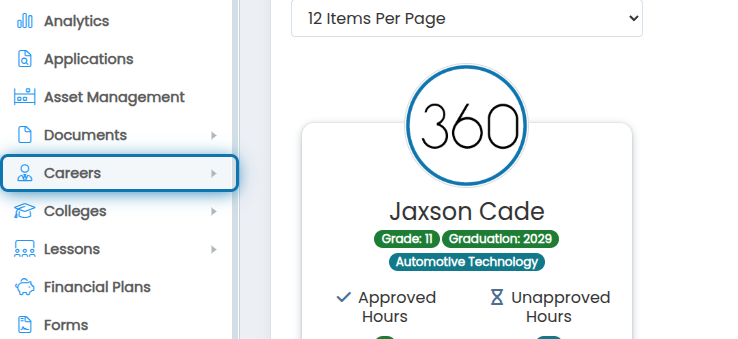
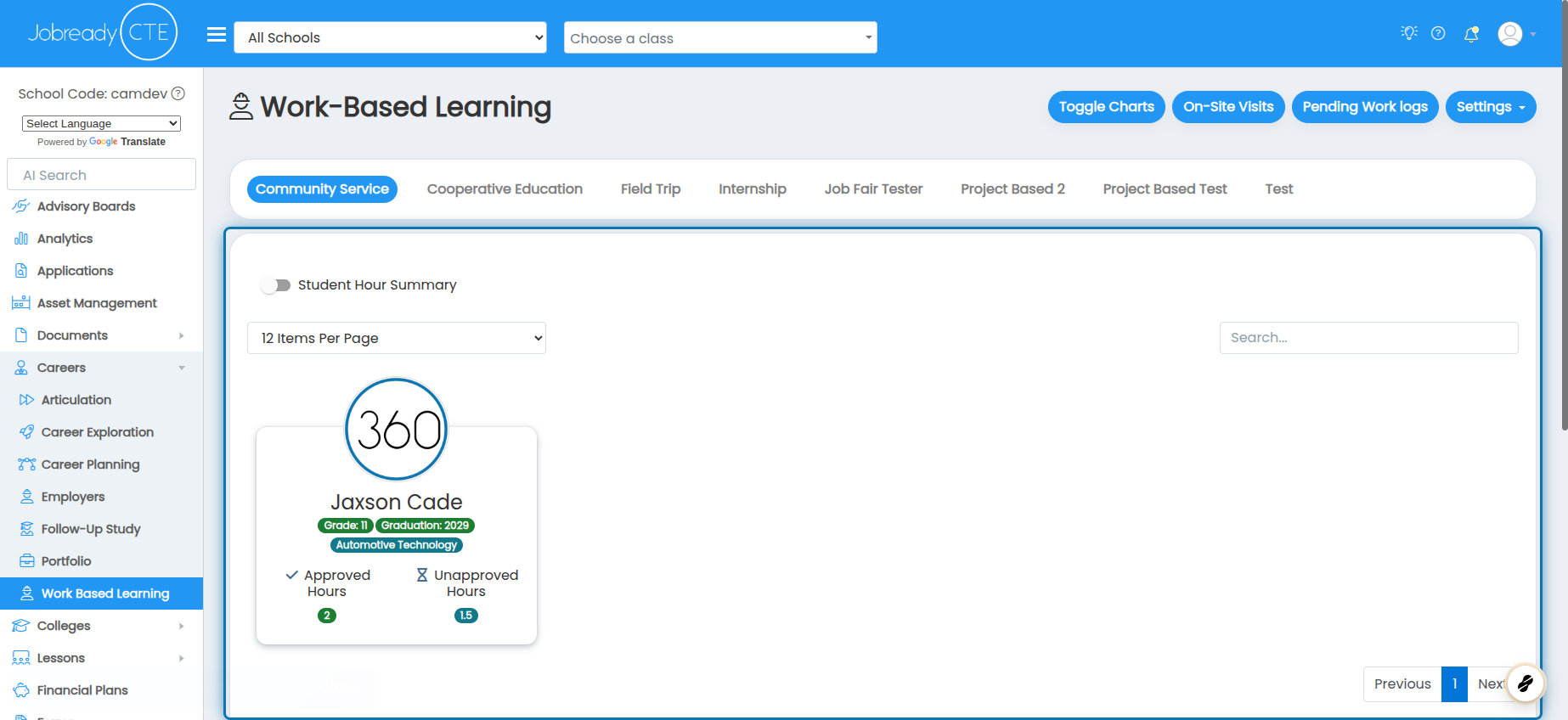
1. Click on Careers in the navigation menu
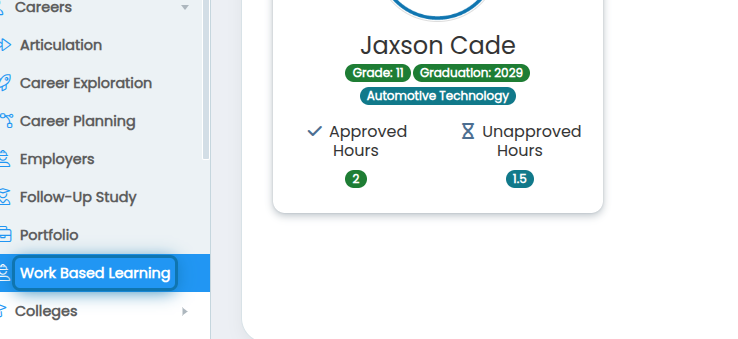
2. Click on Work Based Learning in the navigation menu
3. For this example, we will be looking at Community Service hours
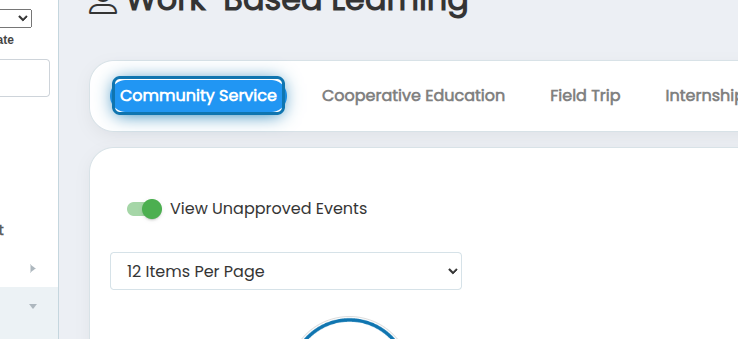
4. If you see unapproved hours, like the image below, you will need to toggle the view to see student hours
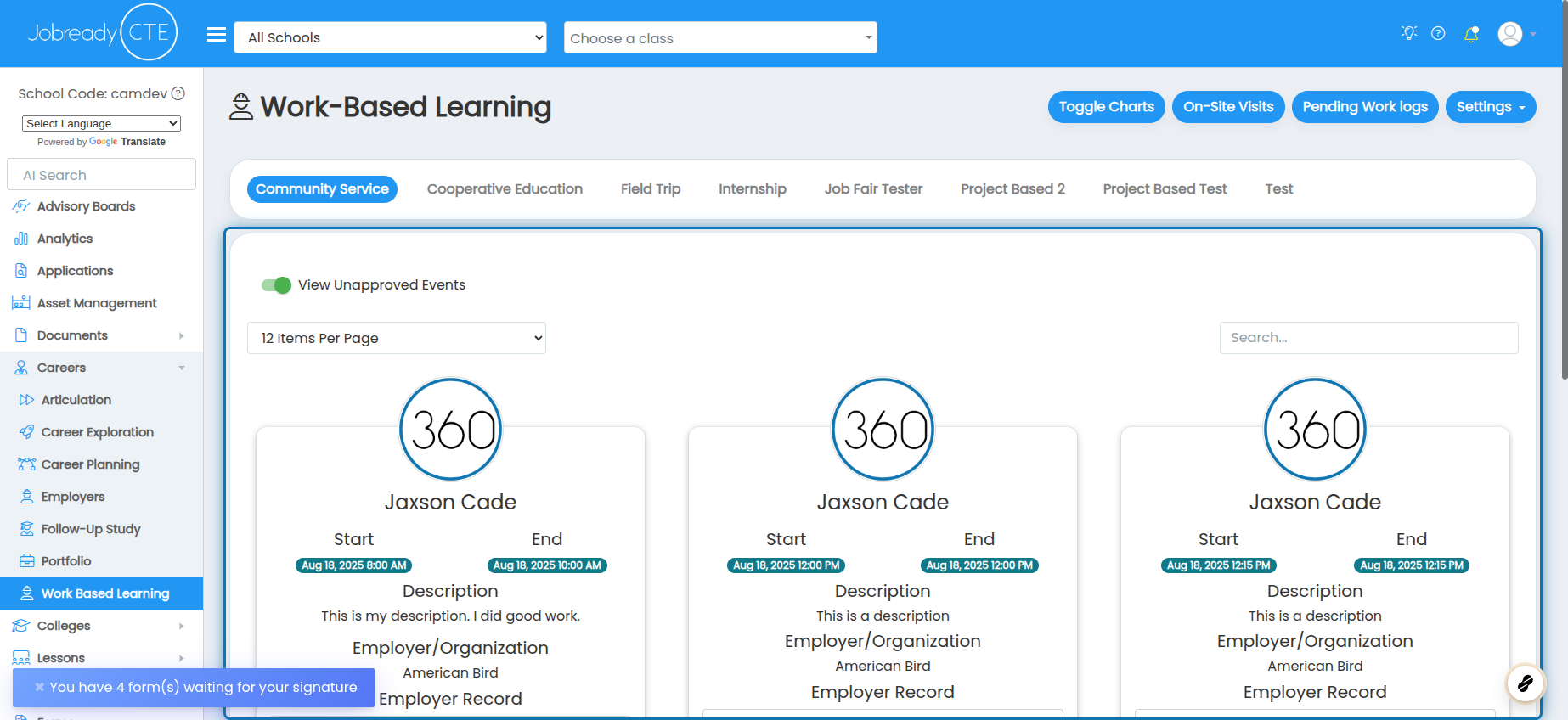
5. Click on the View Unapproved Events toggle to view student hours
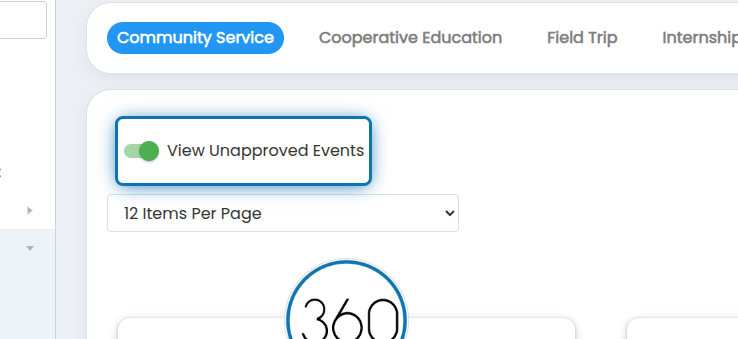
6. Now you will be able to see all of the hours of the students you have access to
Was this helpful?
Still need help? Ask the team