How does a student connect Jobready360 to their Common App account?
If a student does not have their Common App account linked to Jobready360, the following steps demonstrate how to do so.
Last updated 6 days ago
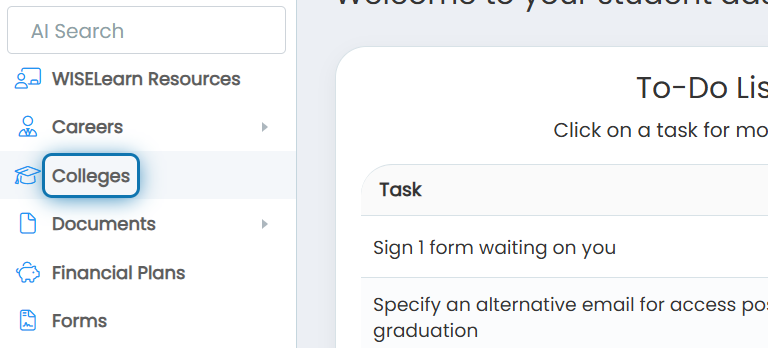
1. Click on Colleges
2. Click on Common App

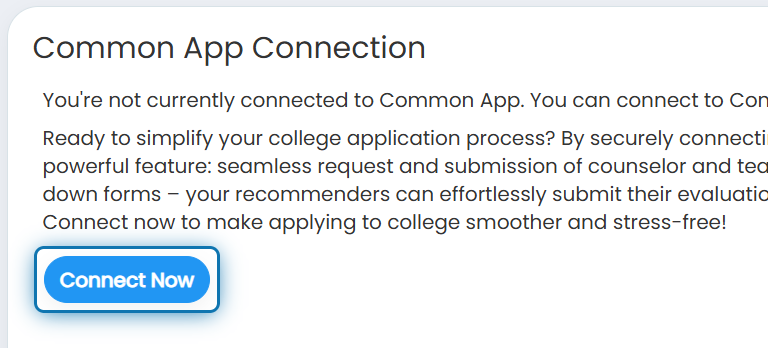
3. Click on Connect Now
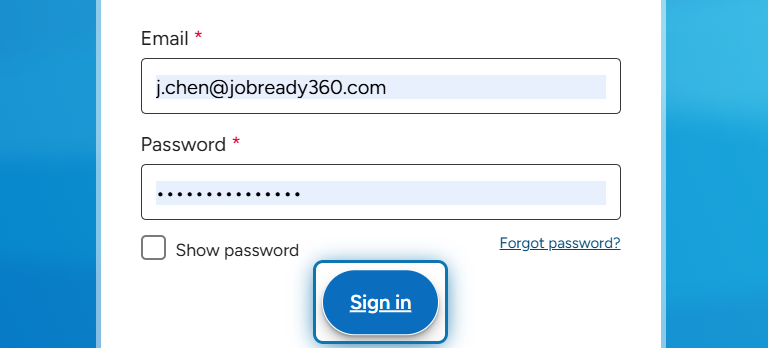
4. Enter your existing account information and click on Sign in
If you don’t already have an account, click here for instructions on how to create one.
Was this helpful?
Still need help? Ask the team