How do I add custom fields to employer records?
Last updated 6 days ago
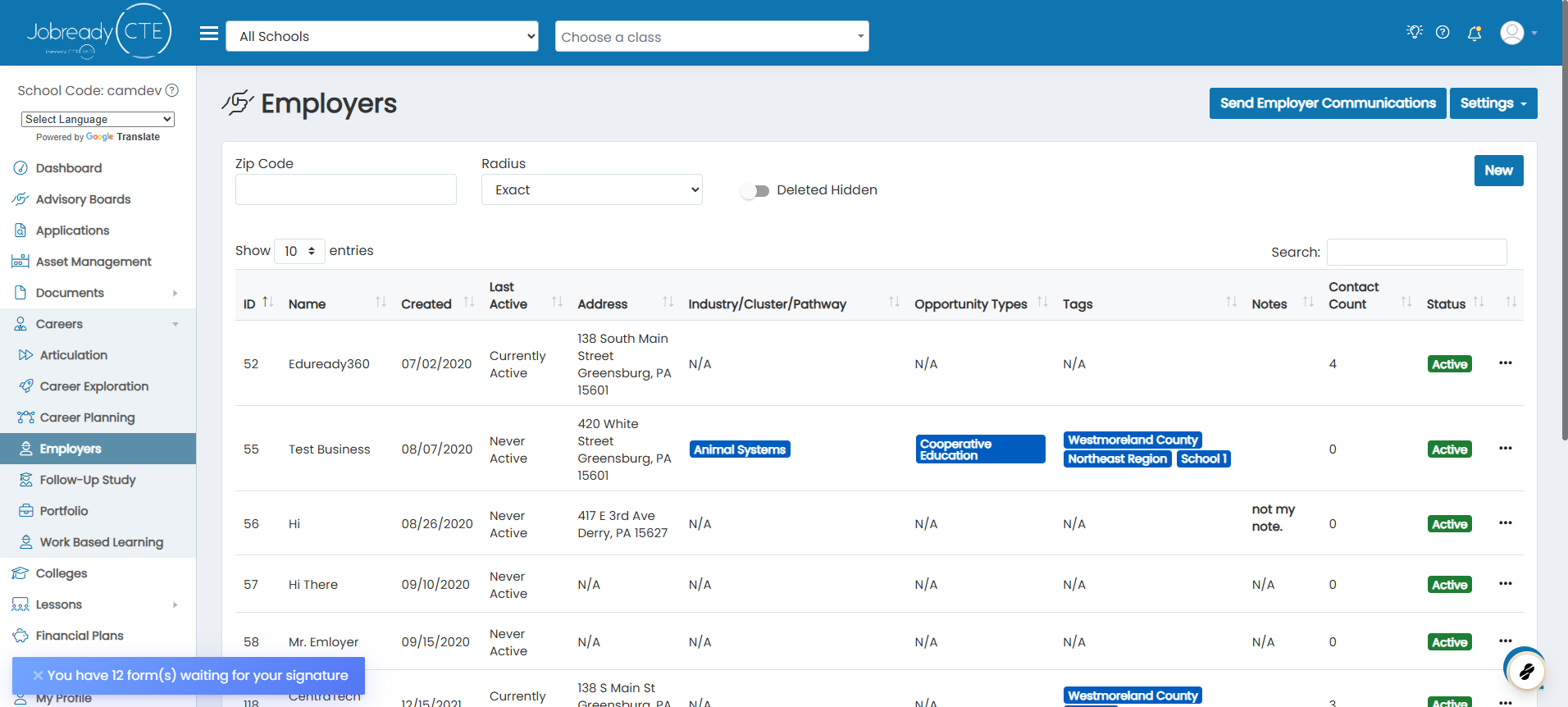
1. Navigate to the employers page
2. Click on Settings
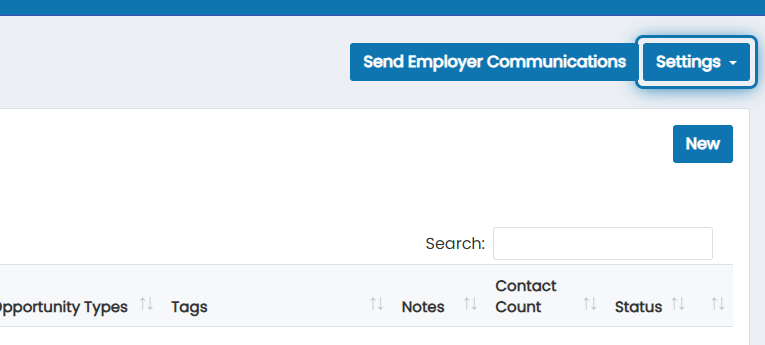
3. Click on General Settings

4. Choose the custom fields you want to store on employers
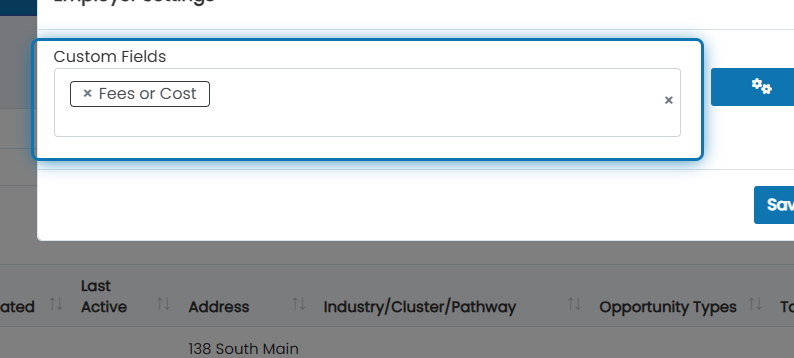
5. If you need to make new custom fields, click on the settings cog beside the drop down
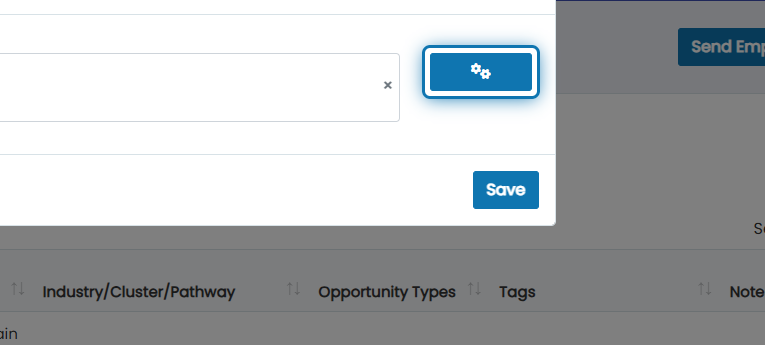
6. Here you will see a list of all custom fields configured in your system
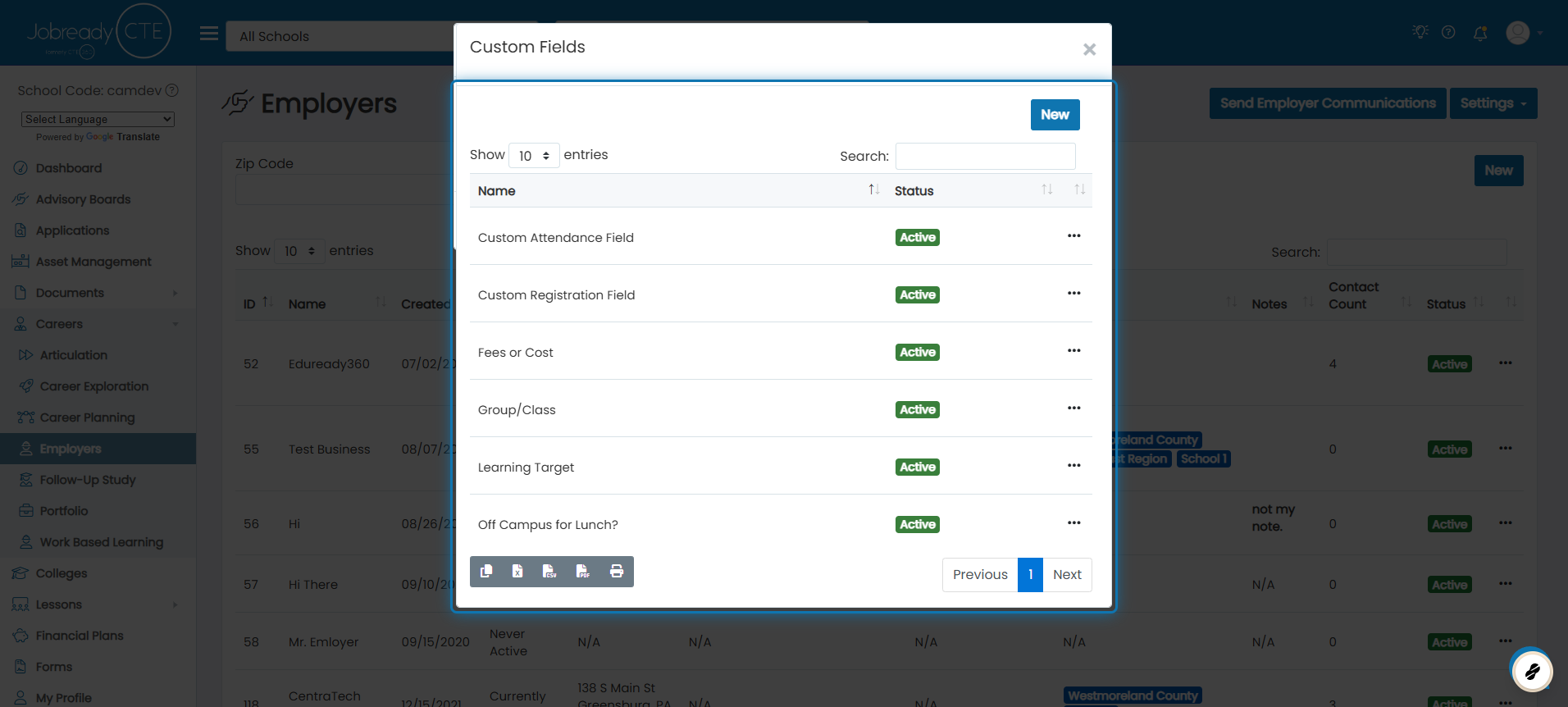
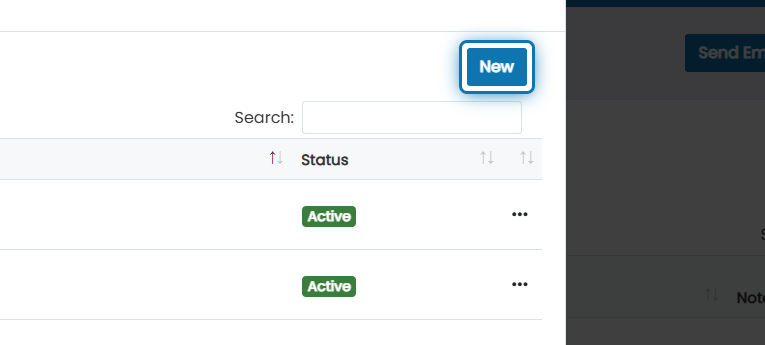
7. Click on New
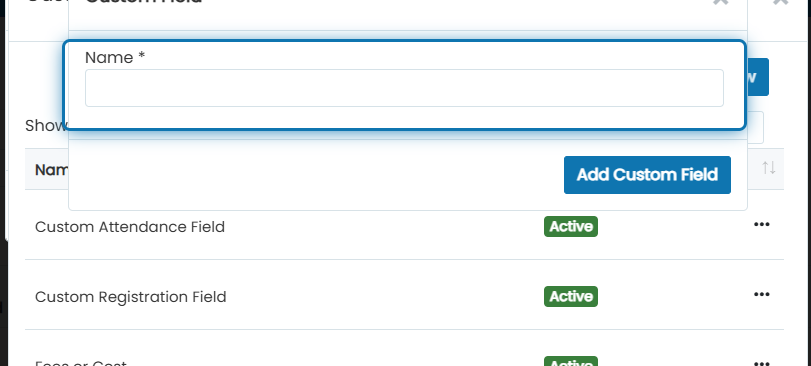
8. Specify the name of the custom field
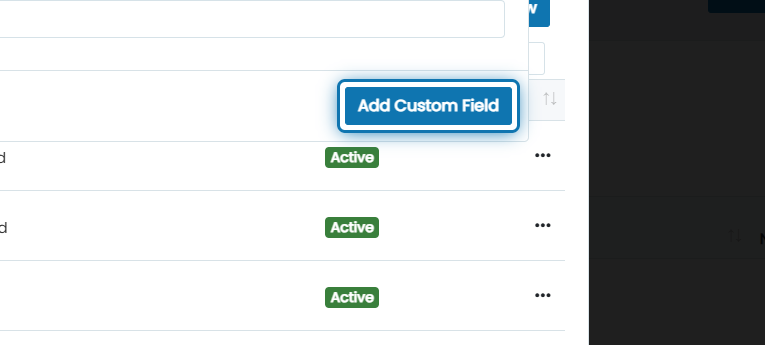
9. Click on Add Custom Field
Now it will be available in the original drop down.
Was this helpful?
Still need help? Ask the team