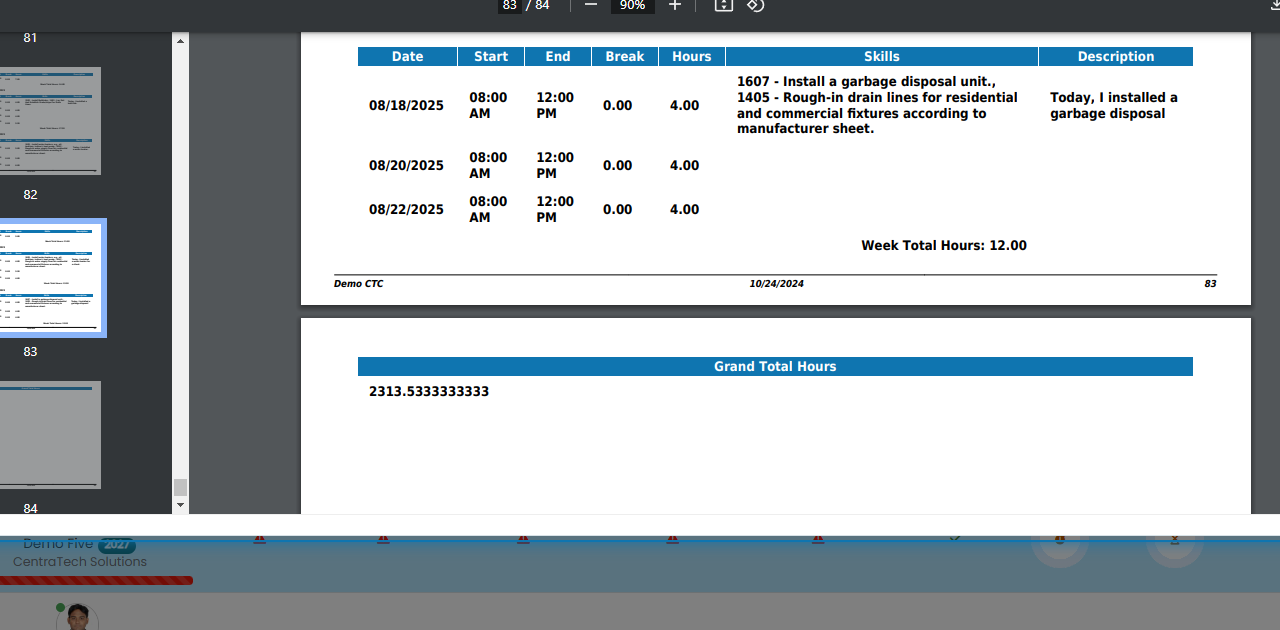
How can I get the total hours worked for an experience?
Last updated Over 1 year ago
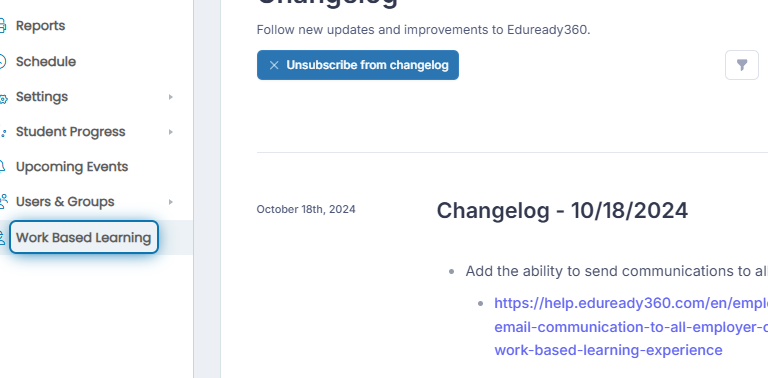
1. Click on Work Based Learning in the navigation menu
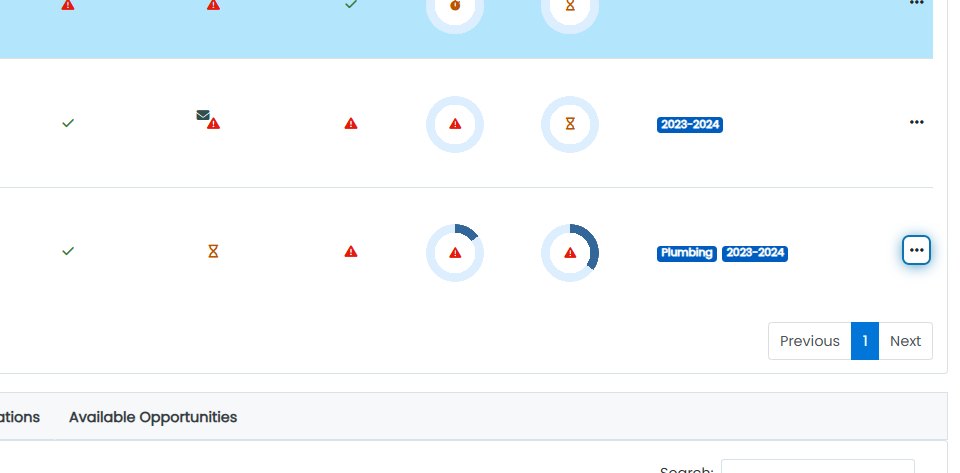
2. Click on the action button next to the student experience you want total hours for
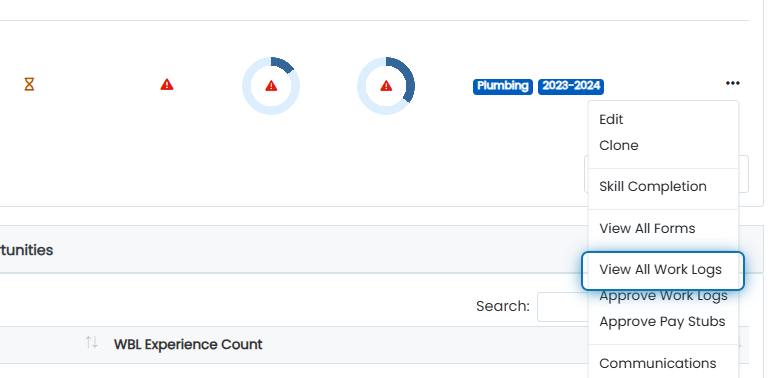
3. Click on View All Work Logs
After the work log PDF report generates, scroll to the bottom to view the grand total hours for the experience