How can I see if email invitations for my Work-Based Learning event were undelivered?
Last updated 7 days ago
1. Navigate the the WBL module and select the tab you'd like to see information about
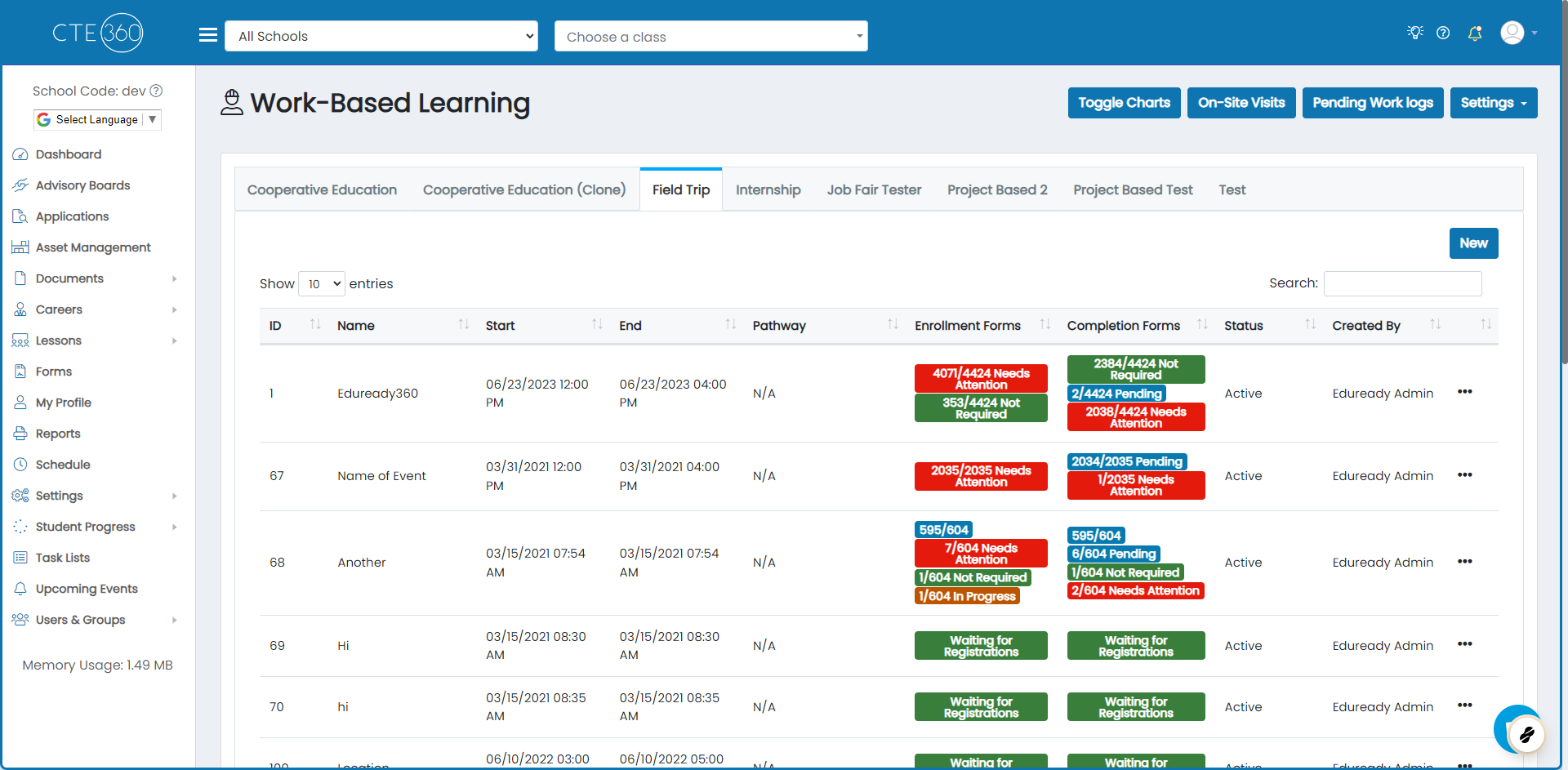
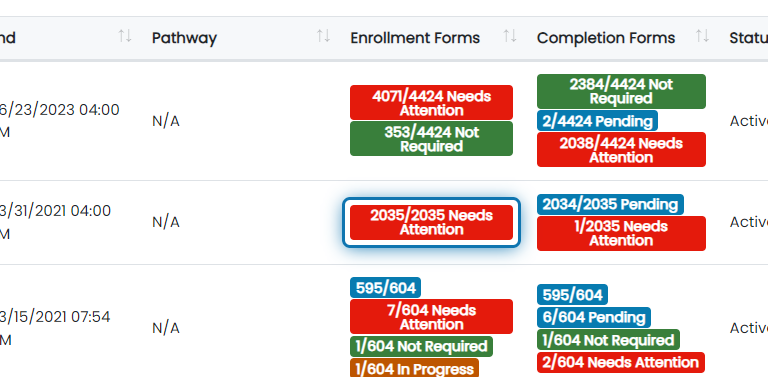
2. Click on the enrollment or completion forms badge to view participants
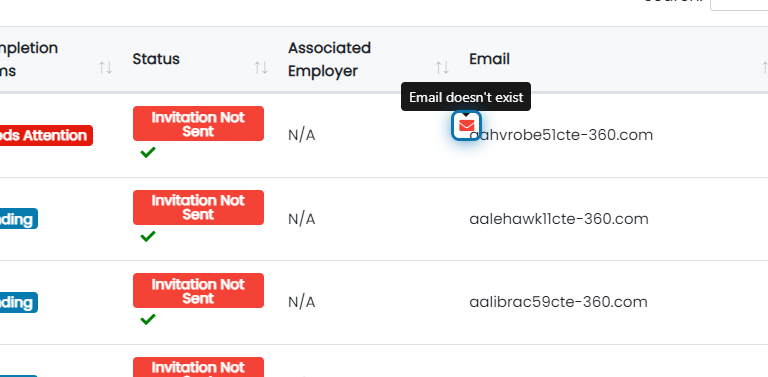
3. Any invites that had delivery issues will have a little red envelope appear near the email address
Hover over the envelope to see the reason why the email was unable to be delivered.
Was this helpful?
Still need help? Ask the team