How do I add the district name to sending schools to be prefilled on forms?
Last updated 6 days ago
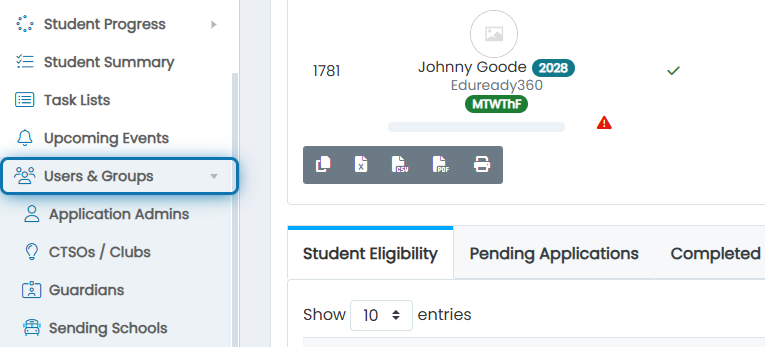
1. Click on Users & Groups
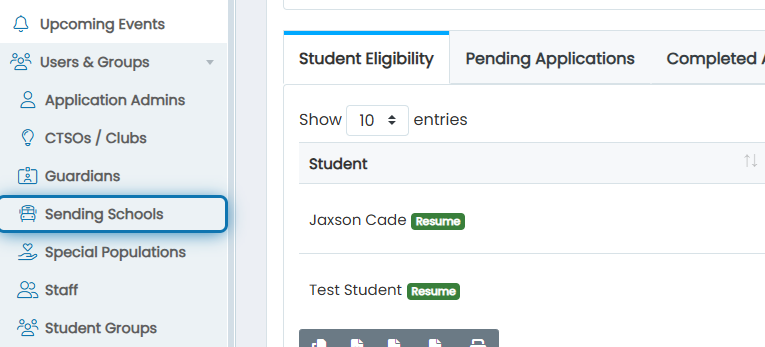
2. Click on Sending Schools
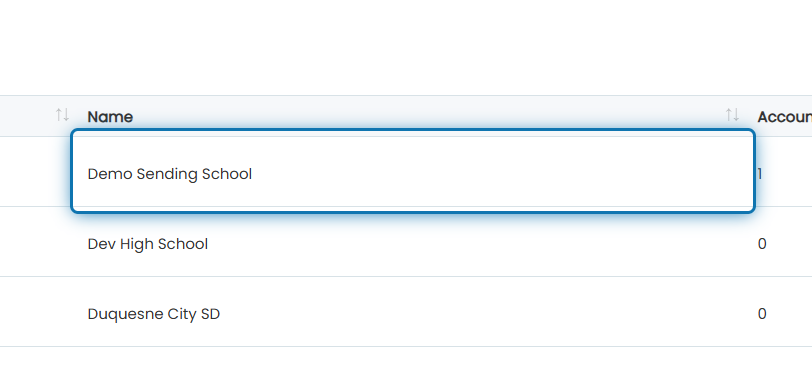
3. Find the sending school you want to add a district to
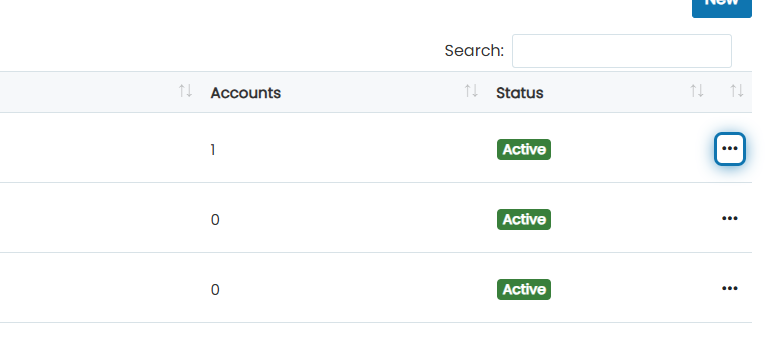
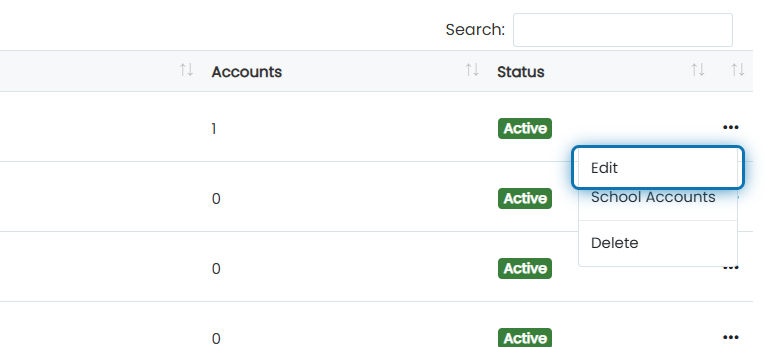
4. Click on the action button
5. Click on Edit
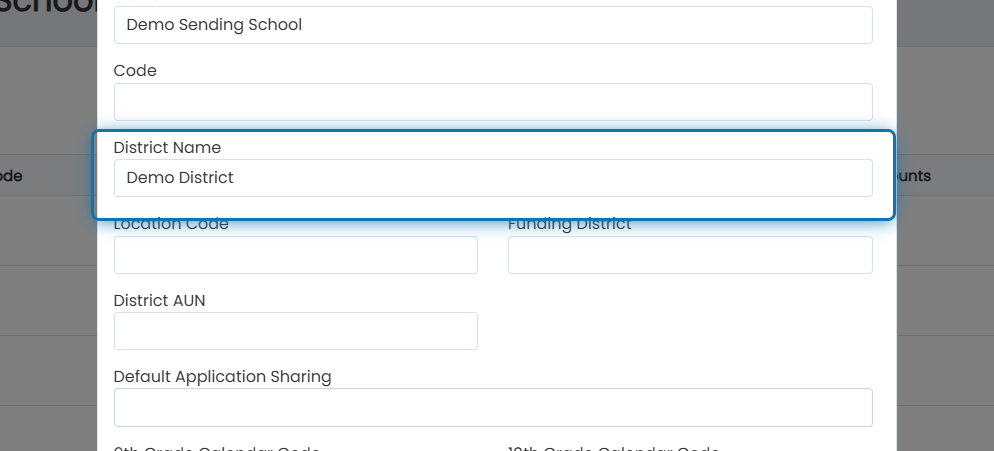
6. Specify the district name
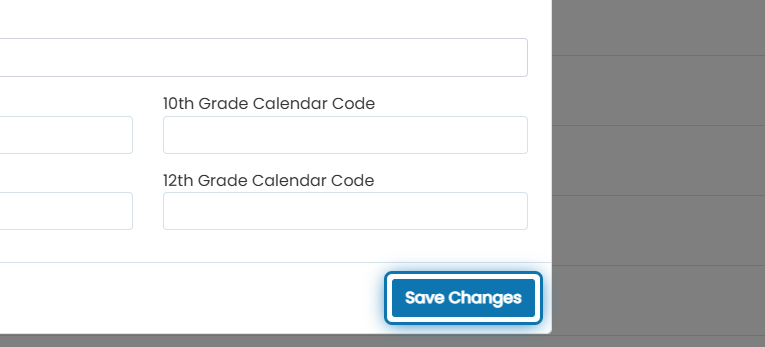
7. Click on Save Changes
Was this helpful?
Still need help? Ask the team