How do I create additional required documents for Special Populations?
Last updated 6 days ago
1. Navigate to the Special Populations module under "Users & Groups" in the navigation menu
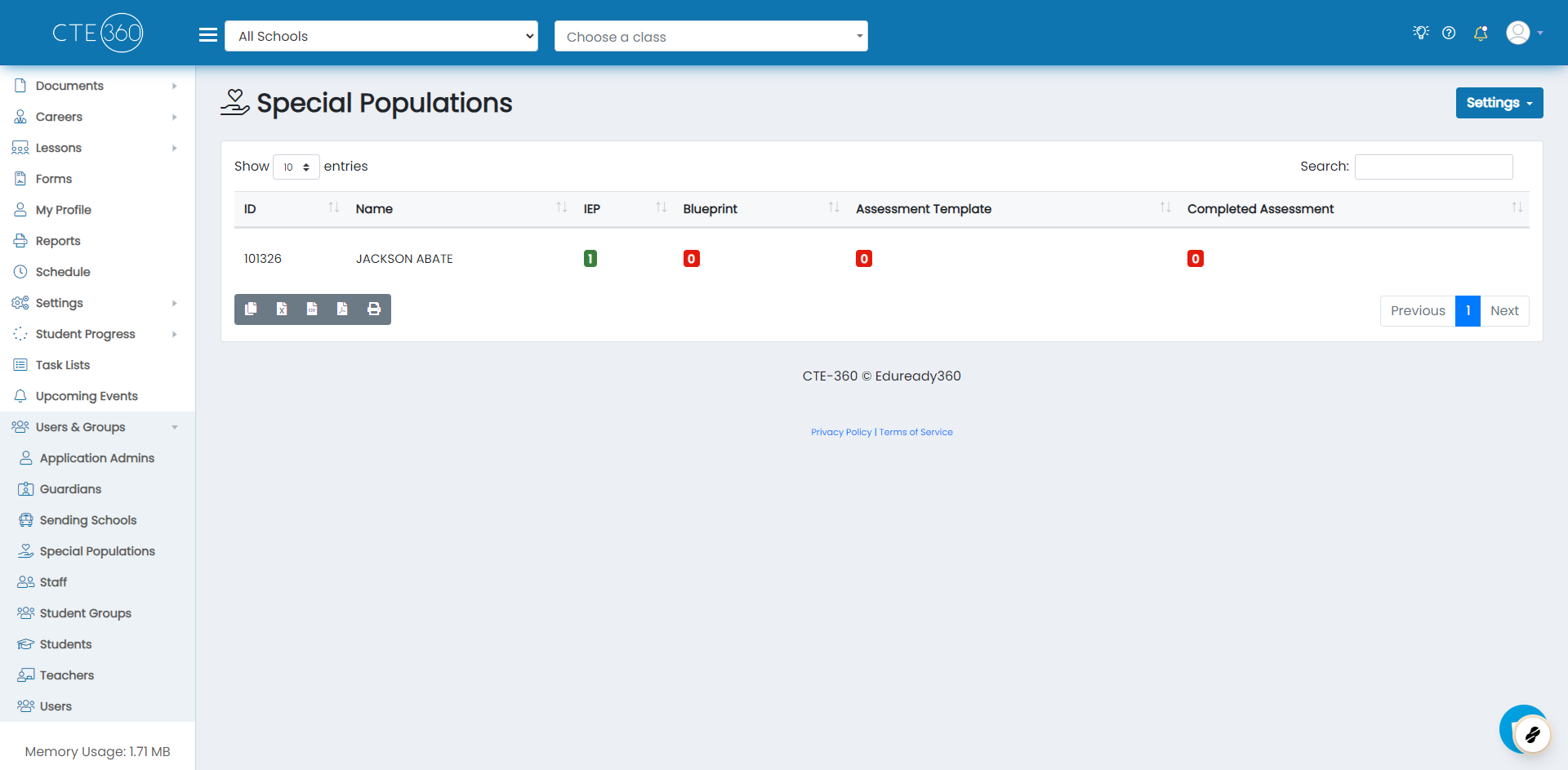
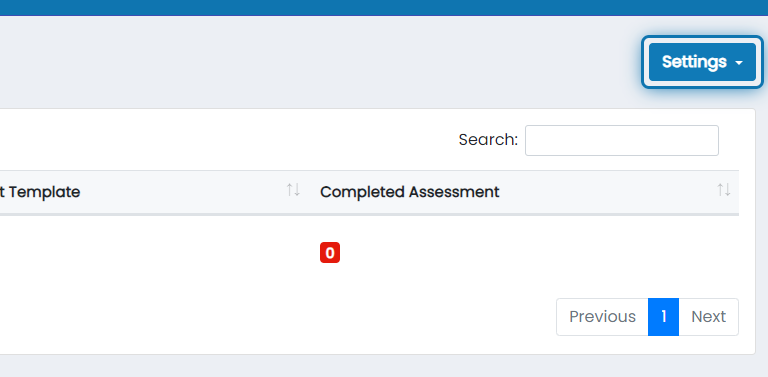
2. Click on Settings
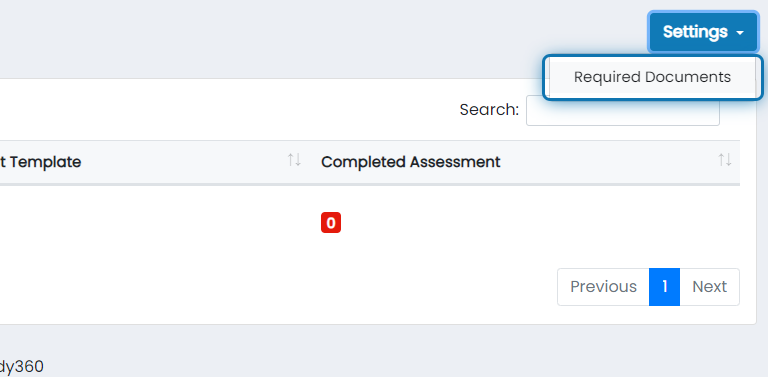
3. Click on Required Documents
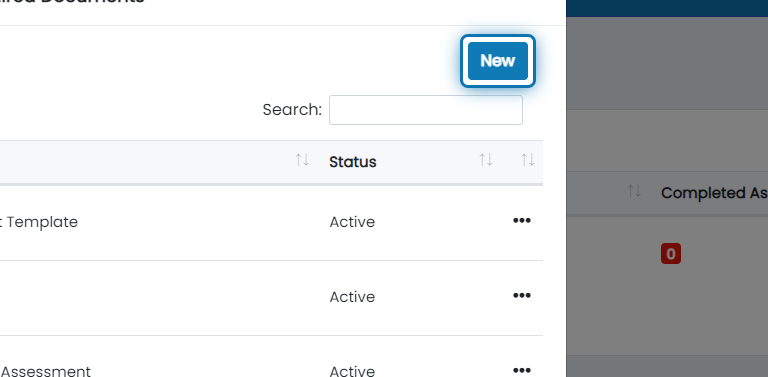
4. Click on New
5. Specify the name of the additional required documents

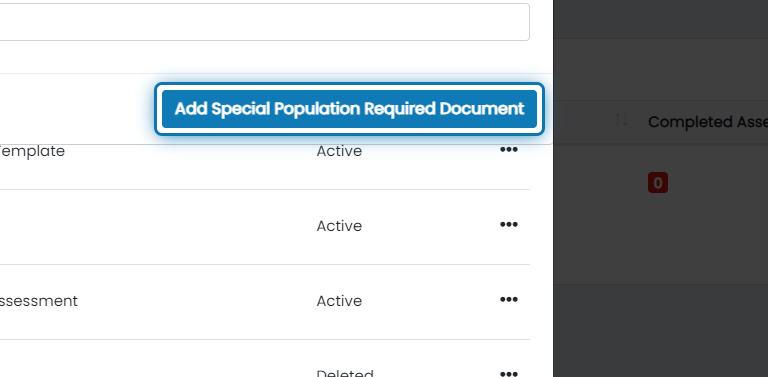
6. Click on Add Special Population Required Document
The newly added required document will now show up as a column on the main Special Populations table
Was this helpful?
Still need help? Ask the team