How do I add a new Program?
Last updated 8 months ago
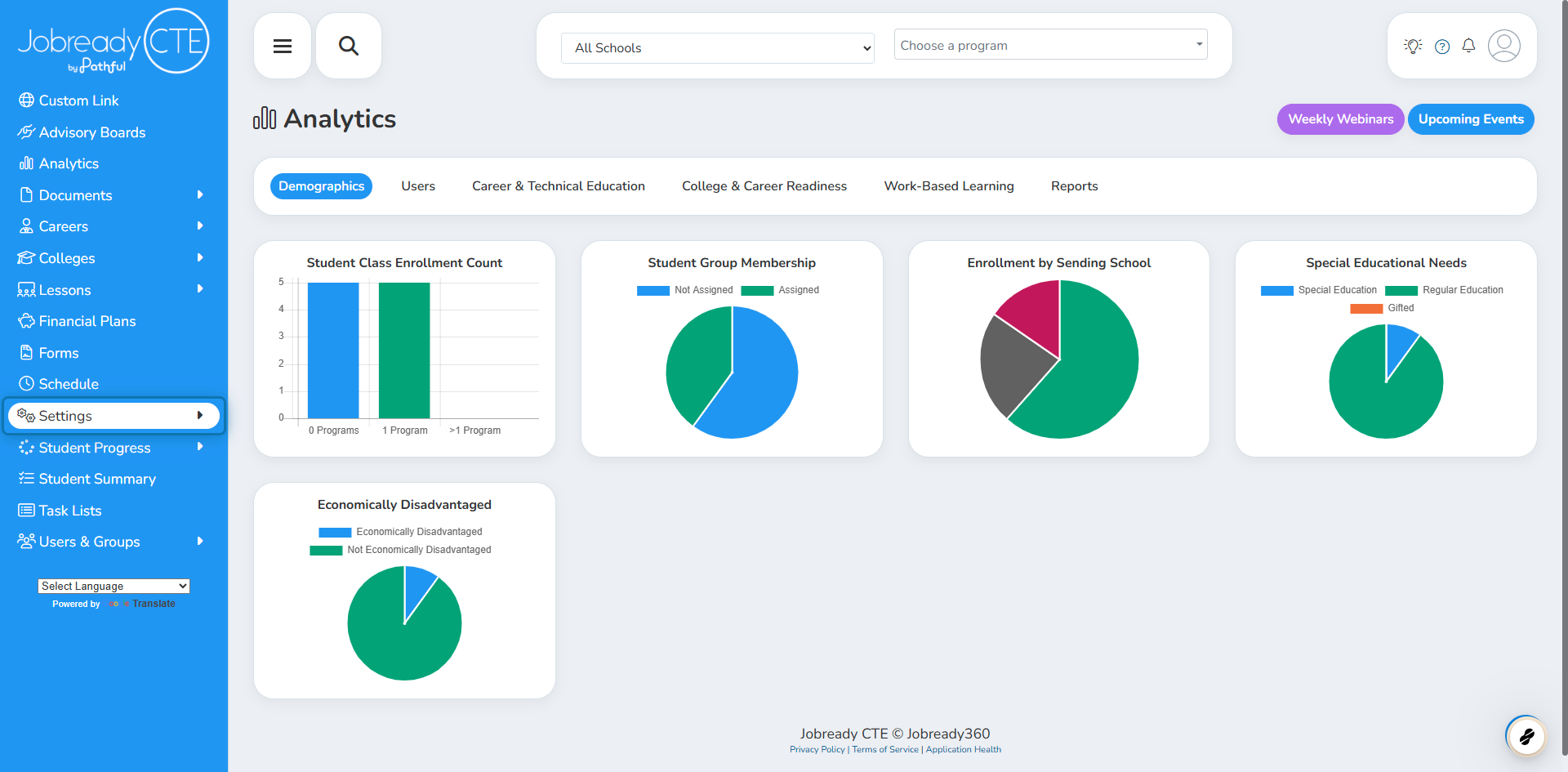
1. Click on Settings
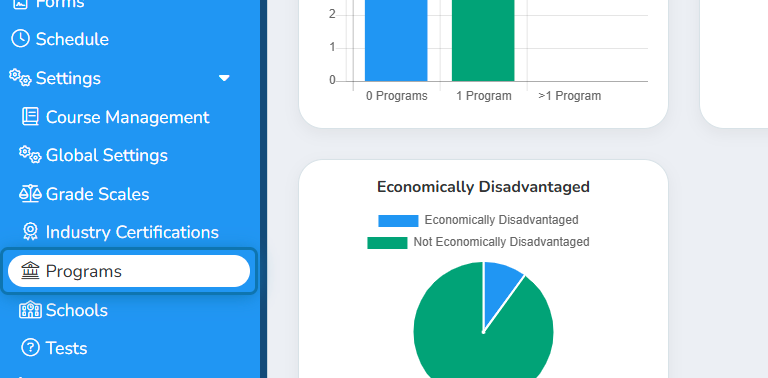
2. Click on Programs
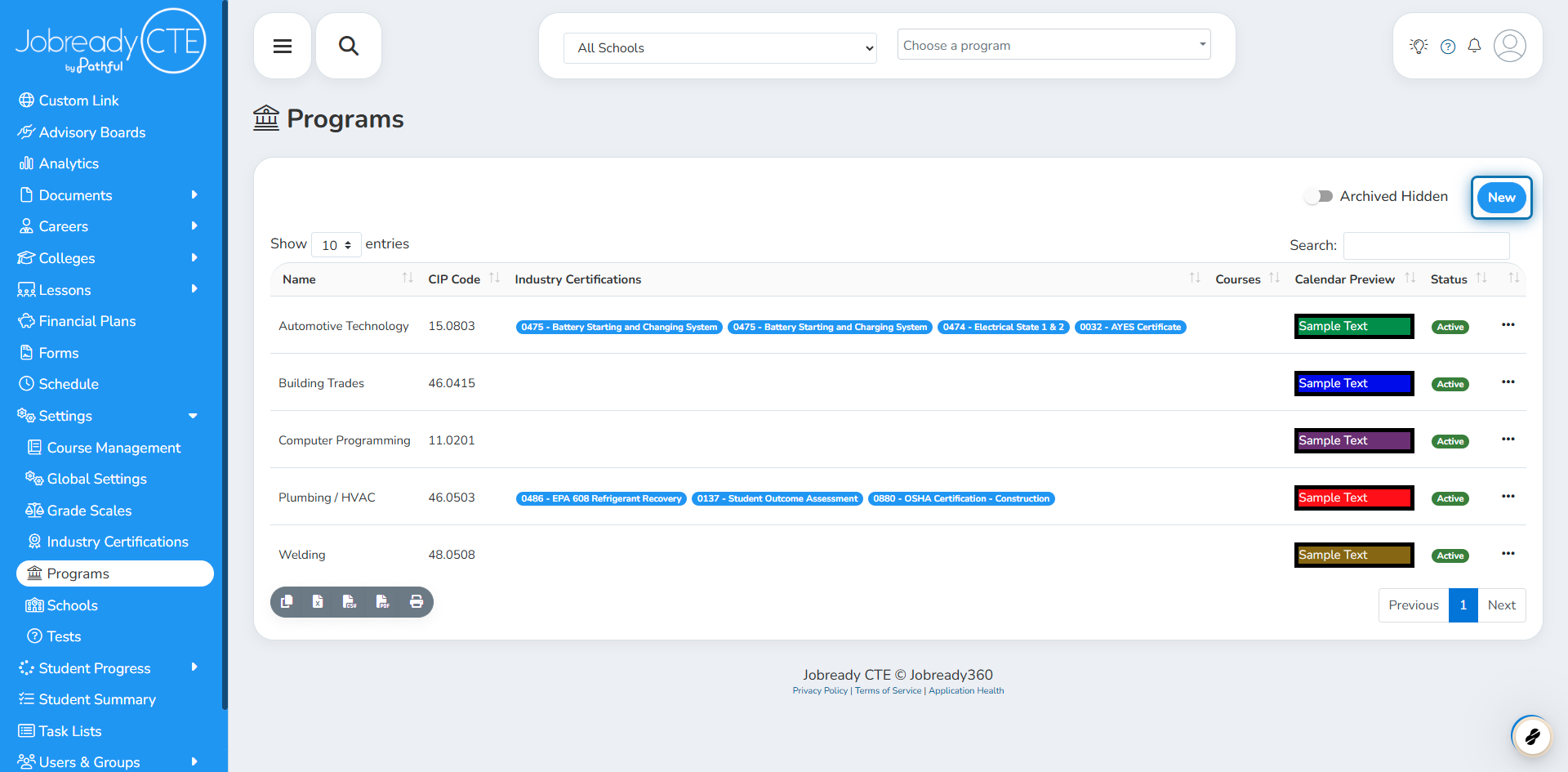
3. Click on New
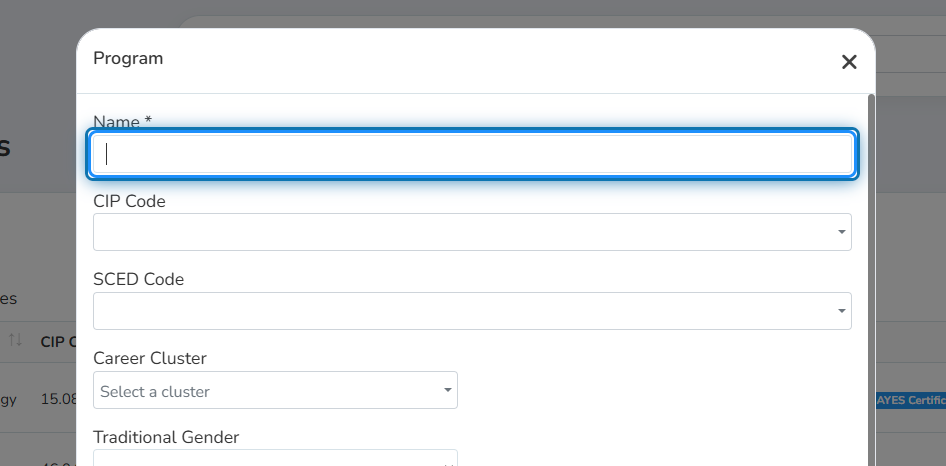
4. Fill out all the details for your program
Don't worry, you can leave it blank if it doesn't apply to your program. Just a name is needed!
5. Click on Add Program
Was this helpful?
Still need help? Ask the team