How do I start a new practice test challenge?
Last updated 6 days ago
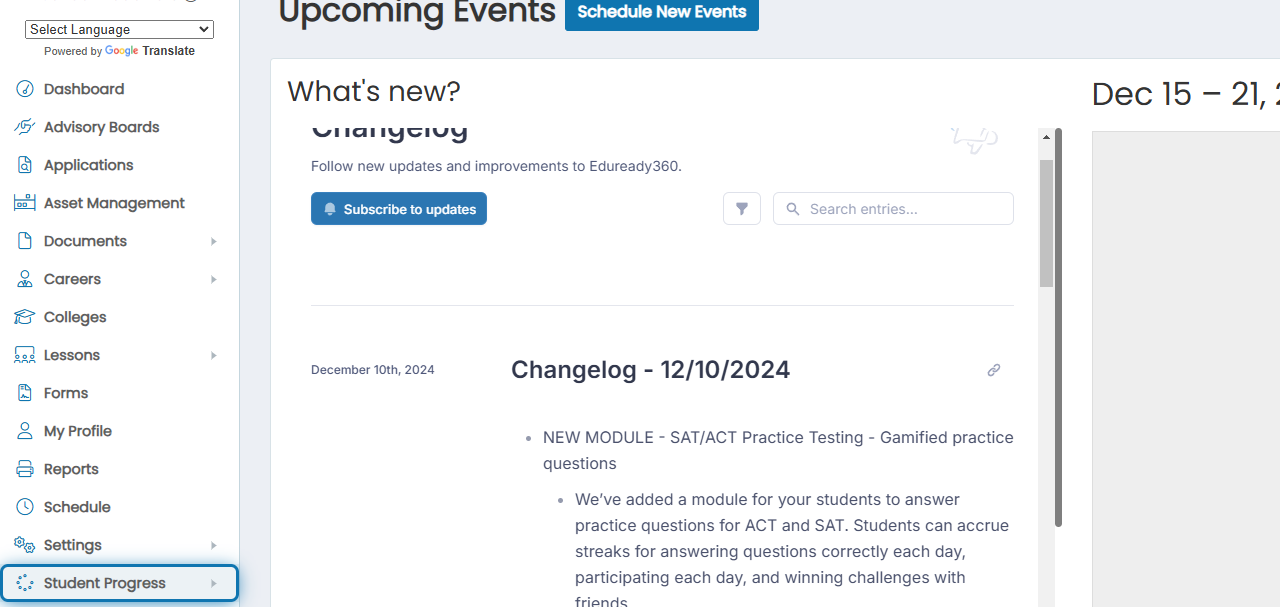
1. Click Student Progress in the navigation menu
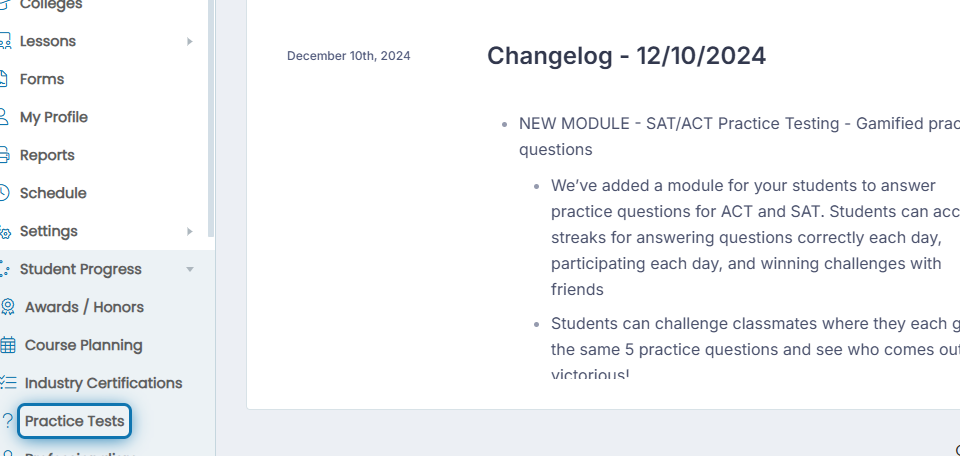
2. Click Practice Tests
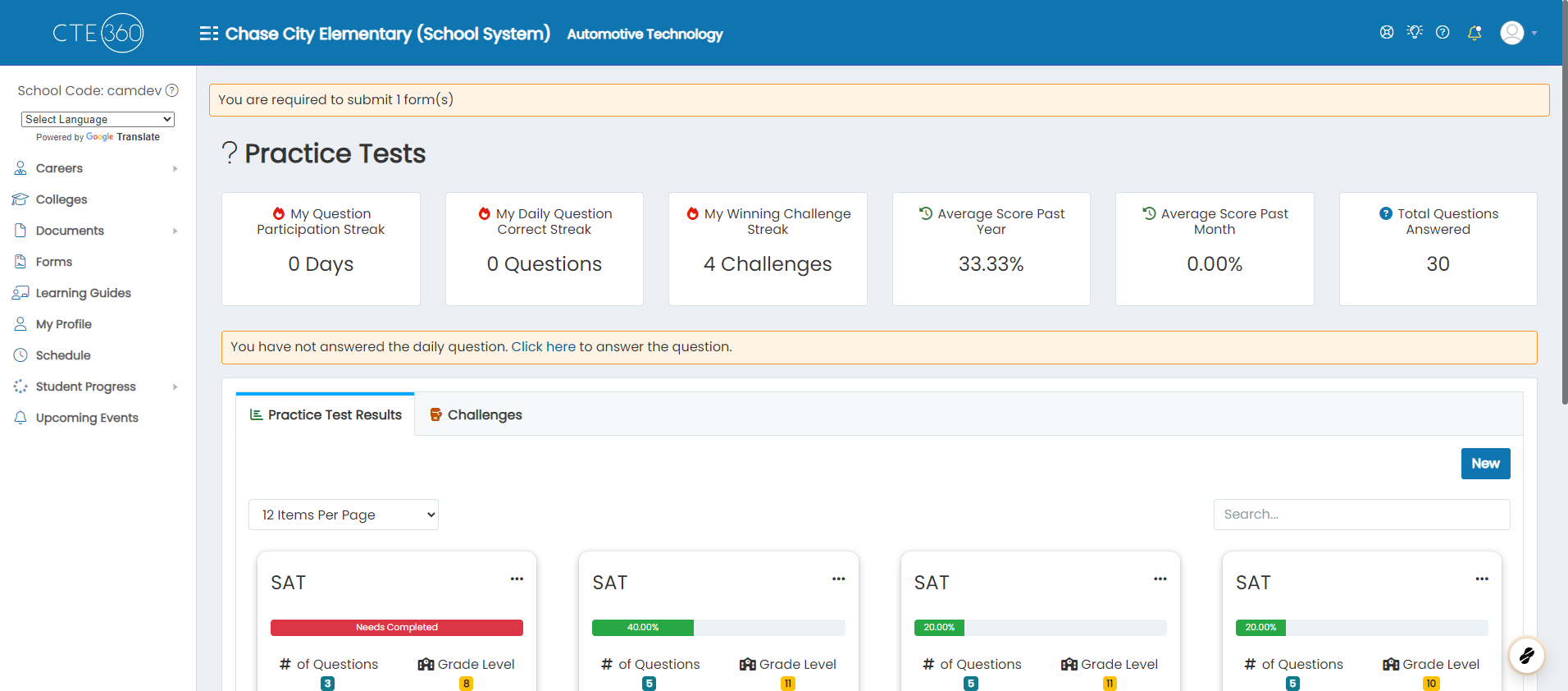
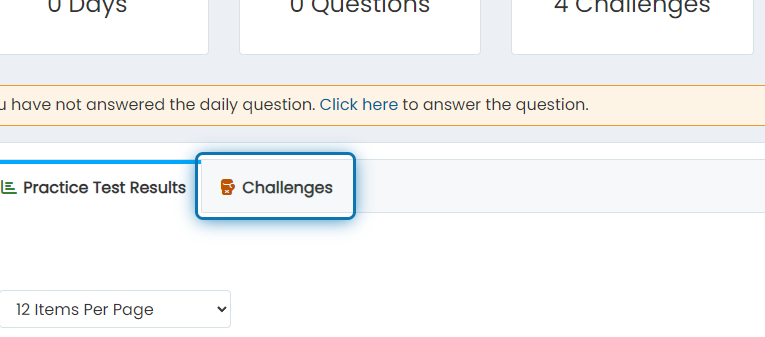
3. Click on the Challenges tab
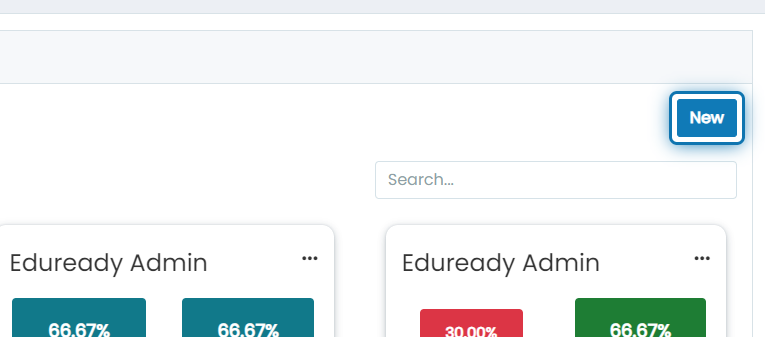
4. Click on New
5. Choose a test type
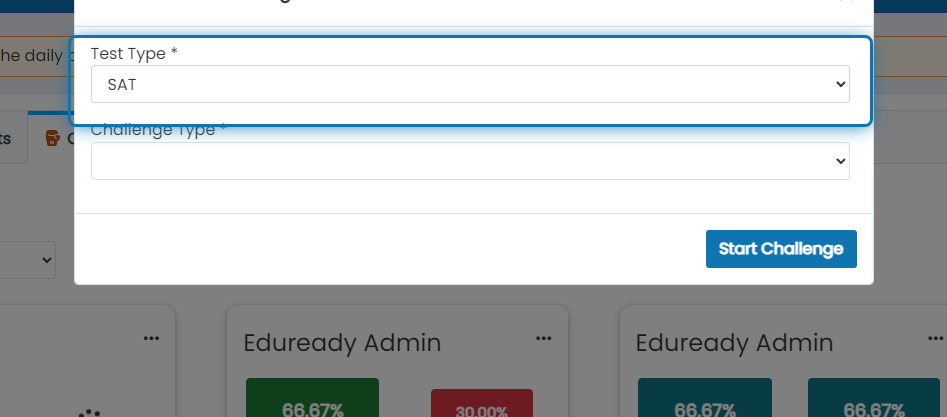
6. Choose a challenge type, anonymous will connect you with a random opponent

7. With a friend will allow you to select a specific classmate you'd like to challenge
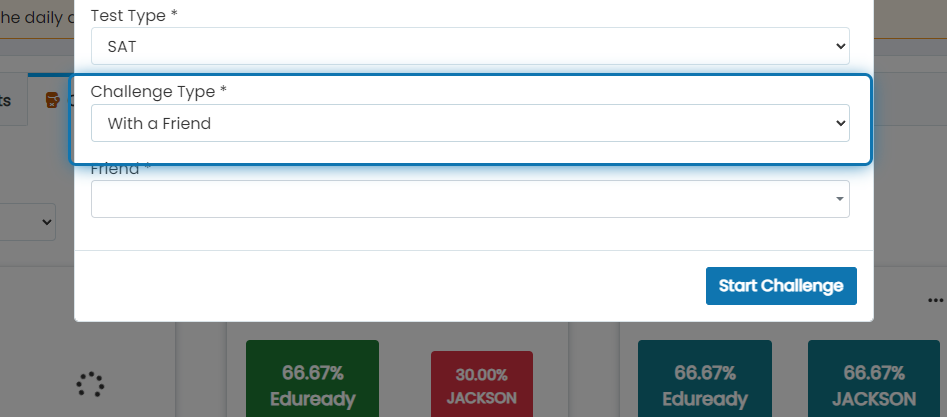
8. Choose the friend you'd like to challenge
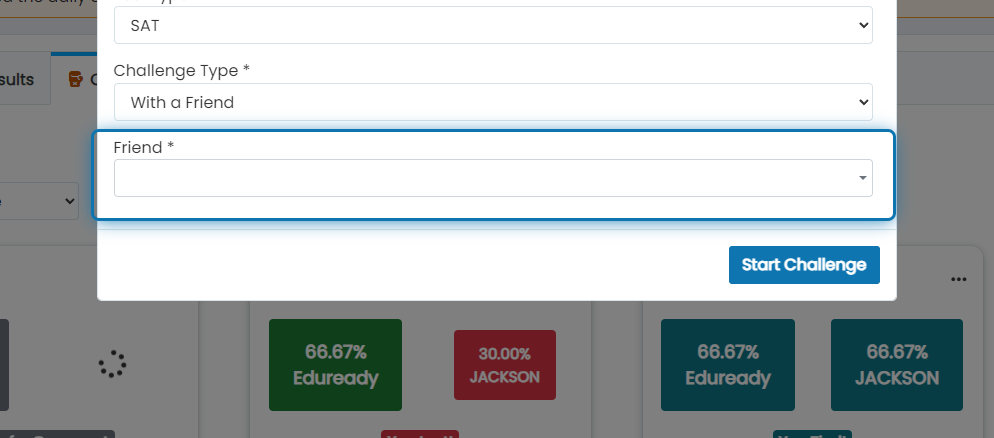
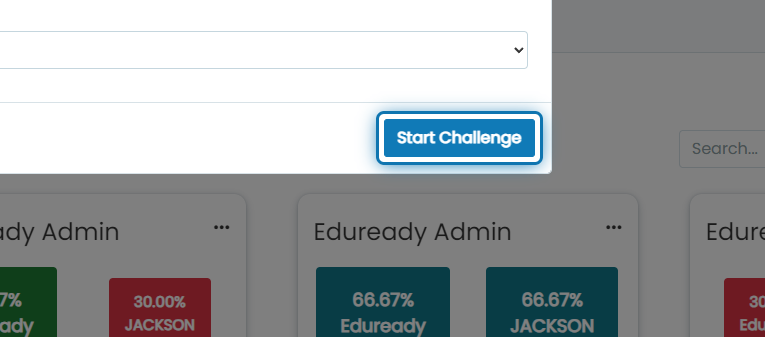
9. Click on Start Challenge
10. 5 questions will be generated, answer the questions
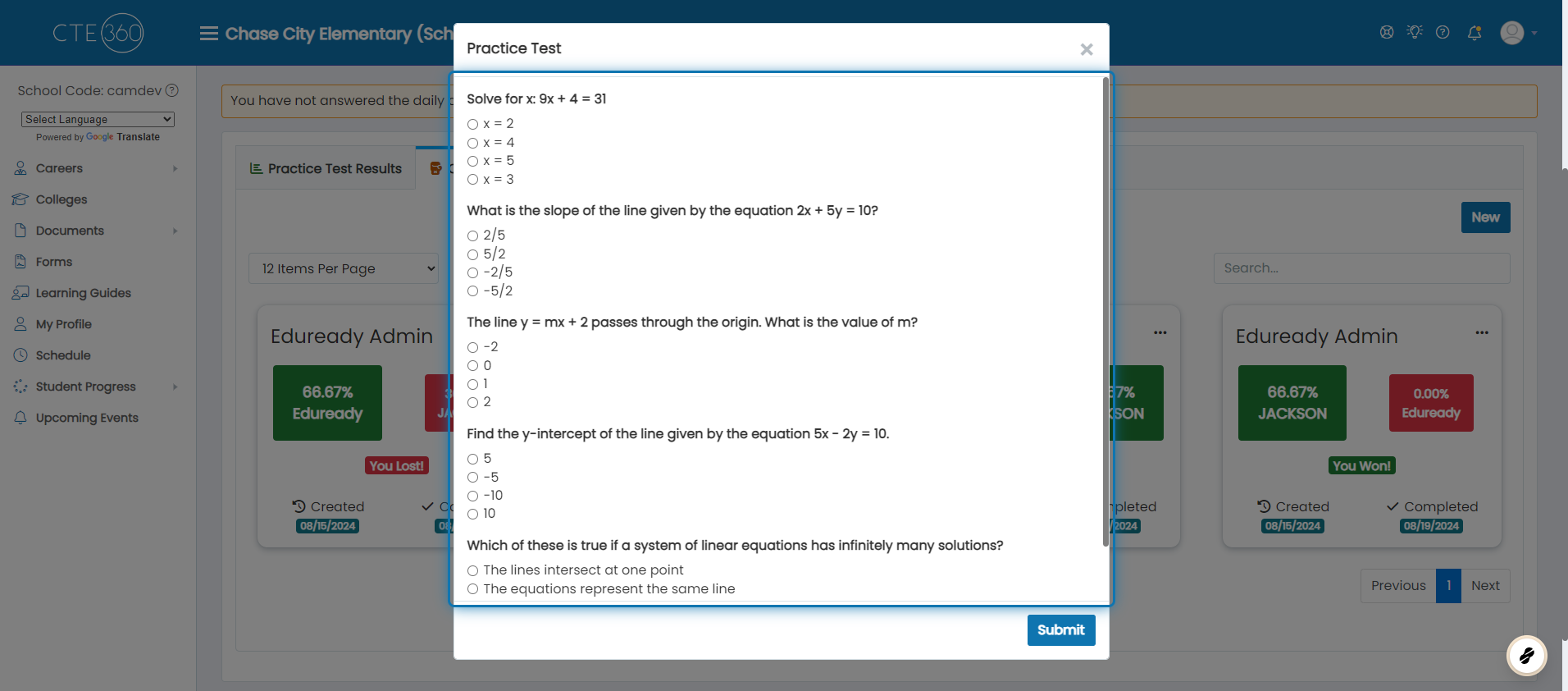
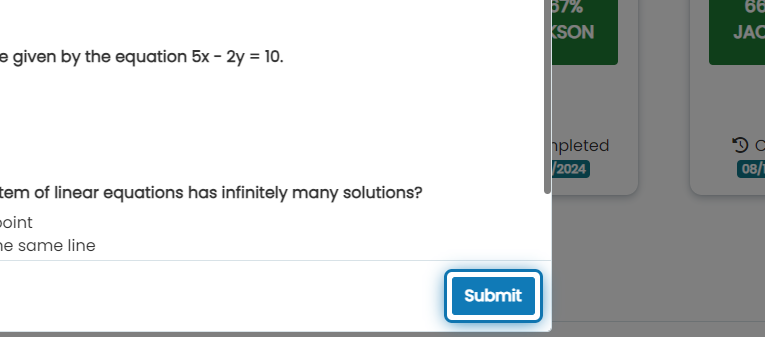
11. Click on Submit
The results of your challenge will be shown in the overview under the Challenge tab
Was this helpful?
Still need help? Ask the team