How can I get a list of all advisory board members and the last time they attended an activity/meeting?
Last updated 6 days ago
1. Navigate to the reports page
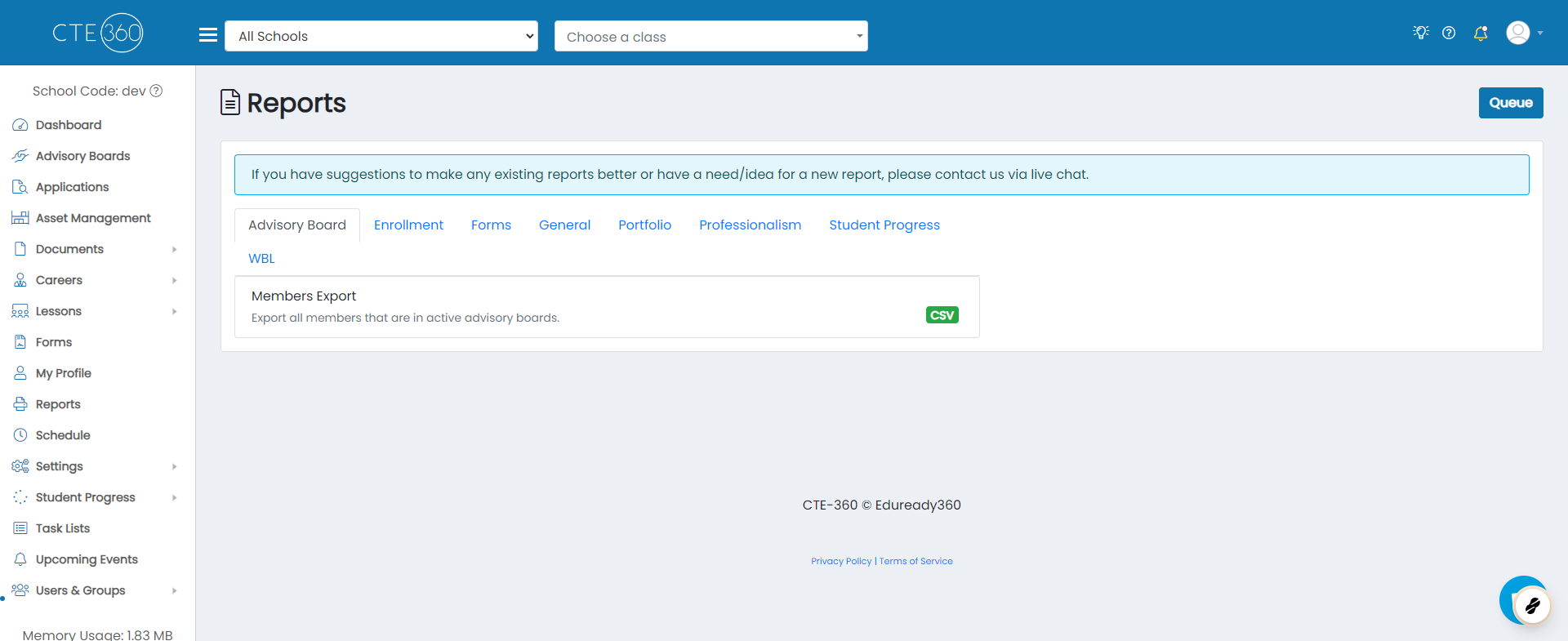
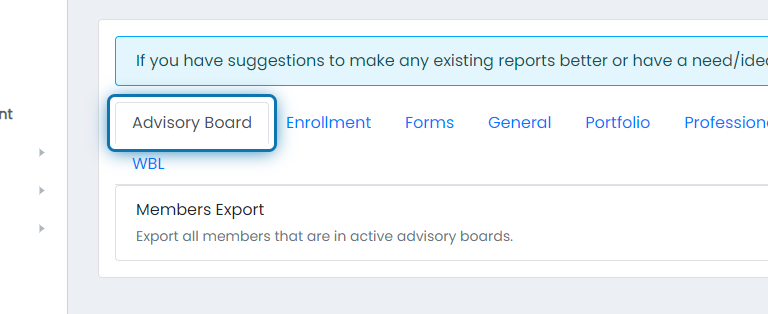
2. Click on the Advisory Board tab
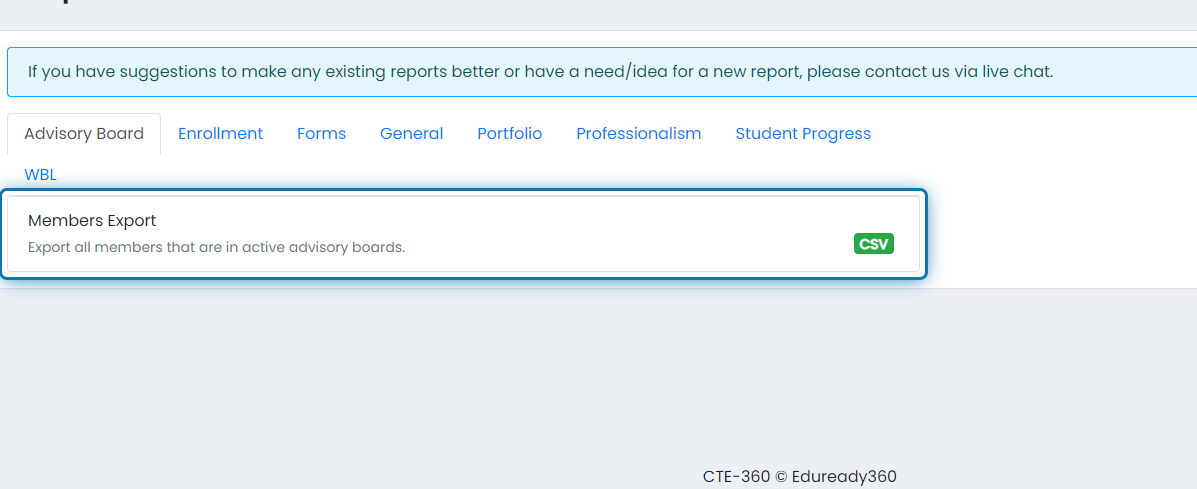
3. Click on Members Export
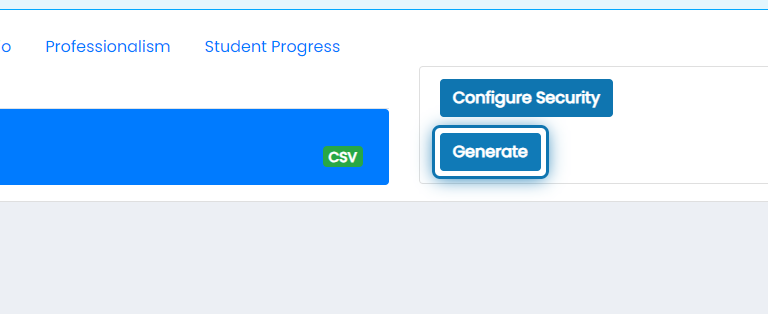
4. Click on Generate
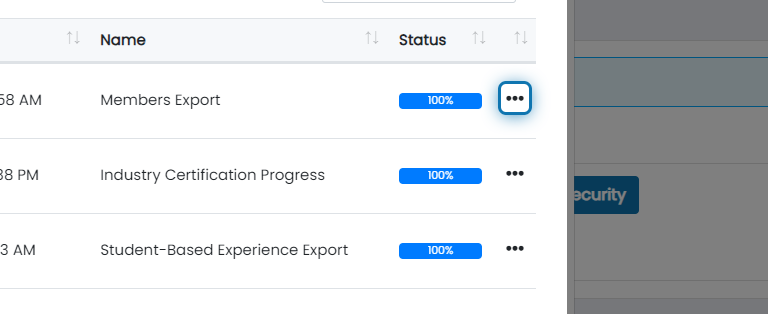
5. After the report reaches 100%, click on the action button
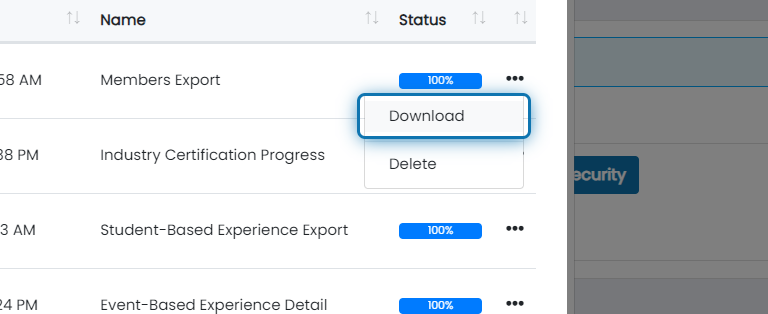
6. Click on Download
This will export the following information:
Employer Name
Member Type
Salutation
First Name
Last Name
Job Title
Email
Last Attended
Mobile Phone
Work Phone
Home Phone
Address 1
Address 2
City
State
Zip
Classes
Was this helpful?
Still need help? Ask the team