How do I create a Distributable Form?
Distributable Forms are only accessible to CTE accounts.
Last updated 44 minutes ago
Ensure your form template has already been created and built out via Form Templates
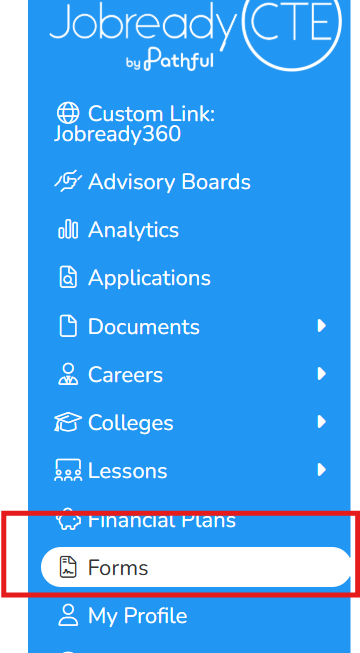
Navigate to Forms
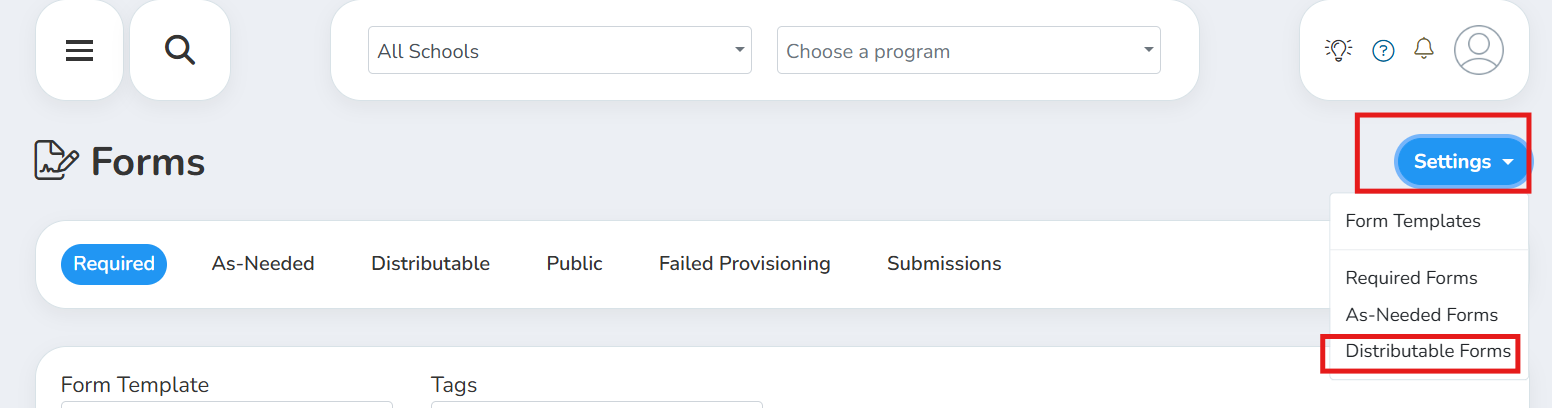
Click Settings in the top right-Distributable Forms
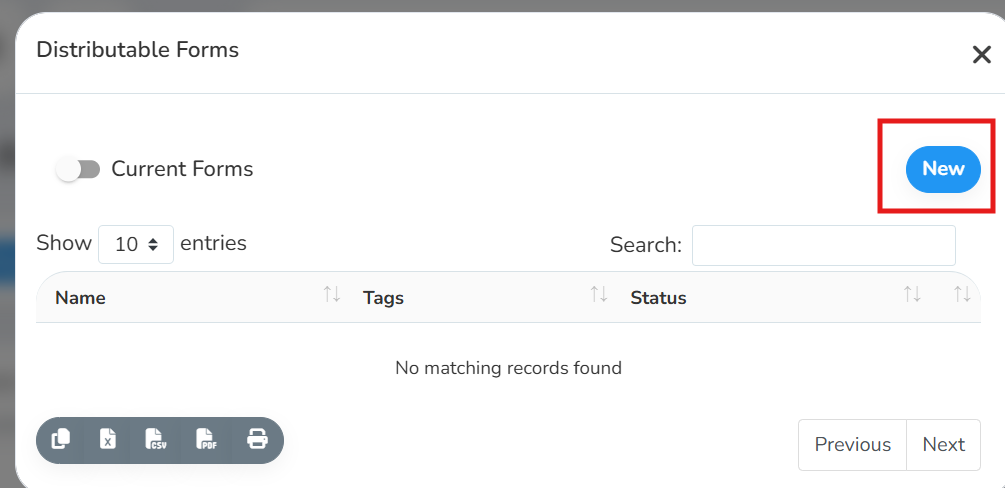
Click the blue New in the top right
Select your Form Template, give your Distributable Form an alias and add Tags (both optional)
Select the type of user you want to have access to the form so they can create new distributions (we advise you don’t select students here unless you want students to be able to access this form and create new submissions for it)
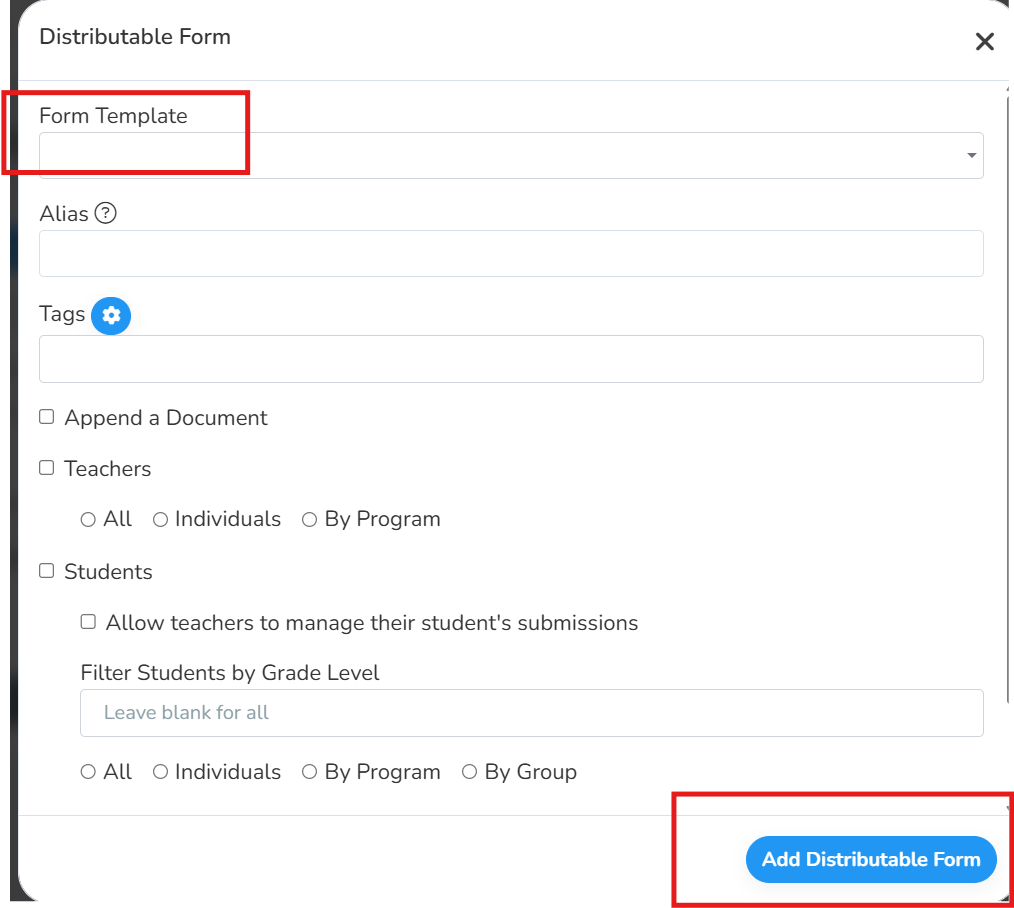
Click Add Distributable Form
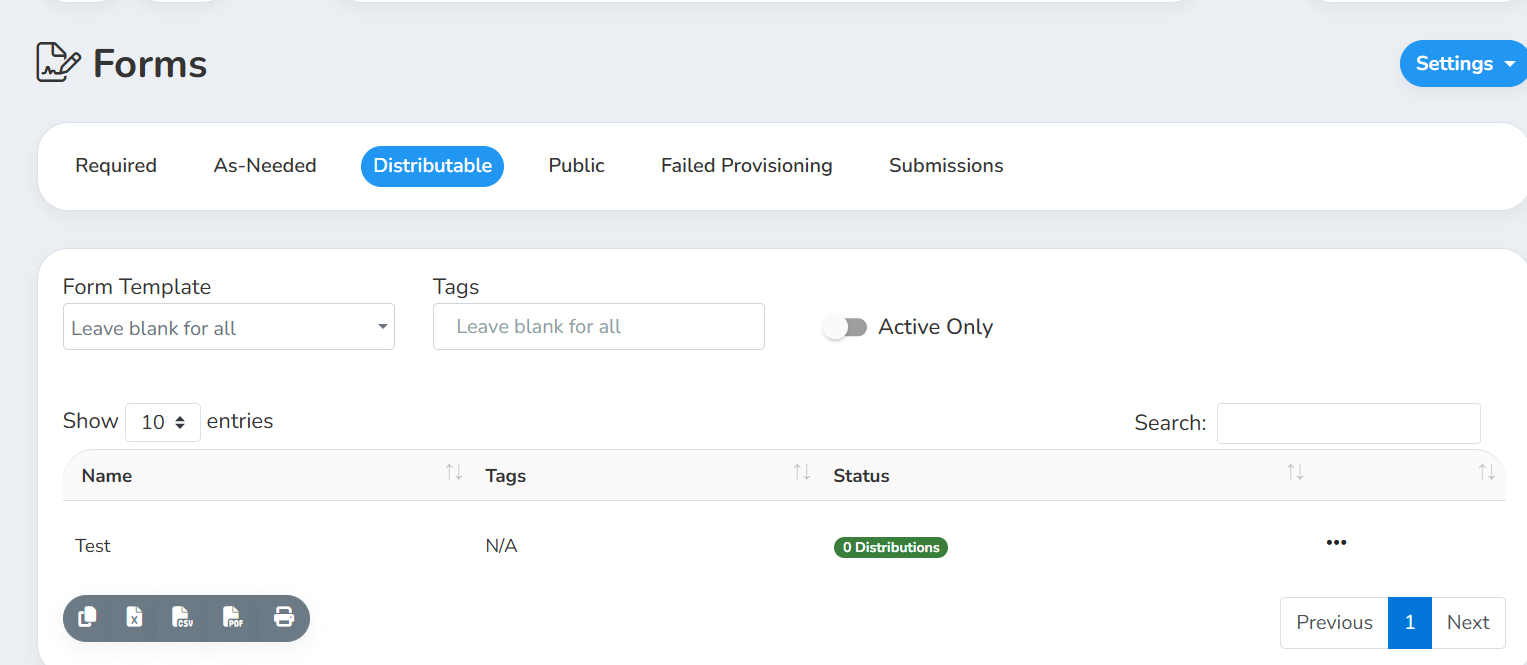
Under Forms-click onto the Distributable tab. You should see your new distribution
The selected user type(s) will now be able to navigate to Forms and create a new distribution when necessary.
For more information on how to create a new distribution and how to check the status of a distribution, please see this article.
Was this helpful?
Still need help? Ask the team