How do I report on all students who have received badges?
Last updated 6 days ago
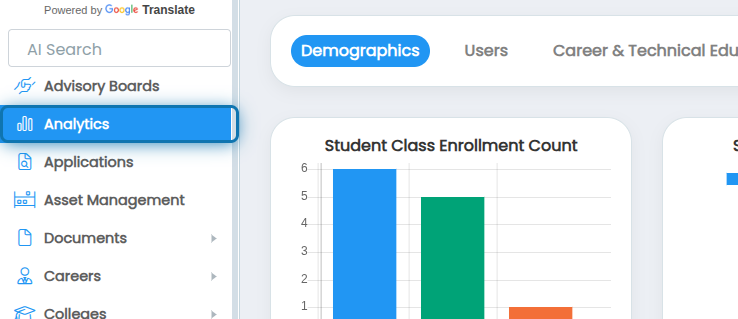
1. Navigate to the Analytics page
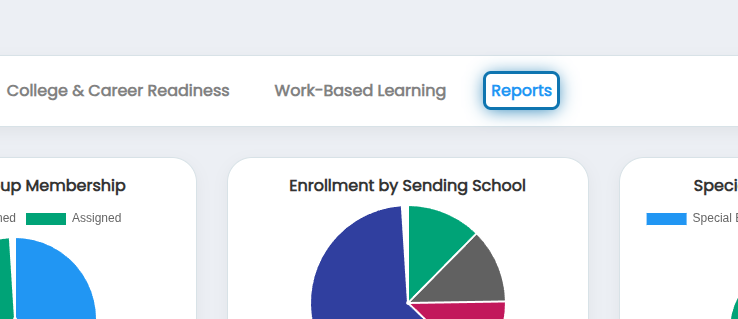
2. Click on Reports
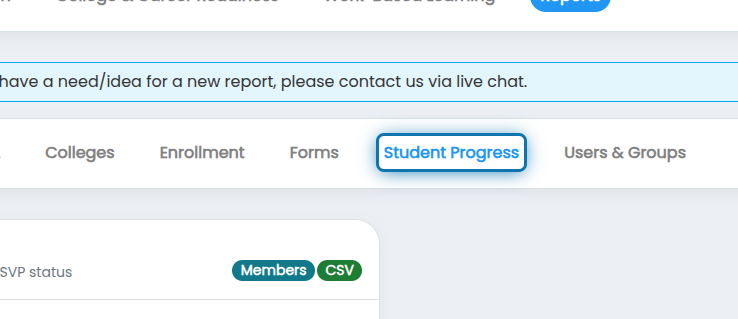
3. Click on Student Progress
4. Click on Badge Fulfillment
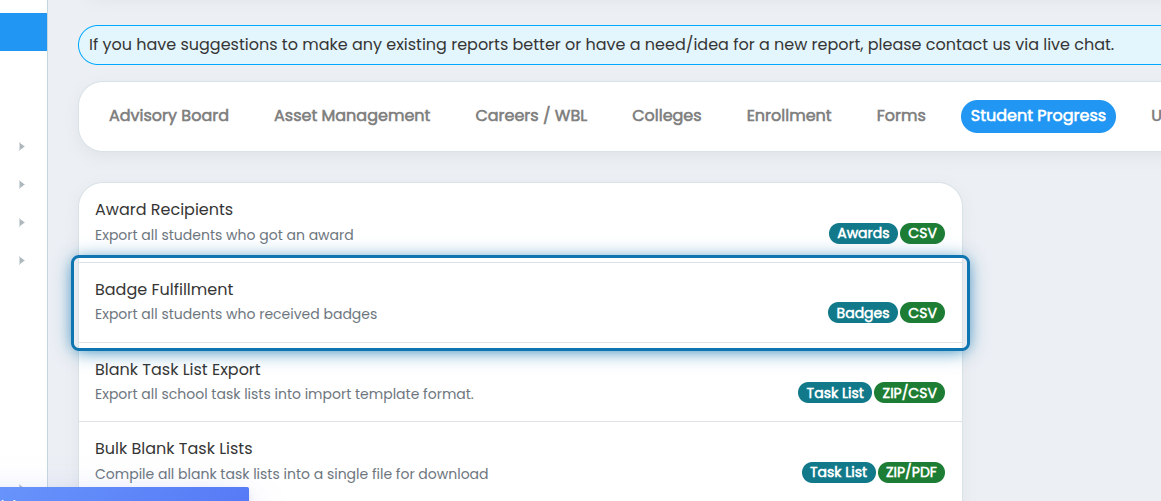
5. Specify any filters you'd like to apply to the report

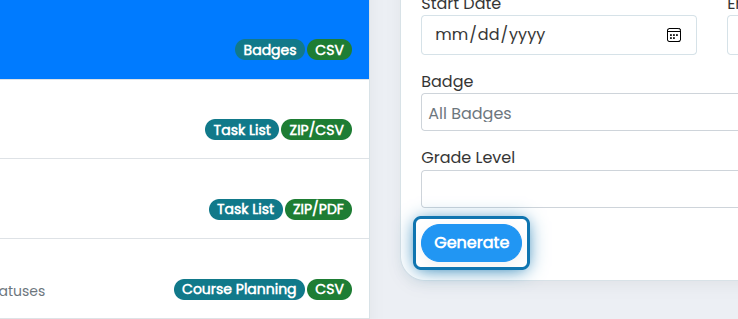
6. Click on Generate
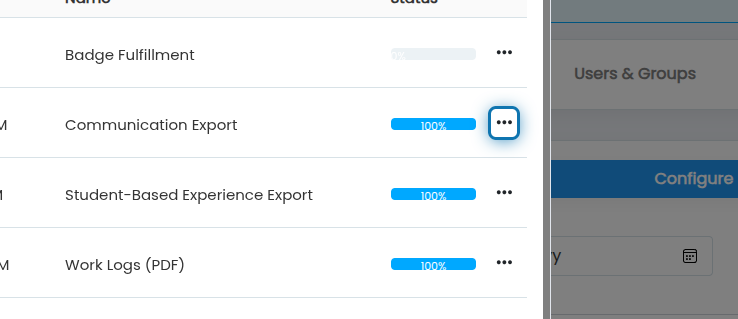
7. After the report reaches 100%, click the action button
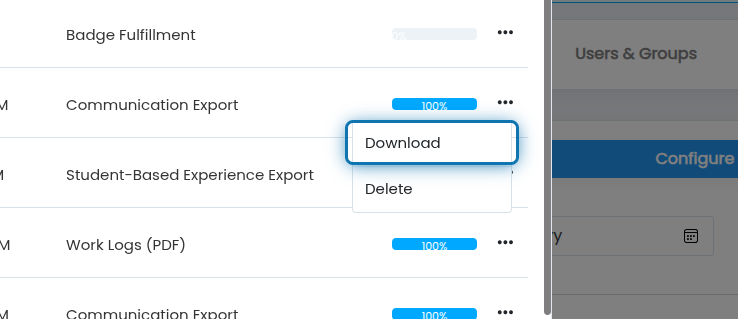
8. Click on Download
The report will be downloaded as a CSV file. The data will include:
Badge
Received On
First Name
Last Name
Email
State Student Number
Grade Level
Graduation Year
Was this helpful?
Still need help? Ask the team