How do I report on all student information that is not found in the SIS?
Last updated 6 days ago
1. Navigate to the reports page
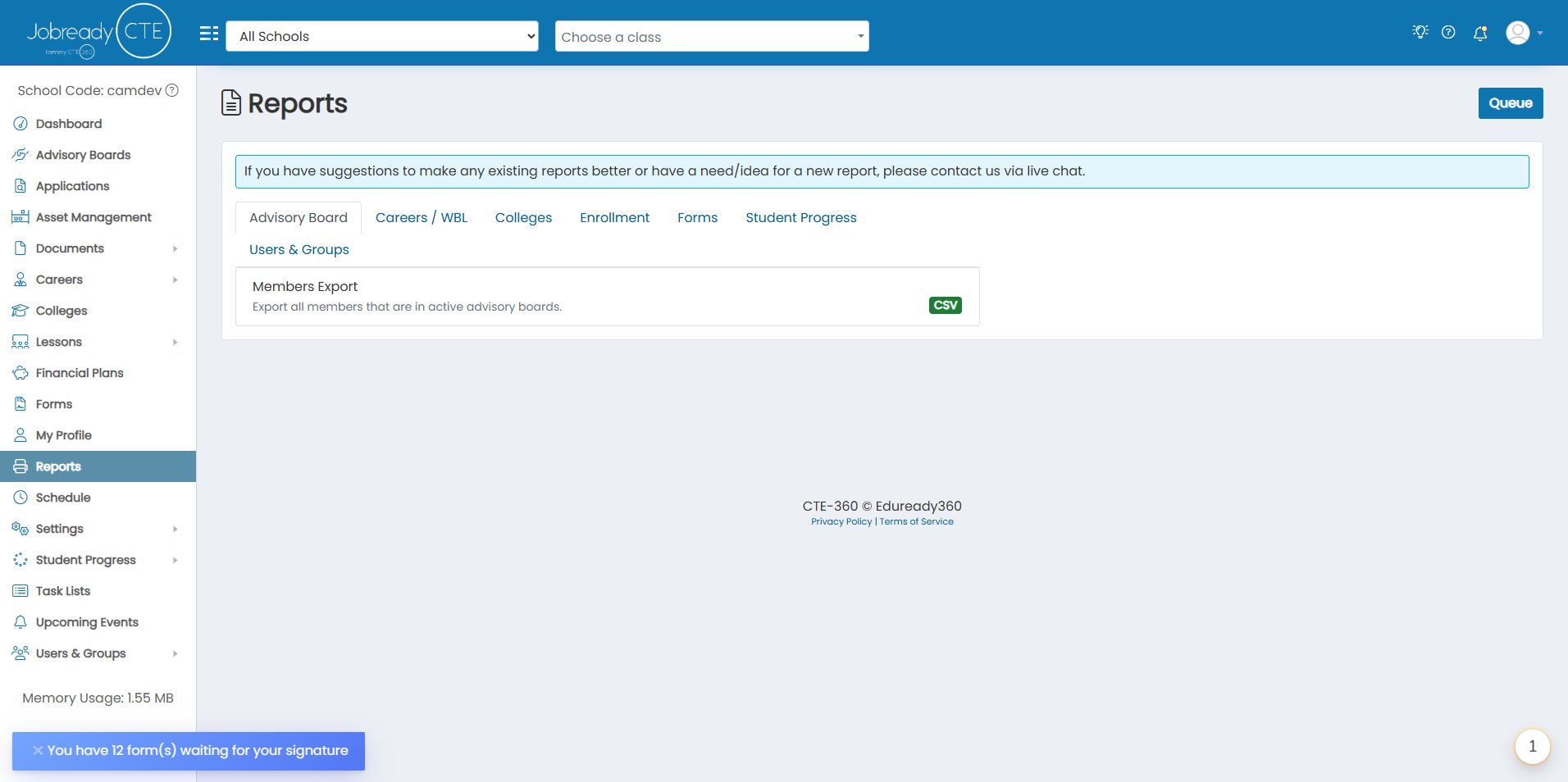
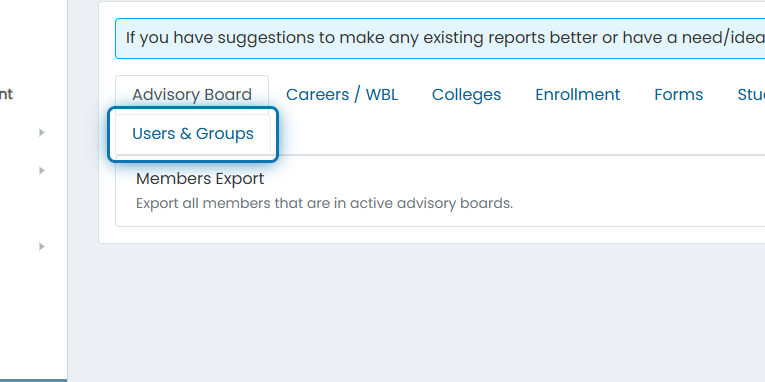
2. Click on Users & Groups
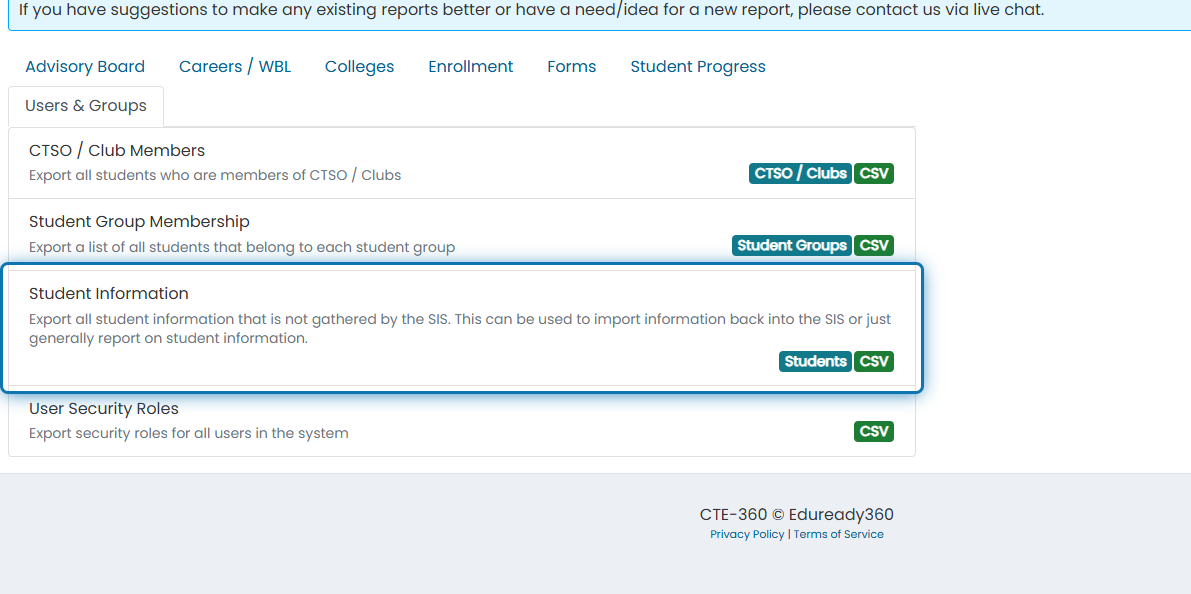
3. Click on Student Information
4. Filter down by any of the following fields
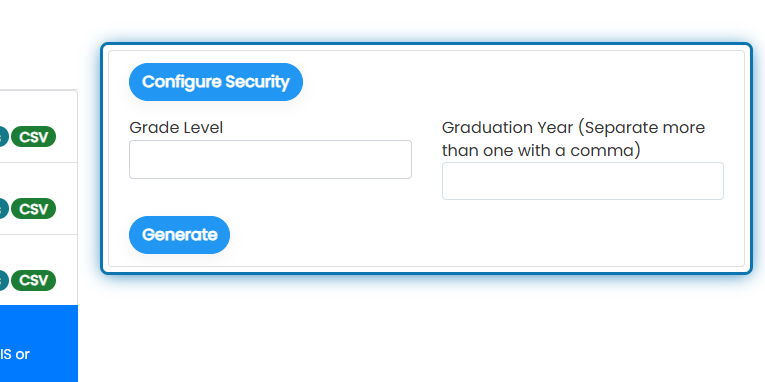
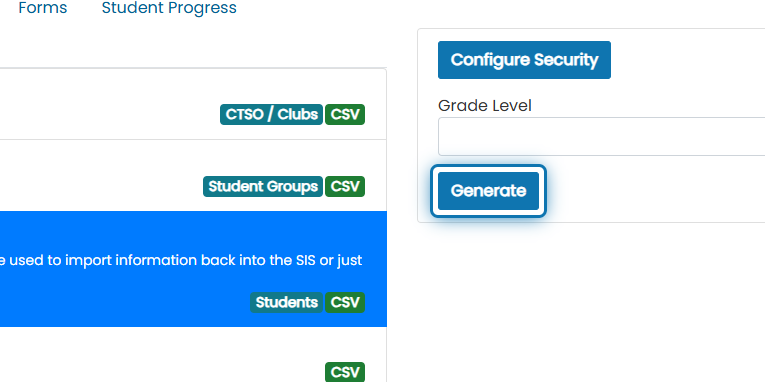
5. Click on Generate
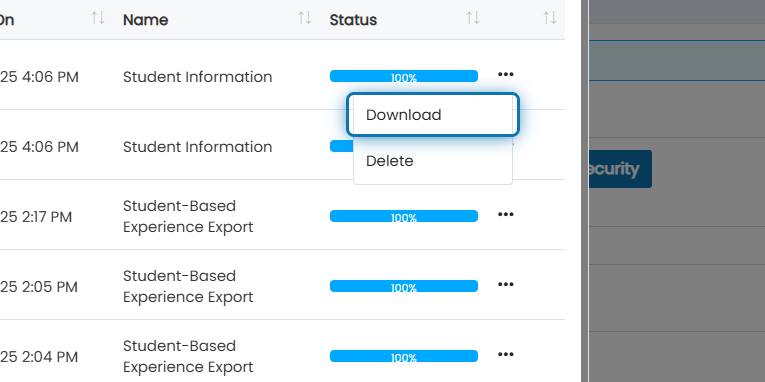
6. After status is 100%, click the action button next to the most recent report

7. Click on Download
The report will contain the following columns:
Student First Name
Student Last Name
Email
Alternative Email
State Student Number
Grade Level
Graduation Year
Program
Sending School
Was this helpful?
Still need help? Ask the team