How do I manage Custom Links in Jobready?
This article explains how to create a custom link in Jobready. Custom links appear in the navigation menu, allowing quick access to external information.
Last updated 4 days ago
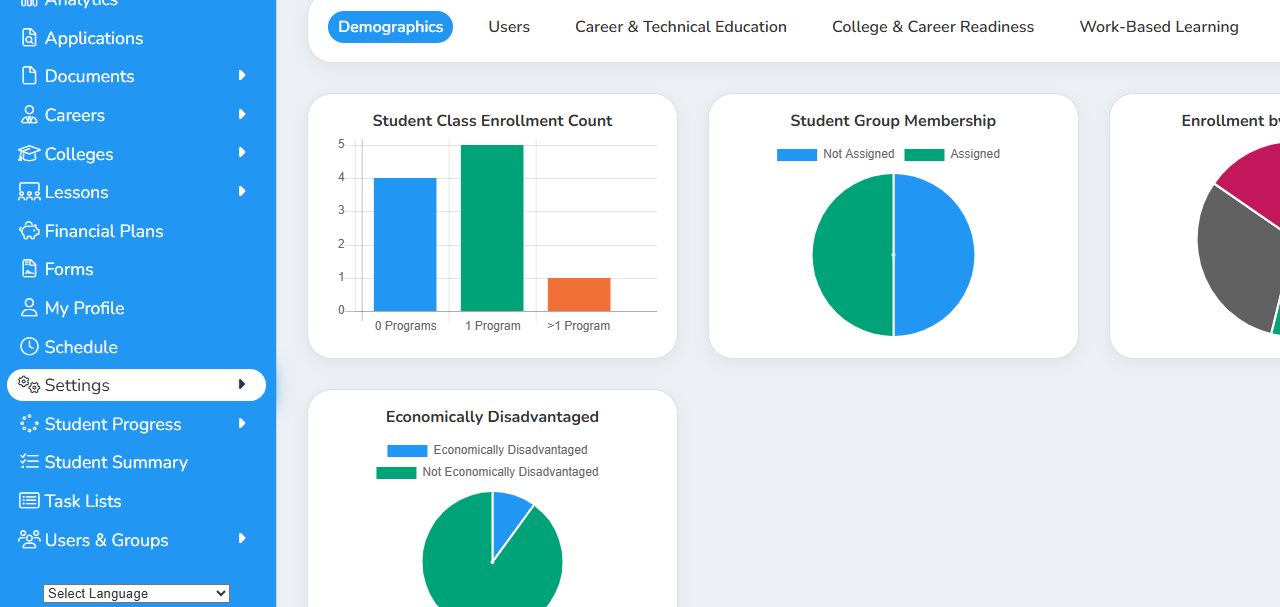
1. Click on Settings in the navigation menu
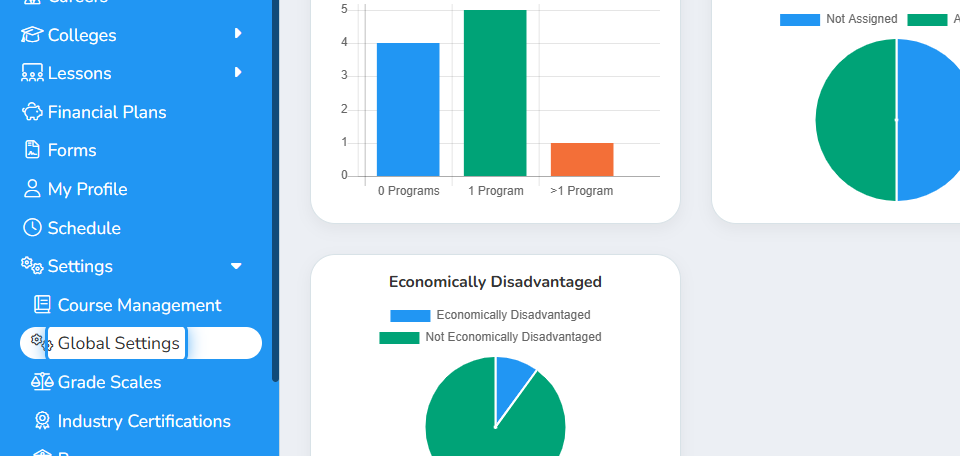
2. Click on Global Settings in the expanded list
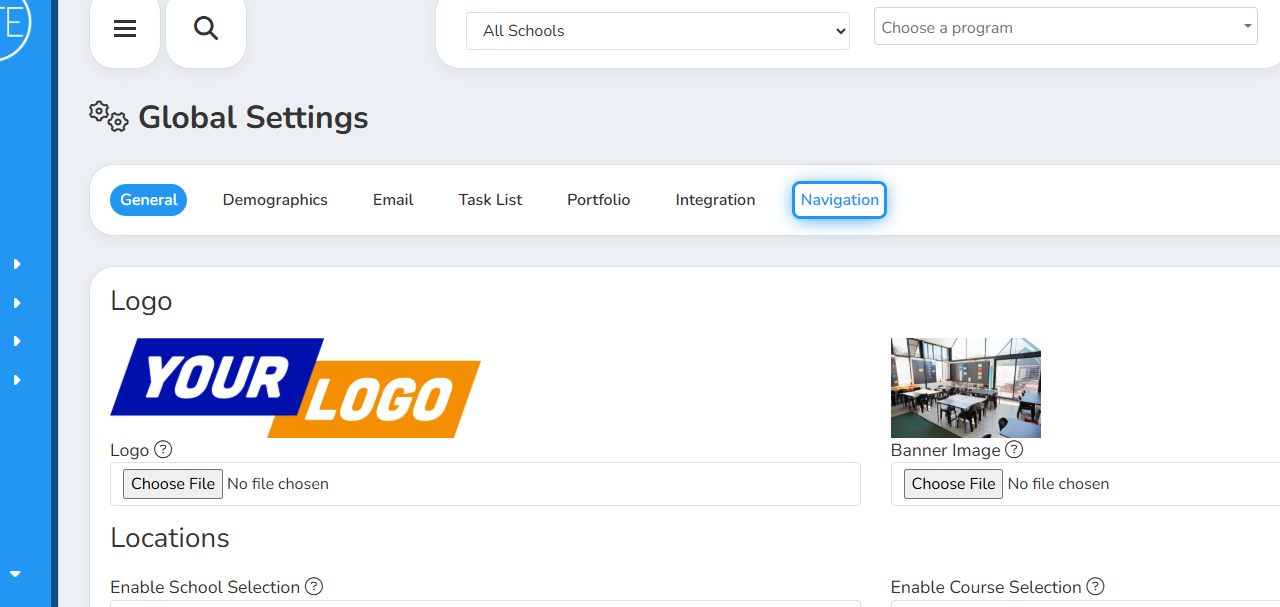
3. Click on Navigation in the Global Settings management window
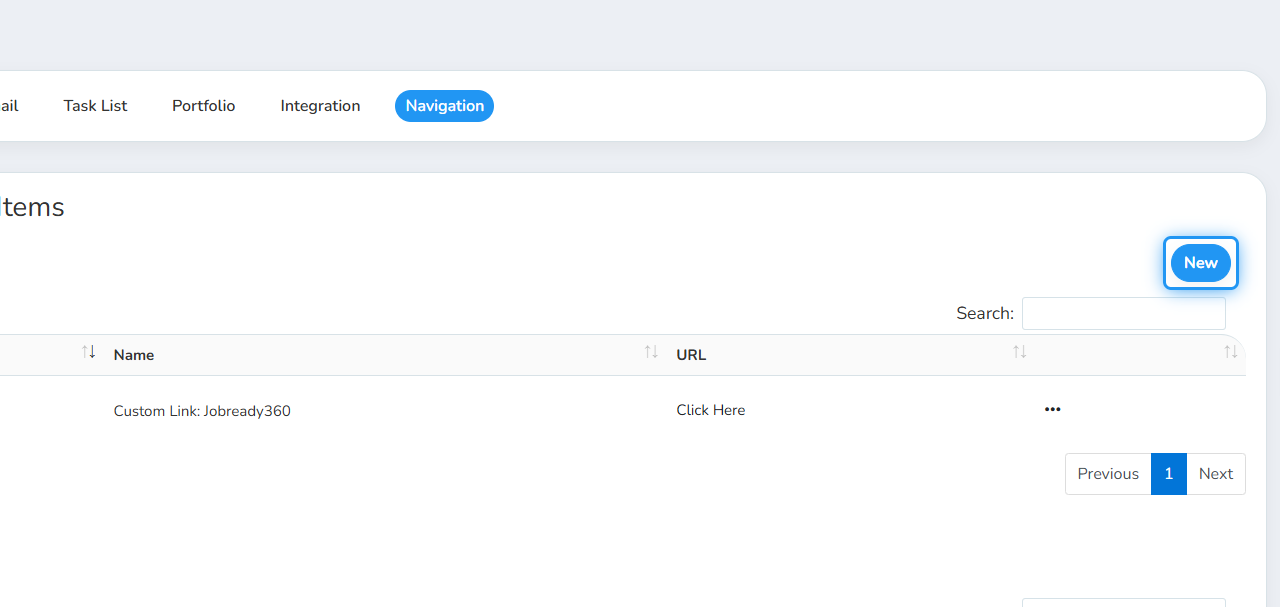
4. Click on New to add a new custom link.
You can edit an established custom link using the action button for the link.
5. Enter the Name of the custom link. This is the name that will appear in the navigation menu.
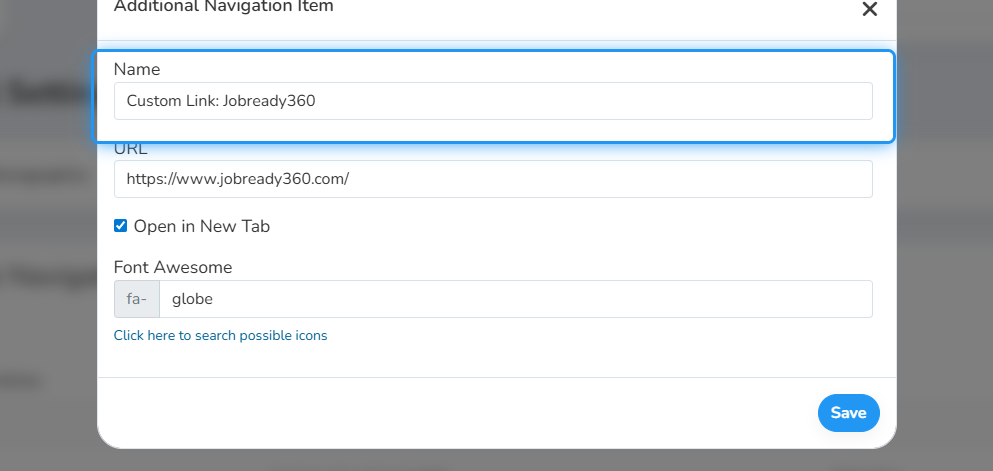
6. Add the URL
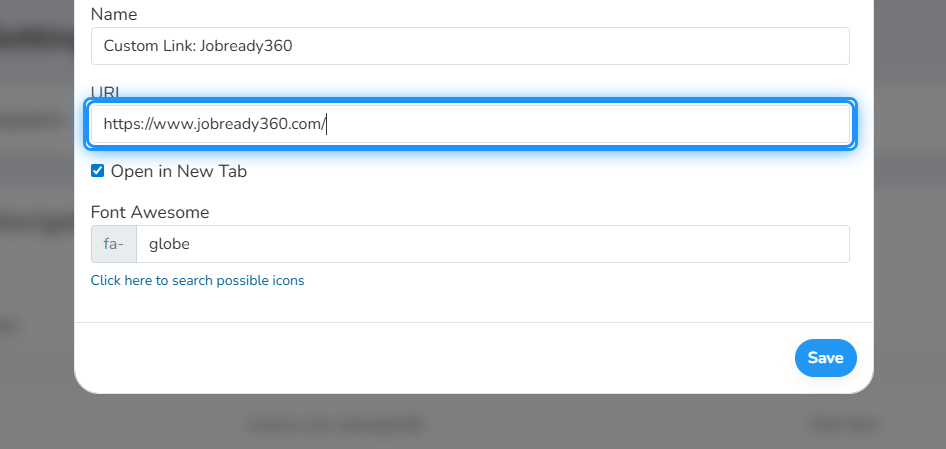
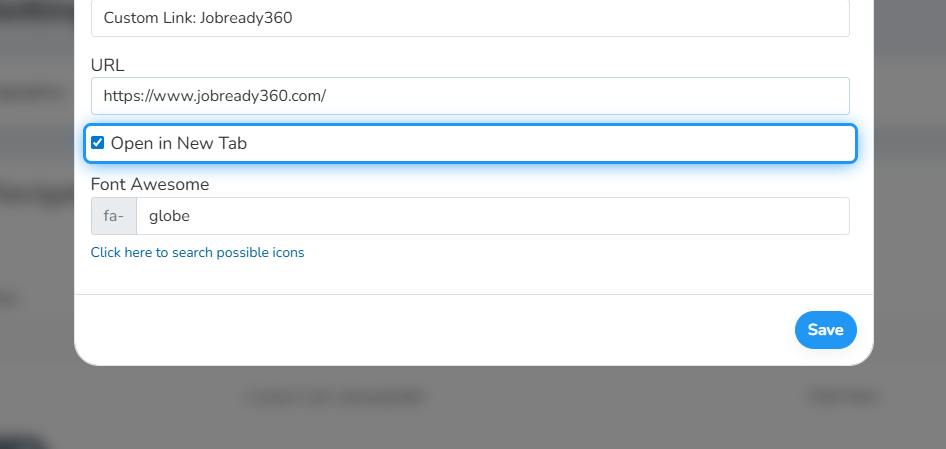
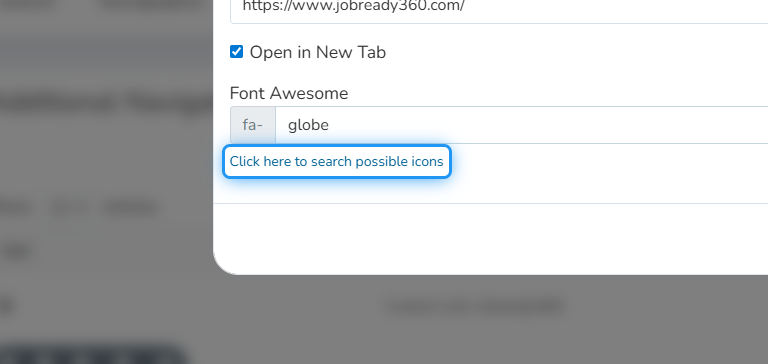
7. Check the "Open in a New Tab" box if you would like the link to be opened in a new tab when clicked.
8. Enter the icon to be associated with the custom link in the navigation menu.
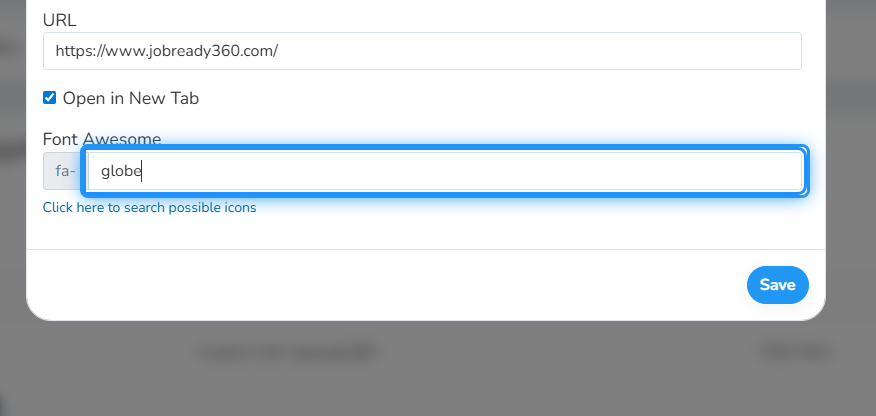
You may use the provided link to search for possible icons you would like to associate with the custom link.
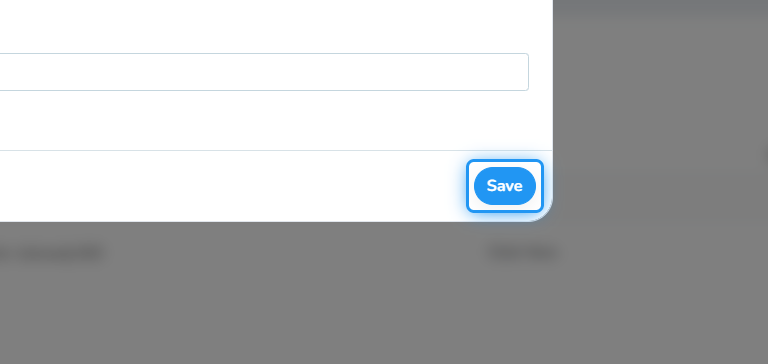
9. Click Save
Was this helpful?
Still need help? Ask the team