What's the difference between Complete/Incomplete and Grade Scales for skill sets in Work-Based Learning?
Last updated 14 days ago
Note: These options appear when Skill Tracking is enabled on the WBL Type. Please see How do I turn on Skill Tracking for a WBL Type? for more information.
Choosing How Skills Are Marked
When you set up a WBL Type, choose Complete/Incomplete or Grade Scale to decide how skill progress is tracked on its experiences.
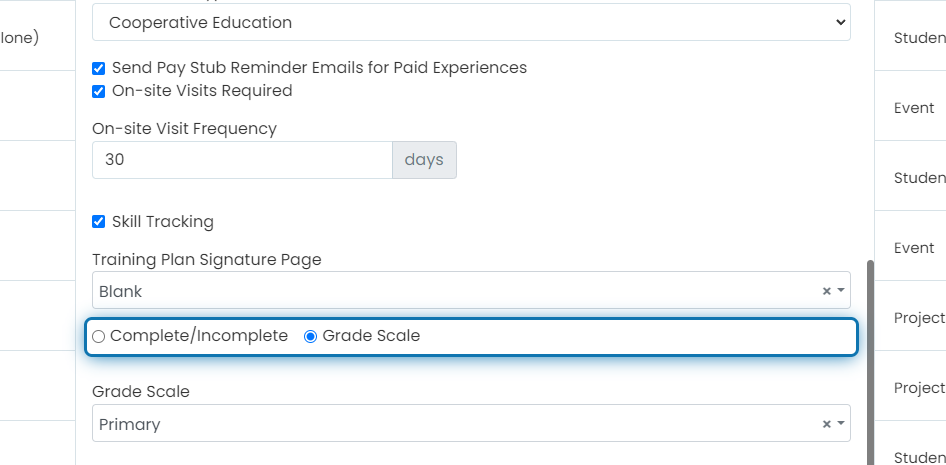
Complete/Incomplete
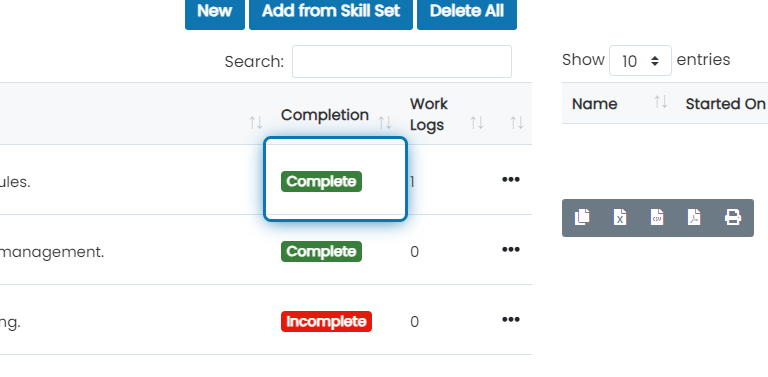
Each skill on the experience is marked either complete or incomplete. There's no measure of how well the student knows the skill. Because of this, when a work log with a skill attached is approved, that skill is marked complete automatically.
Grade Scale
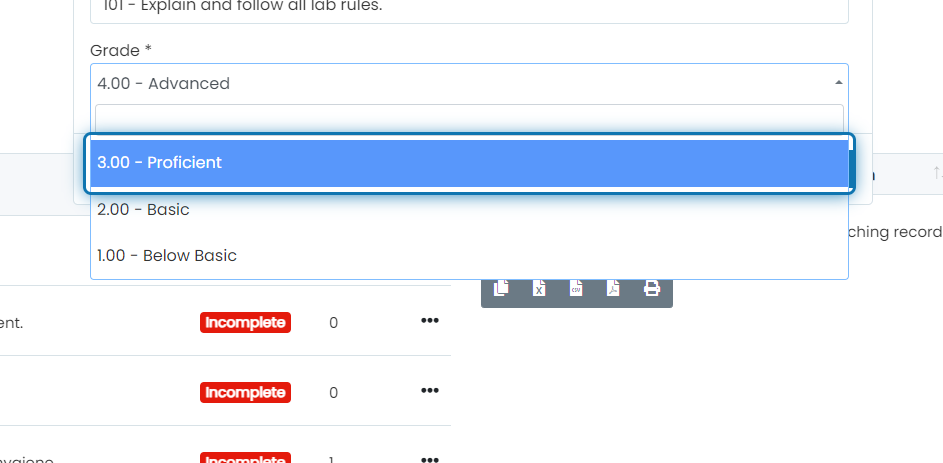
Each skill is rated by how well the student knows it. In this example we selected Advanced, but you could choose Basic if the student knows the skill a little but isn't yet Proficient. You decide the levels in your grade scale and which ones count as passing. You can also send employer evaluations so employers rate the student instead.
Because there are several levels, approving a work log with a skill attached doesn't grade the skill automatically. We can't know which level to give it.
To set up a grade scale, see How do I create a Grade Scale?
Was this helpful?
Still need help? Ask the team