How do I clone a state task list to a school task list to be used for grading?
Last updated 6 days ago
1. Navigate to the task list management page
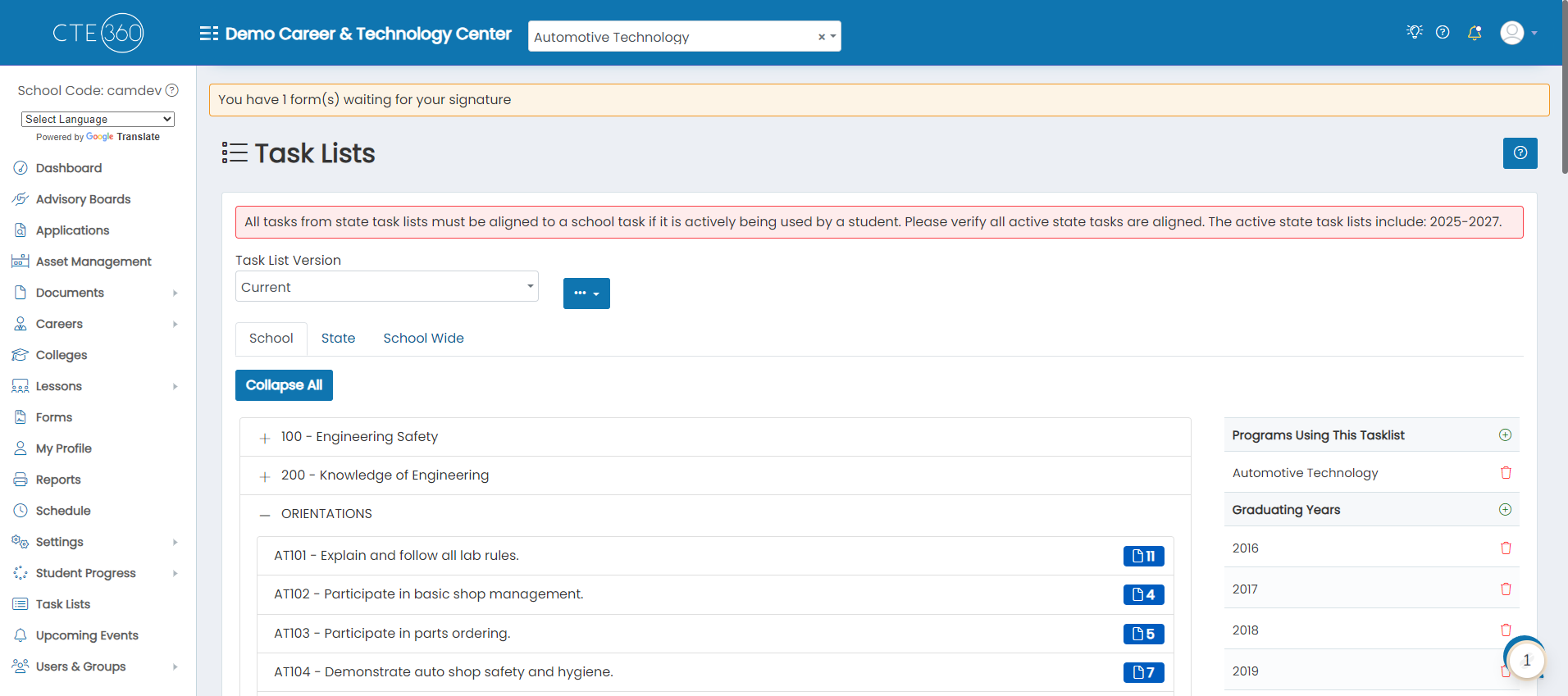
2. Click on the State tab

3. Choose the task list you'd like to clone
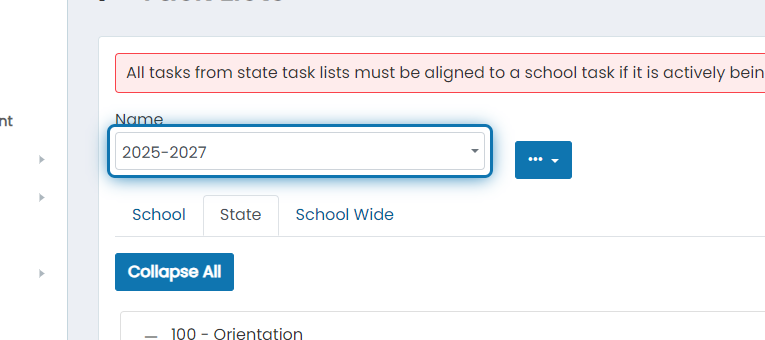
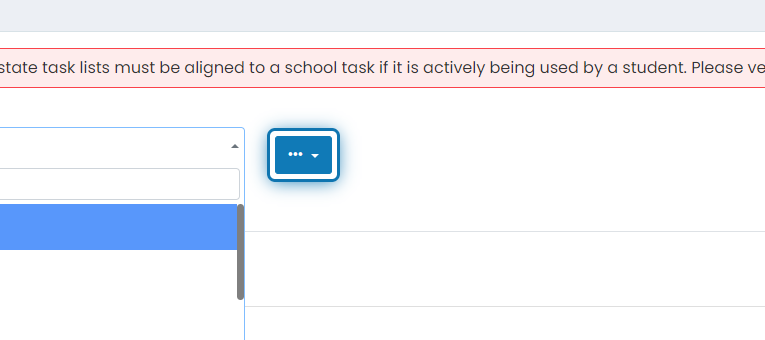
4. Click on the action button
5. Click on Clone
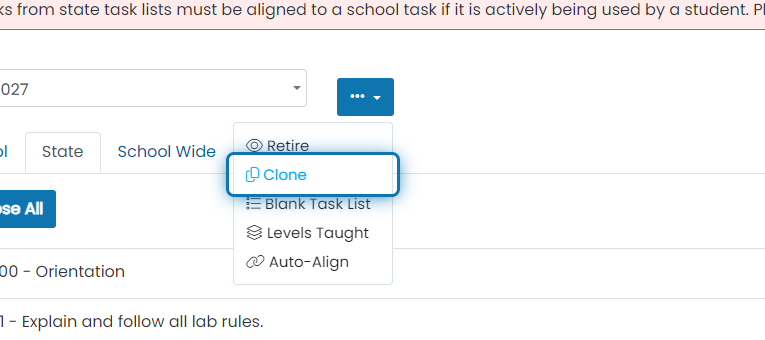
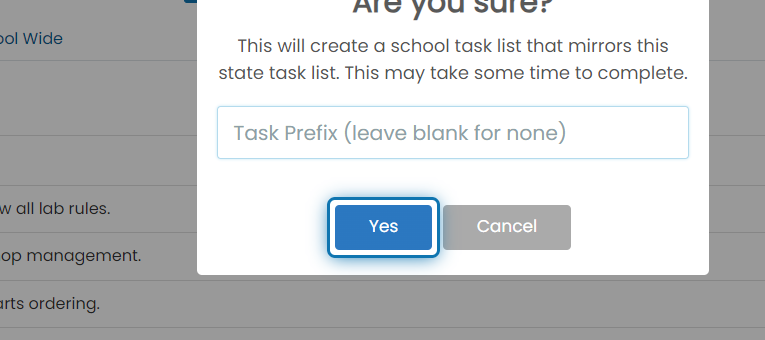
6. Specify what prefix you'd like to use for your units and tasks

7. Click on yes when you're ready to clone
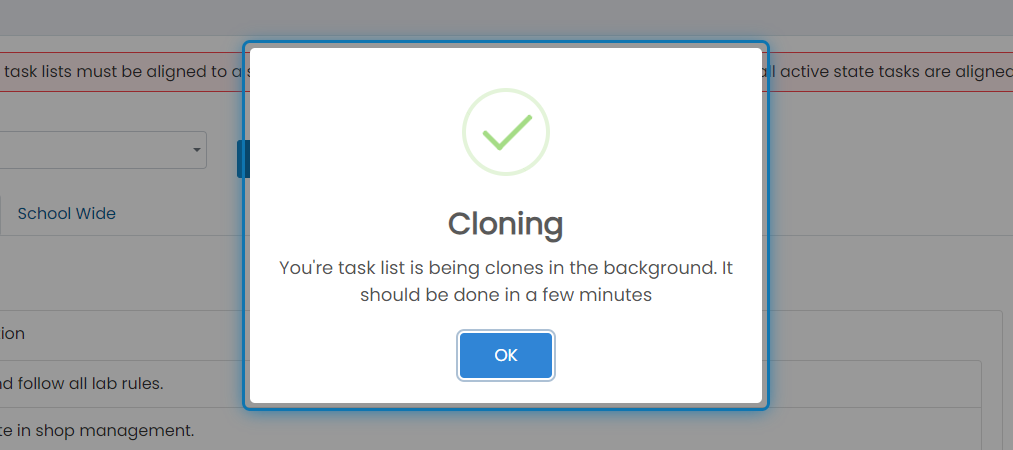
8. Clone started
The task list is cloned in the background. This may take a few minutes. If it never clones, please contact support.
Was this helpful?
Still need help? Ask the team