How do I store and manage my FAFSA award letters?
Last updated 6 days ago
1. Navigate to the Financial Planning module
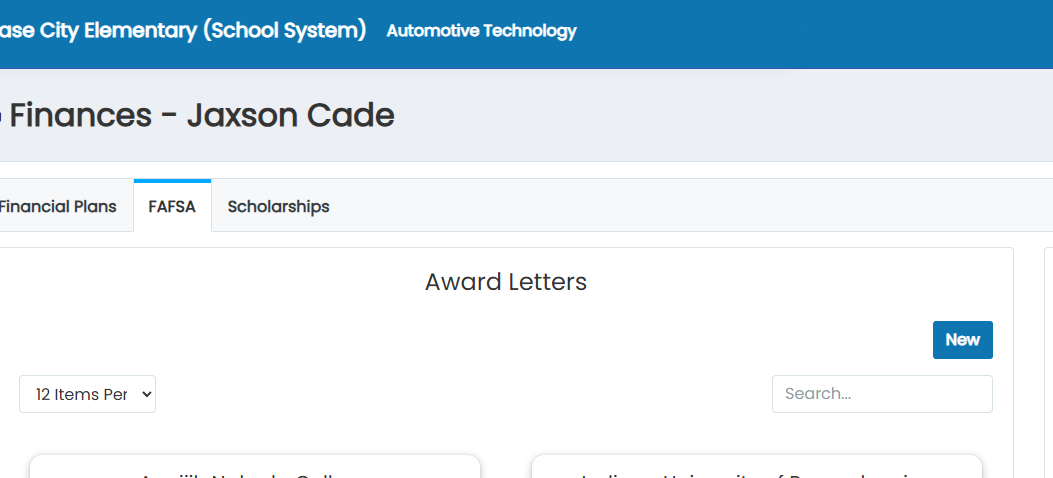
2. Click on FAFSA
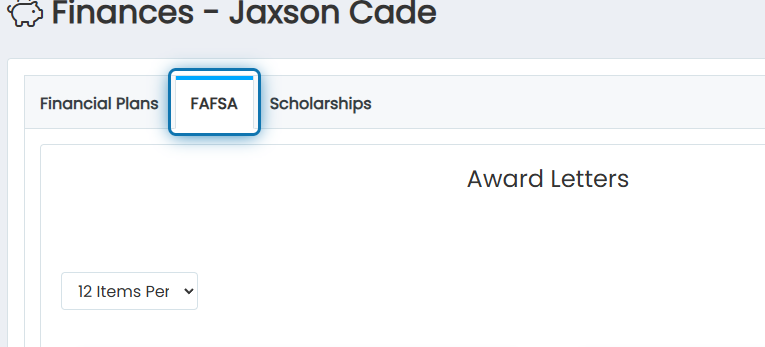
3. Here you will see your award letters
If you don't see award letters, that means that your FAFSA filing status is not marked as "Completed."
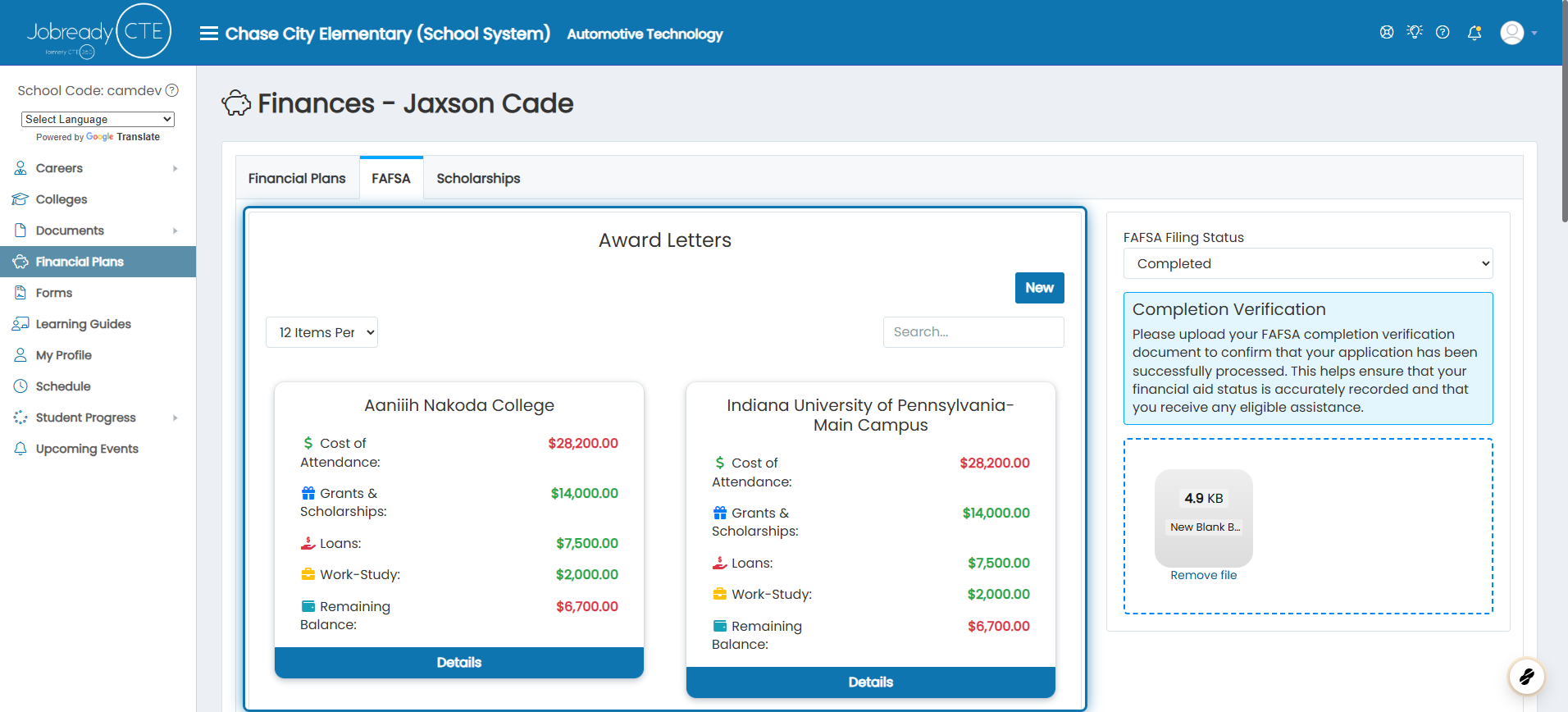
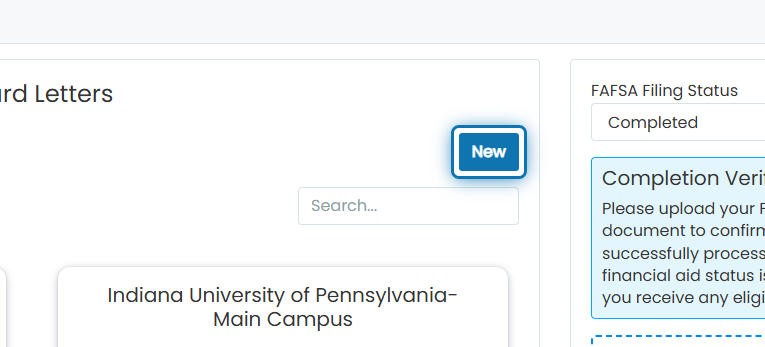
4. Click on New to add a new award letter
5. Choose the college that sent the award letter
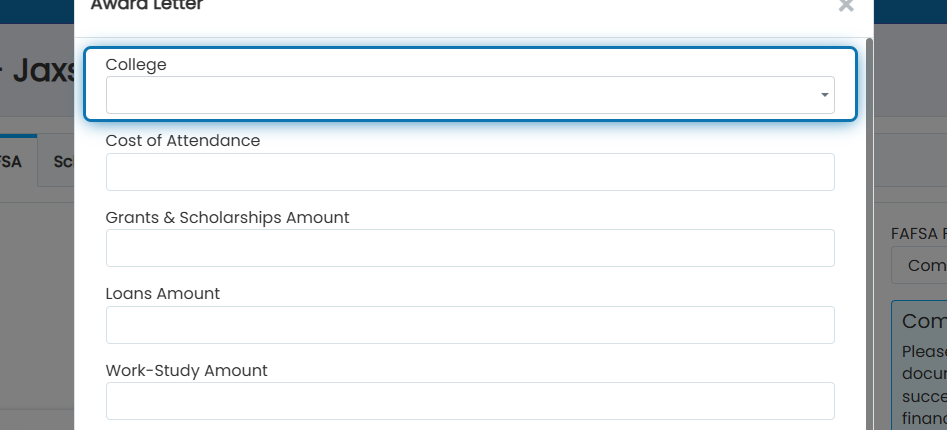
6. Specify the total cost of attendance
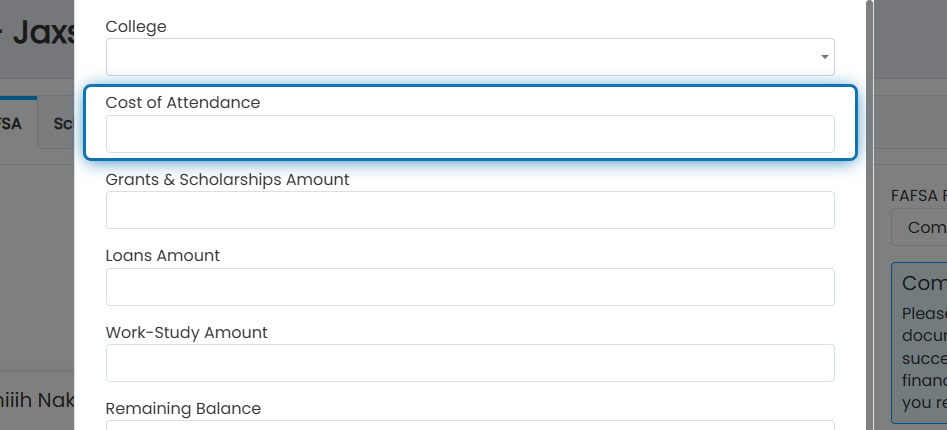
7. Specify the total grants and scholarships
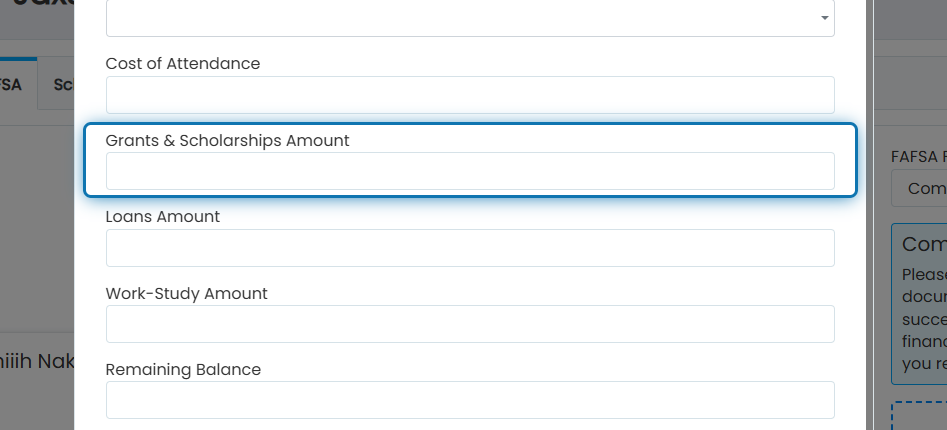
8. Specify the amount they'll give you in loans, both subsidized and unsubsidized
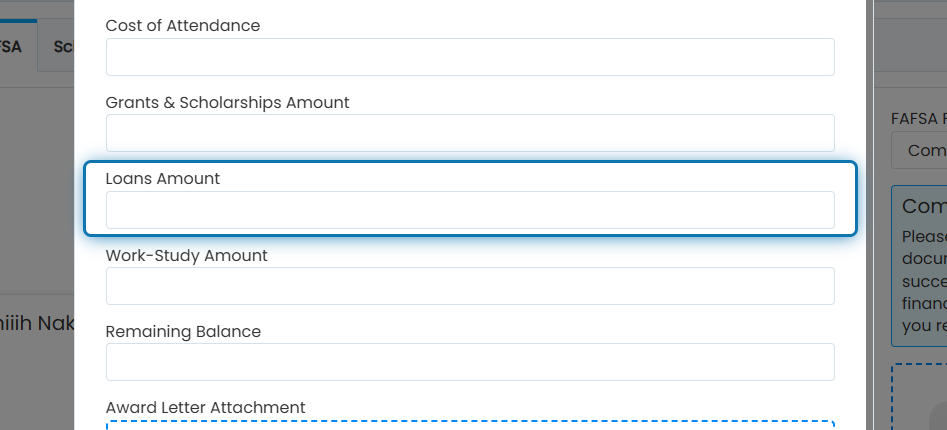
9. Specify any work-study money you were given
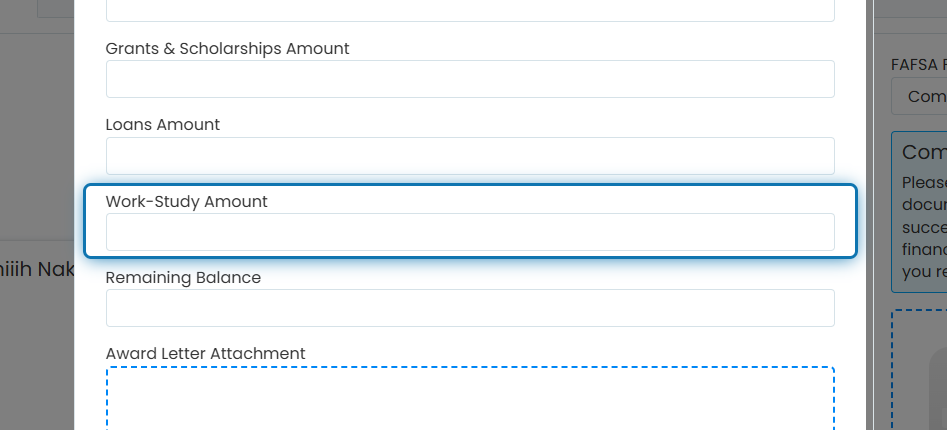
10. Specify the remaining balance
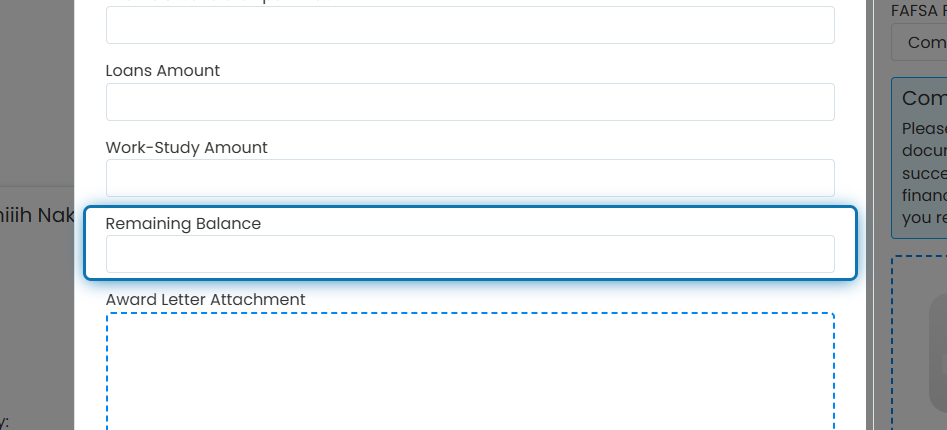
11. Here, you can upload the award letter itself, so you have it documented
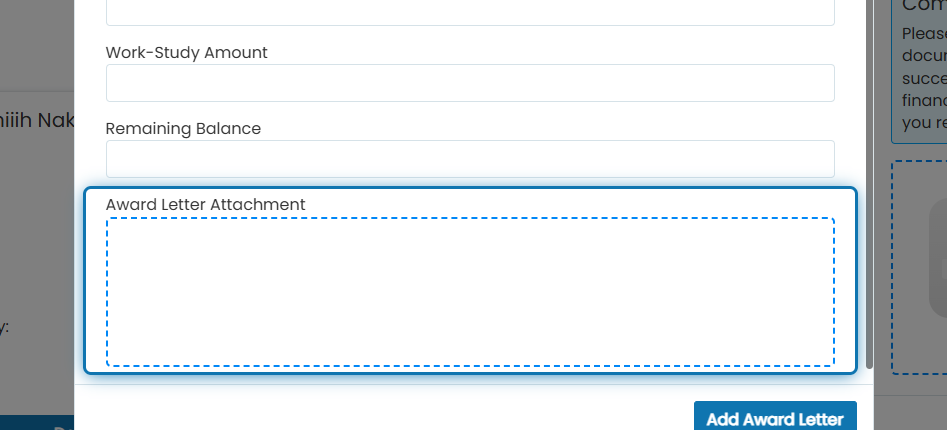
12. Click on Add Award Letter
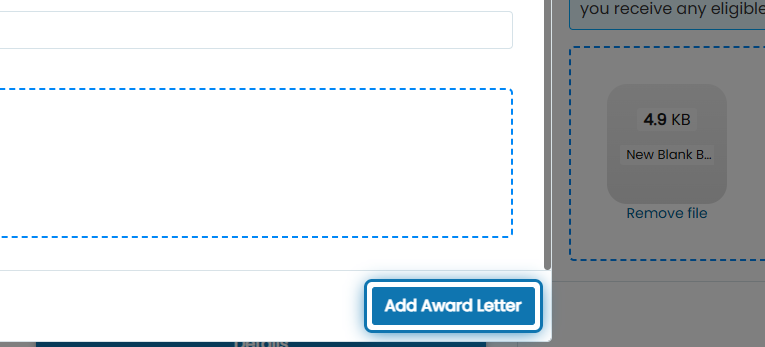
Suppose you were assigned a “FASA Award Letter Count” Career Planning Activity. In that case, Jobready will monitor the number of award letters uploaded to automatically mark the activity completed once the assigned number of award letters has been uploaded.
Was this helpful?
Still need help? Ask the team