How can I specify if meeting minutes and administrative responses are enabled for advisory board meetings?
Last updated 6 days ago
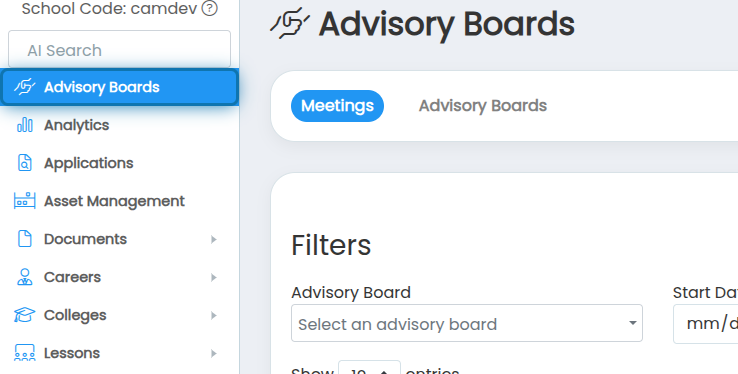
1. Navigate to the Advisory Board page
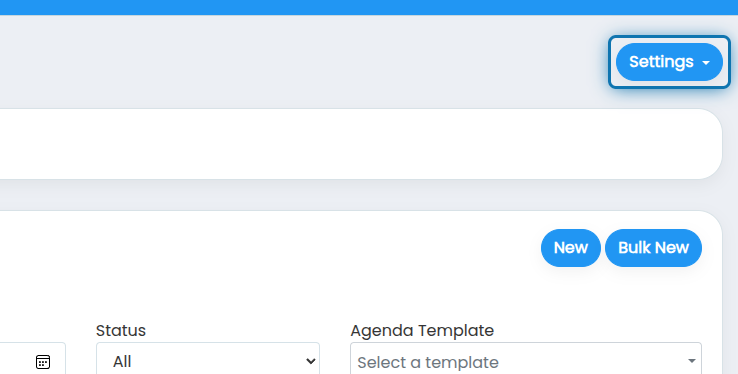
2. Click on Settings
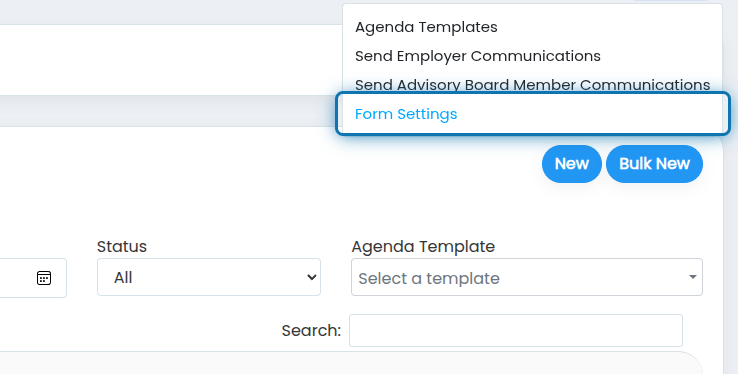
3. Click on Form Settings
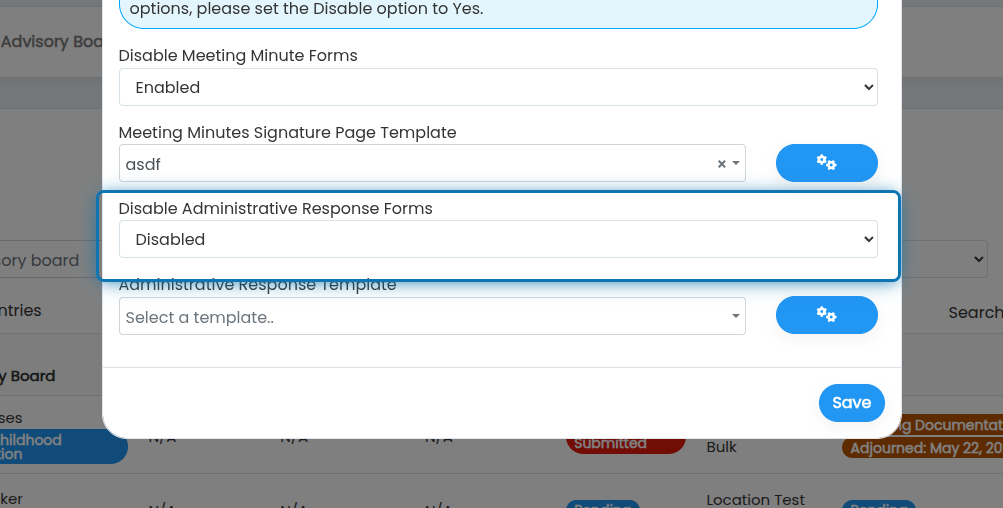
4. Choose if you want meeting minutes to be Enabled, Upload Only, or Disabled
Upload only means you won't use a digital form and signature page, but will still be required to upload a file for meeting minutes.
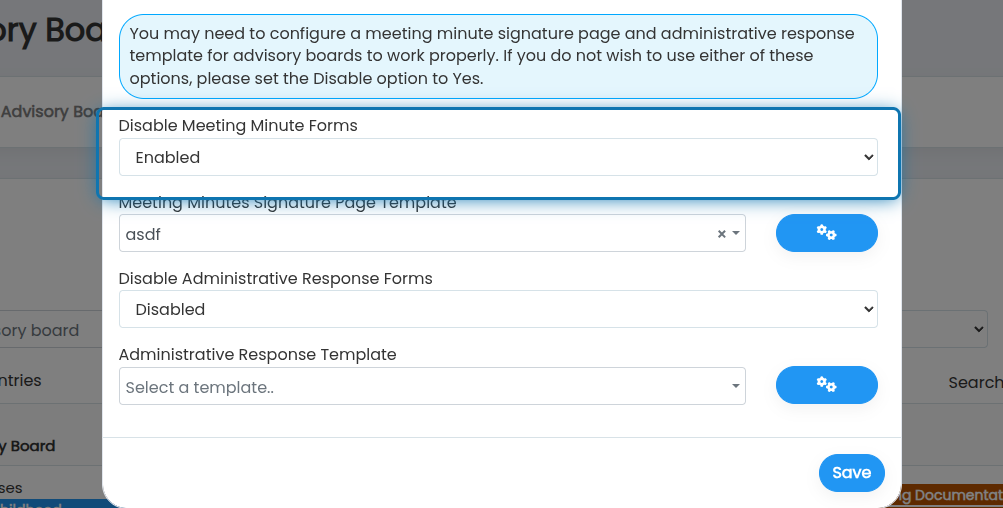
5. Choose if you want the administrative response to be Enabled, Upload Only, or Disabled
Upload only means you won't use a digital form and signature page, but will still be required to upload a file for meeting minutes.
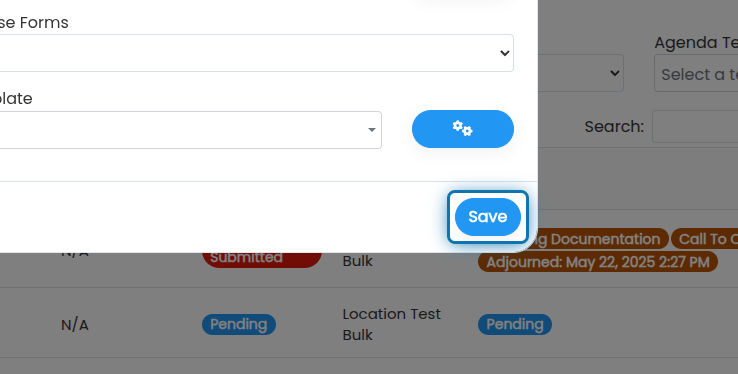
6. Click on Save
Was this helpful?
Still need help? Ask the team