How do I make demographic information from students populate from my SIS?
Last updated 6 days ago
This article will show you how to enable student demographic information syncing from your SIS. This information includes Gender, Date of Birth, and Ethnicity.
1. Navigate to global settings
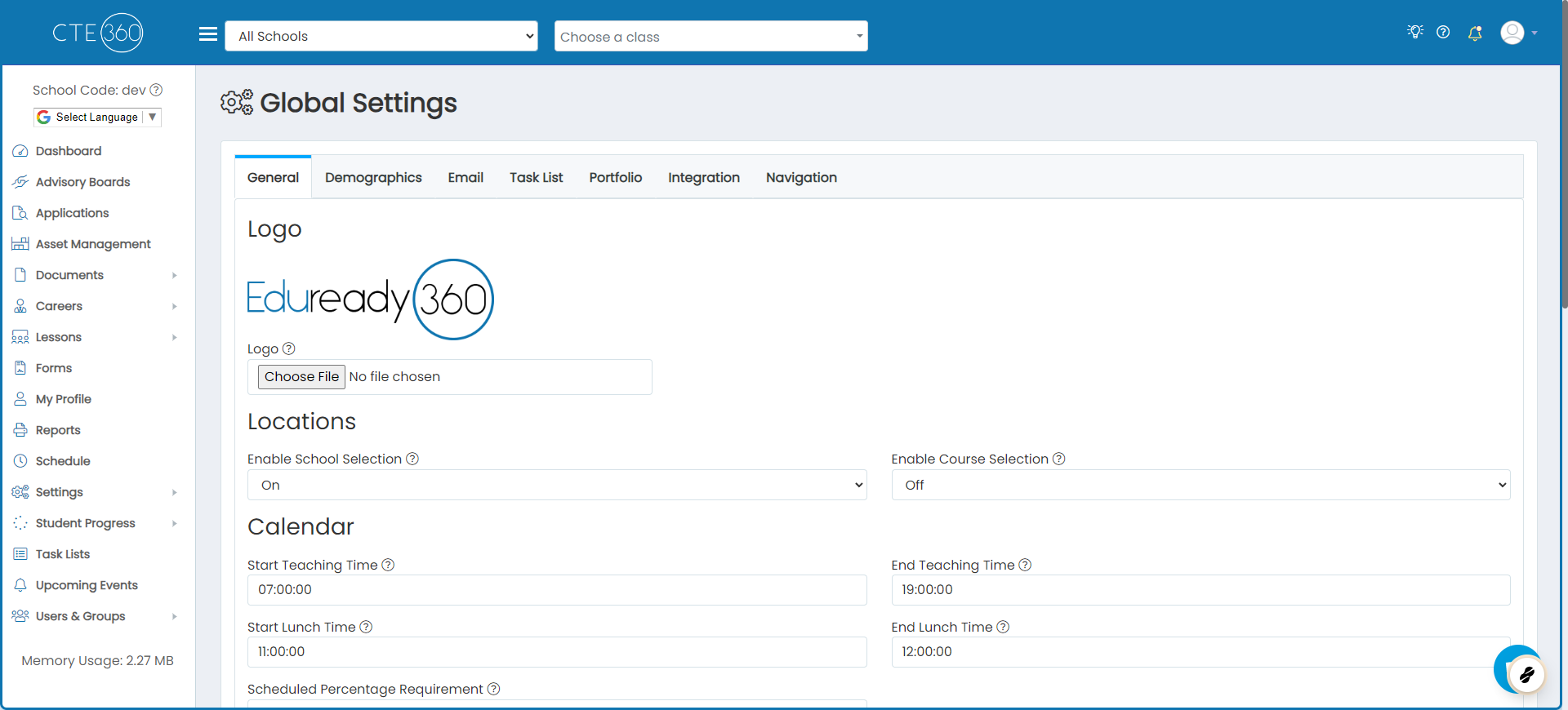
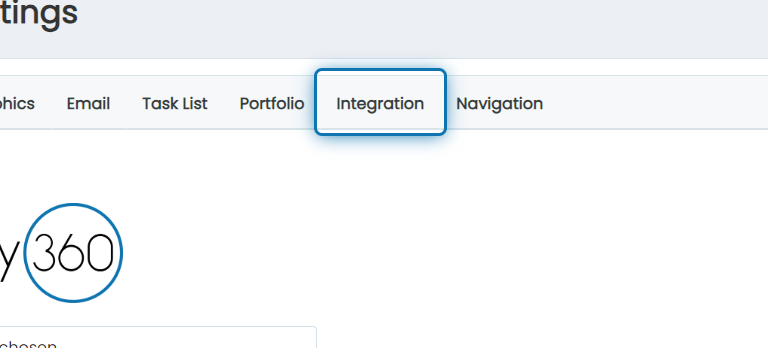
2. Click on the Integration tab
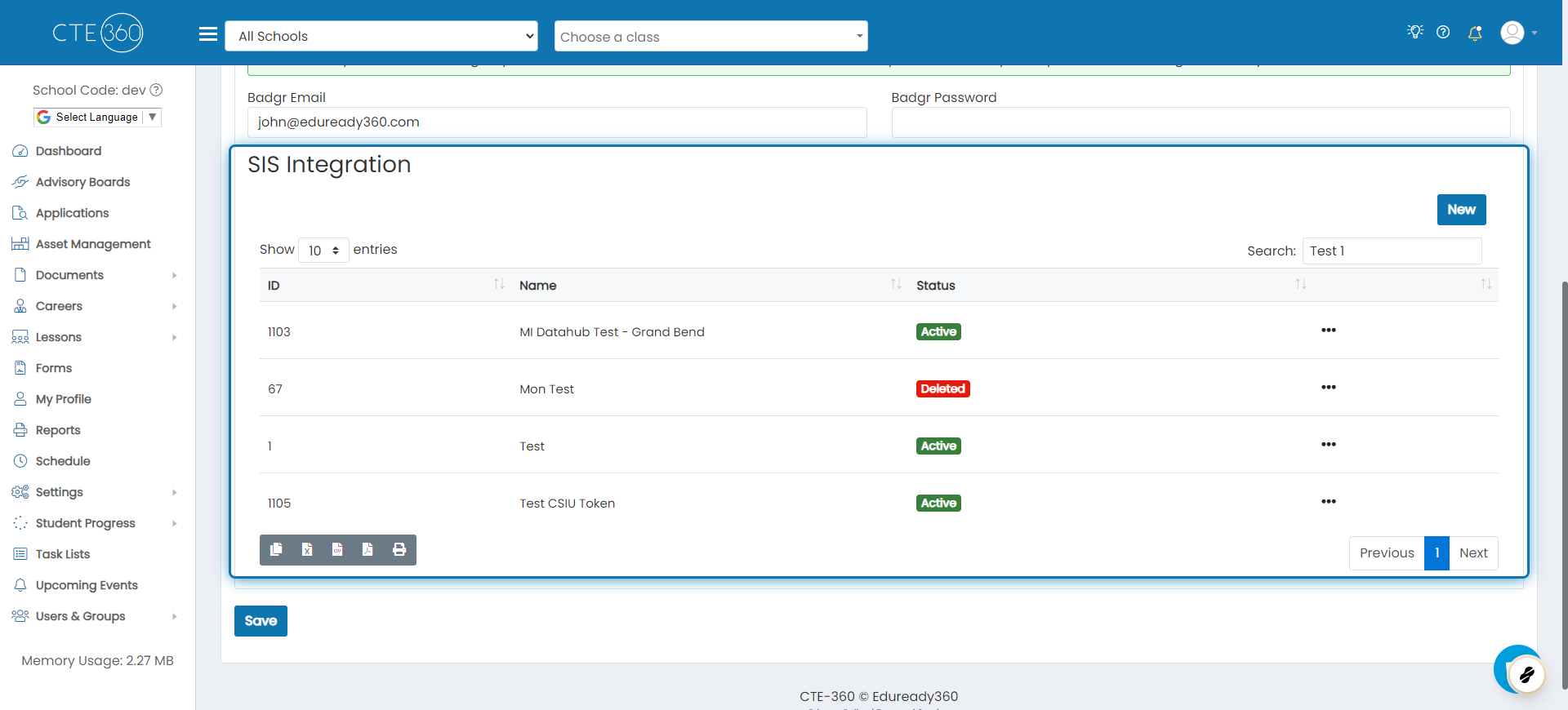
3. Scroll down to the list of SIS integrations
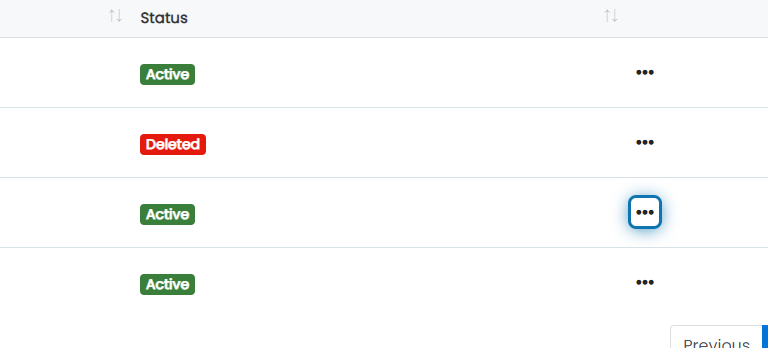
4. Click on the action button next to the SIS integration you'd like to enable demographic information for
5. Click on Edit

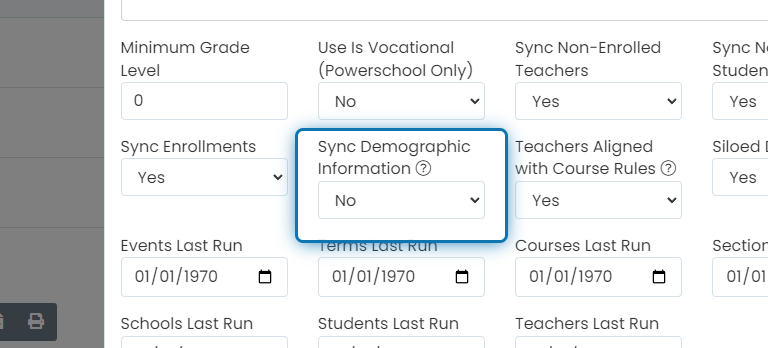
6. Change "Sync Demographic Information" to Yes
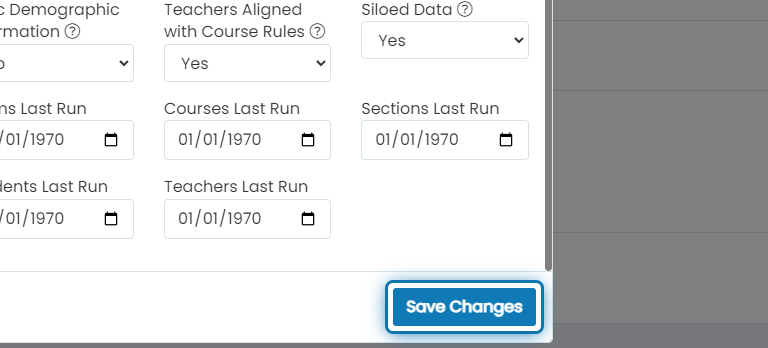
7. Click on Save Changes
Demographic information will start syncing for students within 24 hours.
Was this helpful?
Still need help? Ask the team