How do I clone/copy an existing WBL Type?
Last updated 6 days ago
1. Navigate to the Work-Based Learning Module
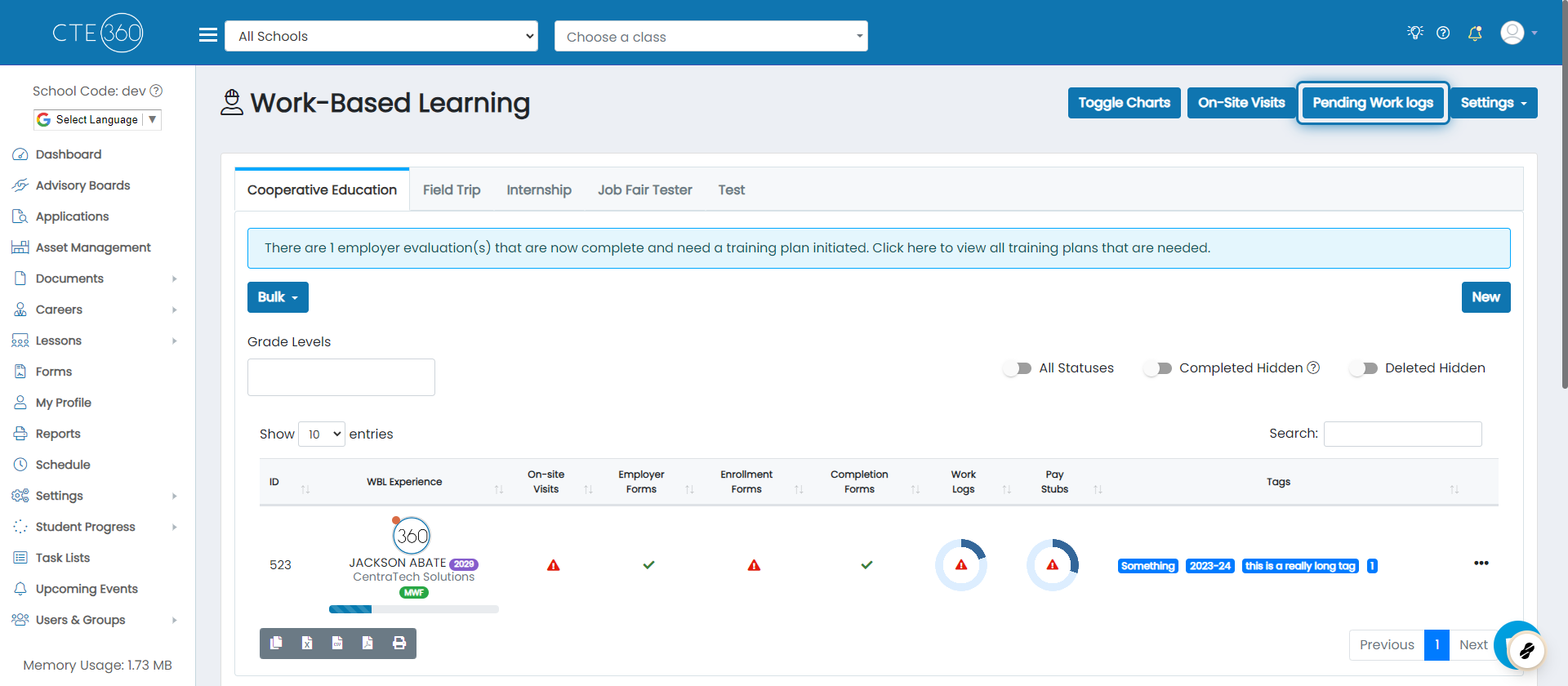
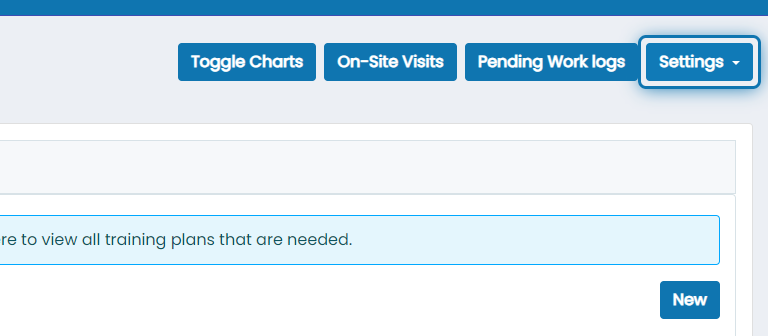
2. Click on Settings
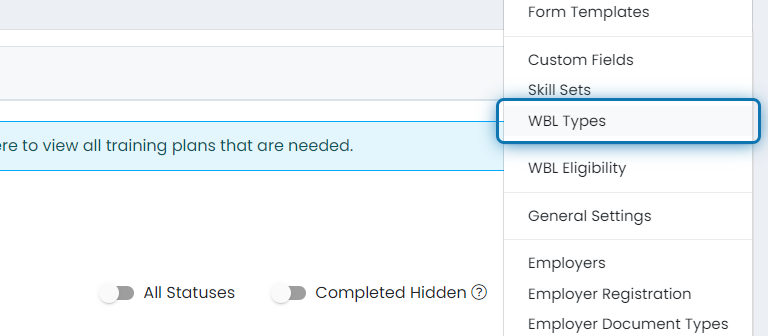
3. Click on WBL Types
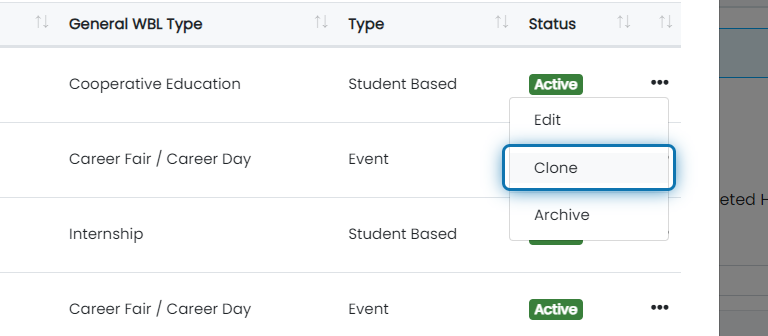
4. Click the action button beside the WBL Type that you'd like to clone

5. Click on Clone
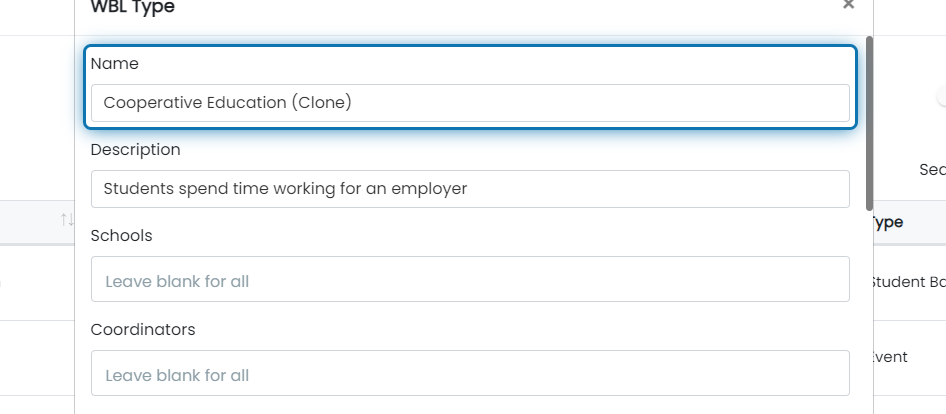
6. Notice the name is updated
All of the information about the WBL type is populated into the WBL Type form. The name is updated to have (clone) appended to it. You can use this opportunity to update anything you don't want to be the same as the WBL Type you're copying from.
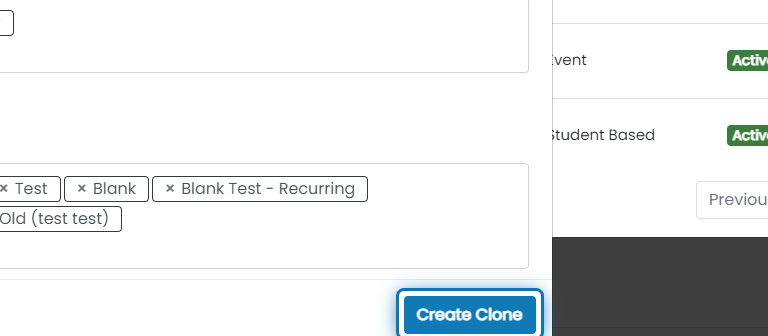
7. After you are done, click "Create Clone"
Your new WBL Type is not created until you click this button.
Was this helpful?
Still need help? Ask the team