How can I correct an email address on a distributable form?
Last updated 6 days ago
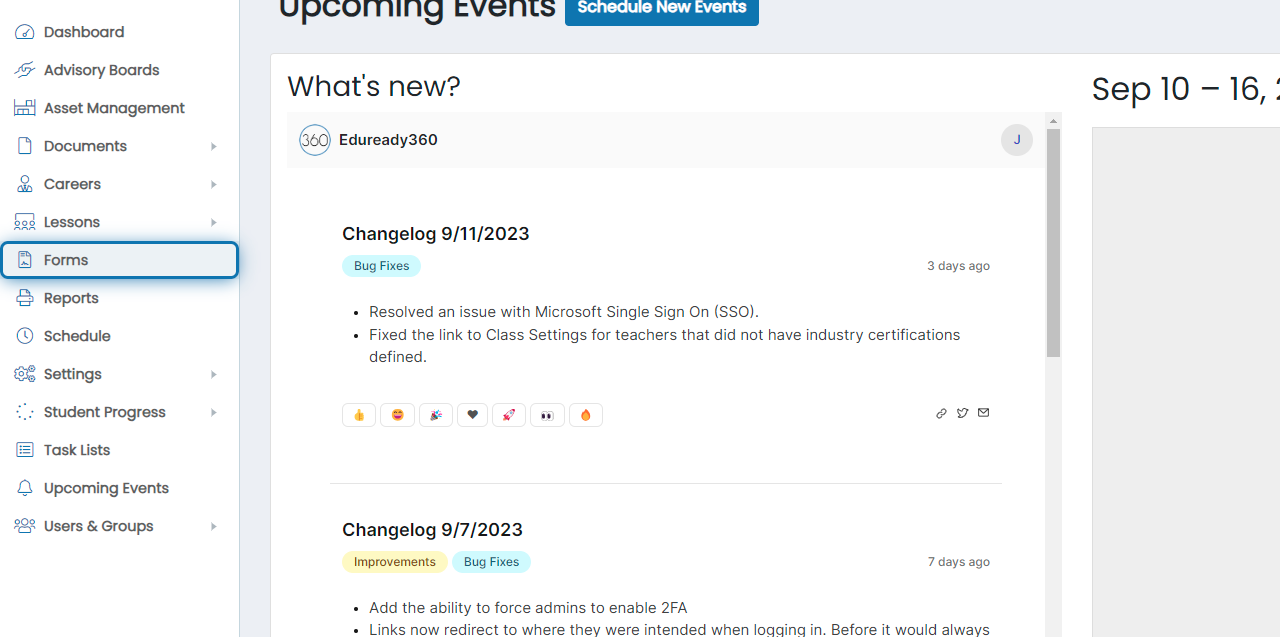
1. Click on Forms
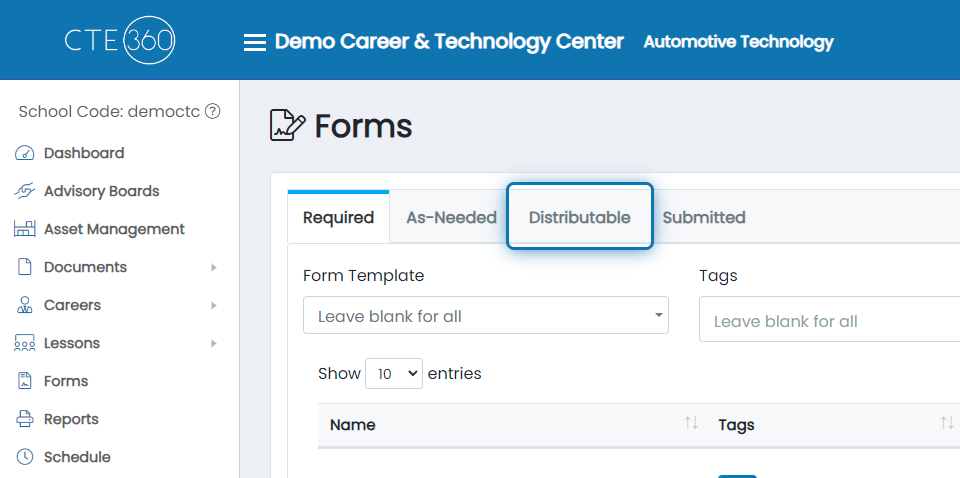
2. Click on Distributable
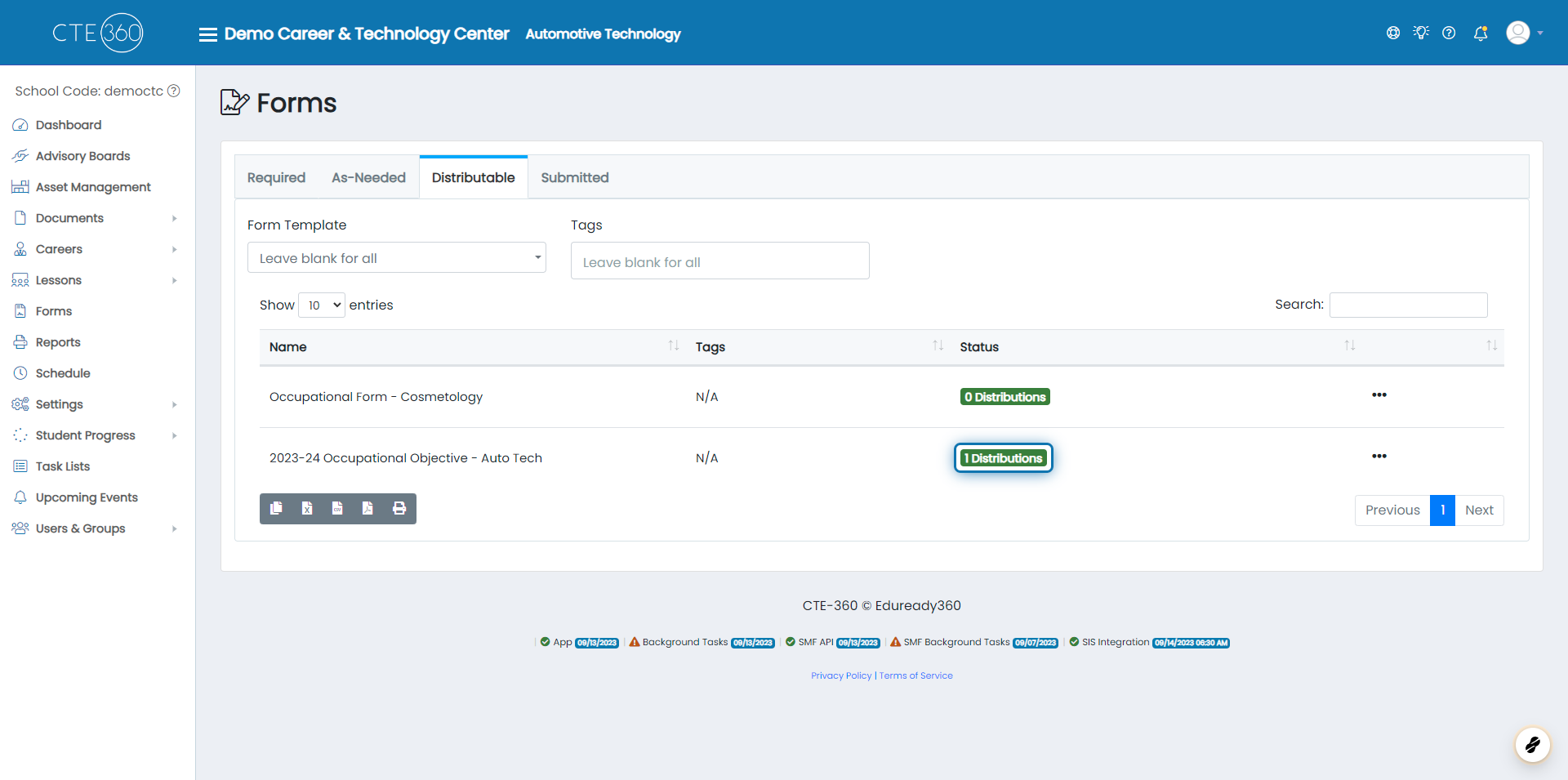
3. Click on the Status for Desired Form
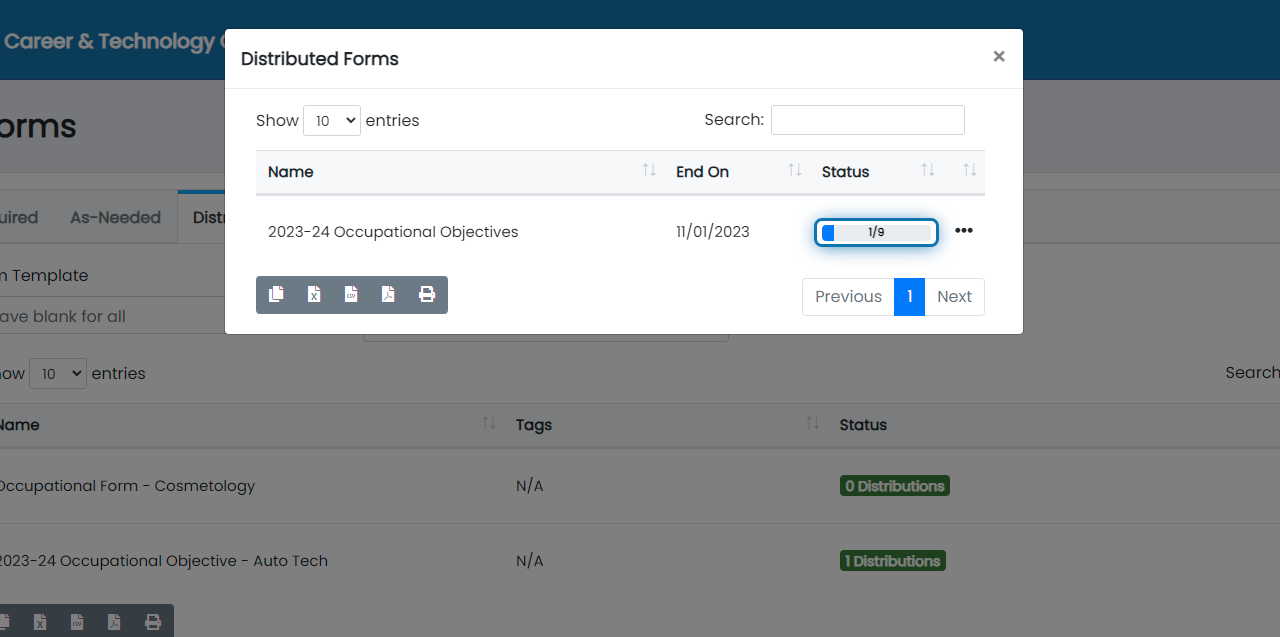
4. Click on Status for the Applicable Distribution
NOTE: IF THE STUDENT IS LISTED AS THE CURRENT SIGNER, SKIP TO SOLUTION 2
Solution 1: To Correct the email yourself
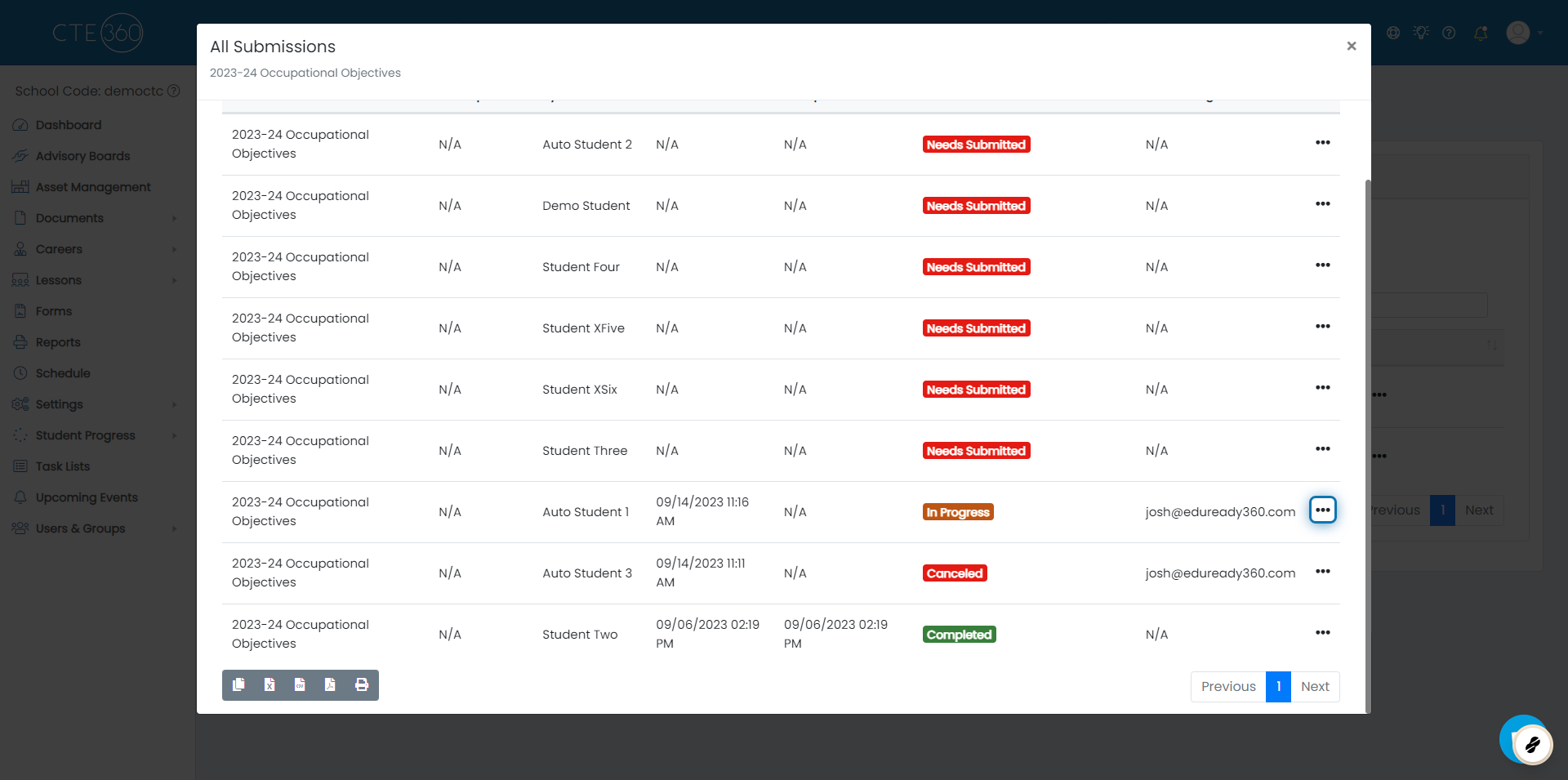
1. Click on the action button for the signer you want to update
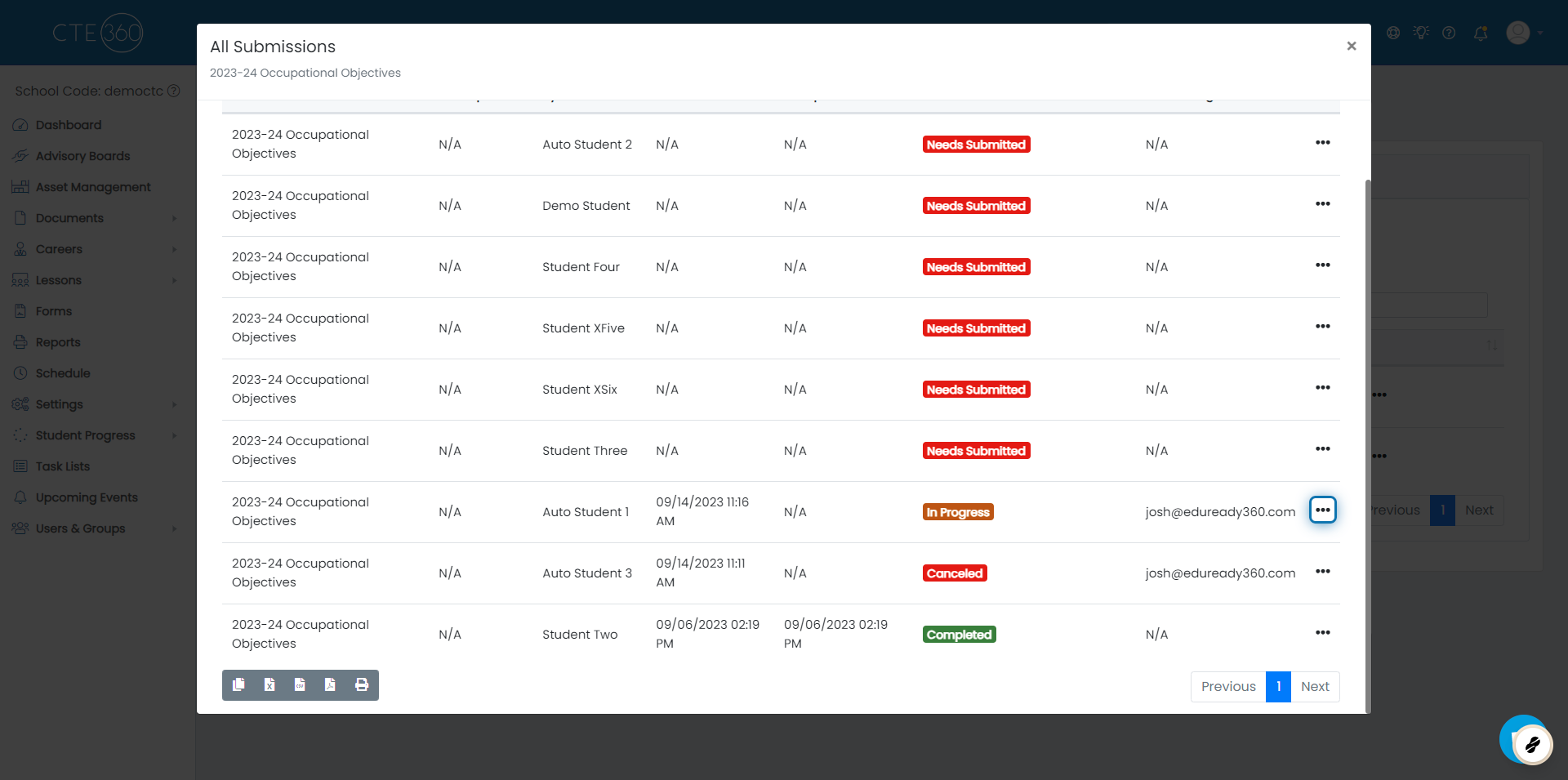
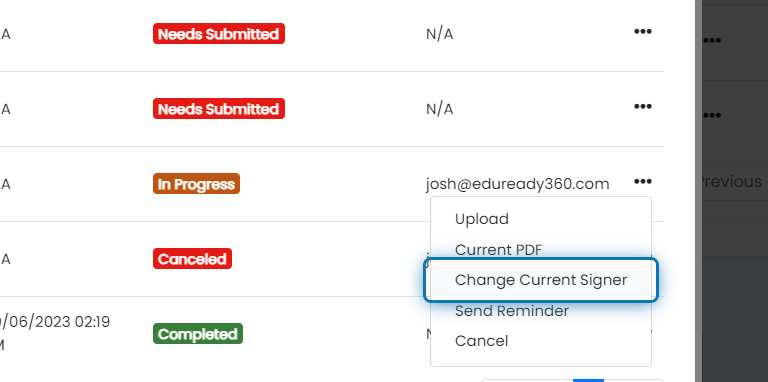
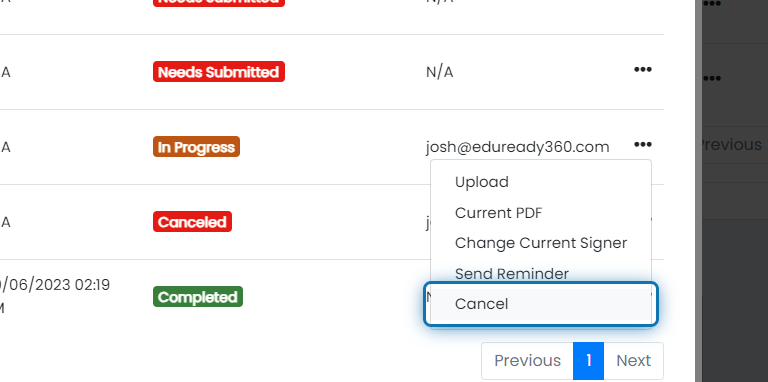
2. Click on Change Current Signer
3. Enter the correct signer information
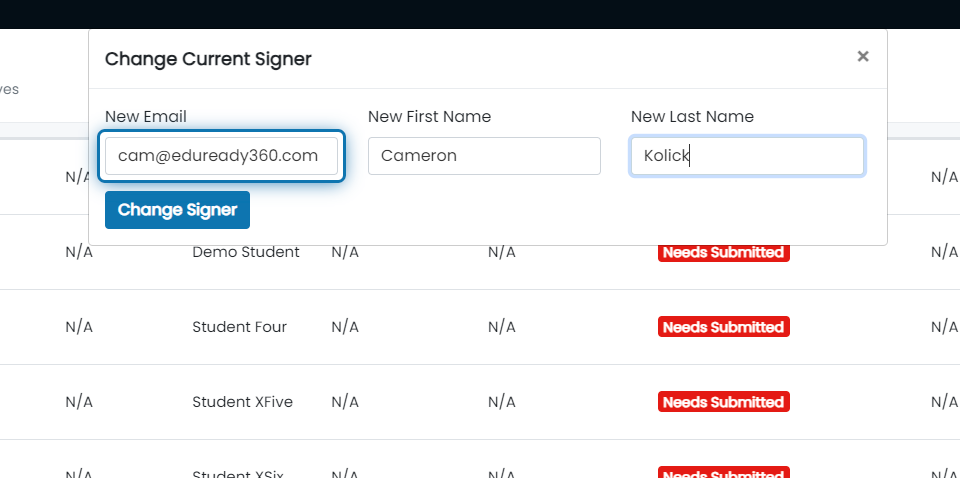
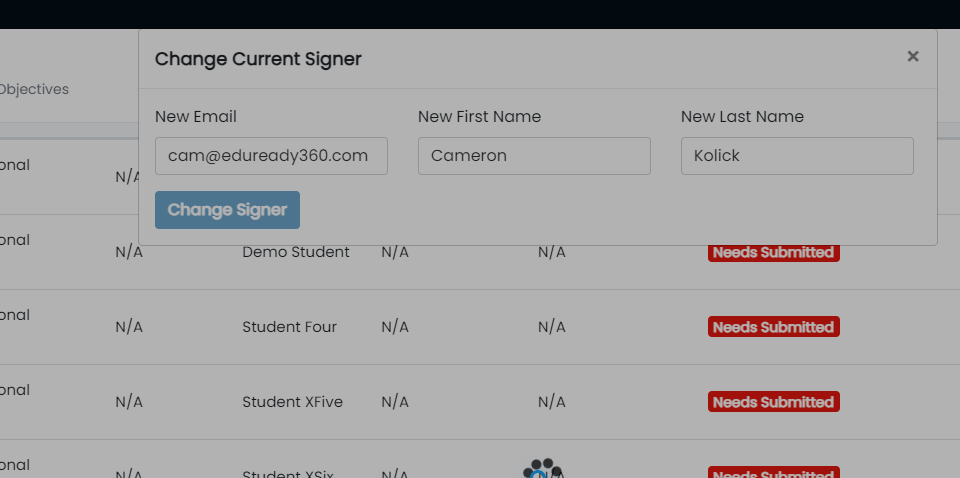
4. Click on Change Signer
Solution 2: If you want the student to enter the correct email
1. Click on the action button for the signer you want to update
2. Click on Cancel
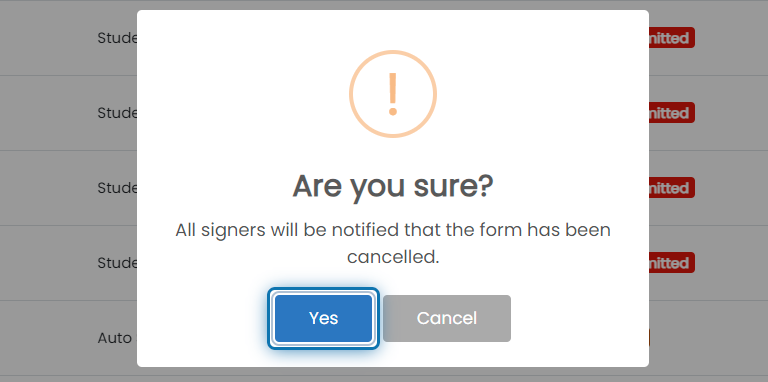
3. Click on Yes
Was this helpful?
Still need help? Ask the team