How do I add Personnel Files/Clearances?
Last updated Over 1 year ago
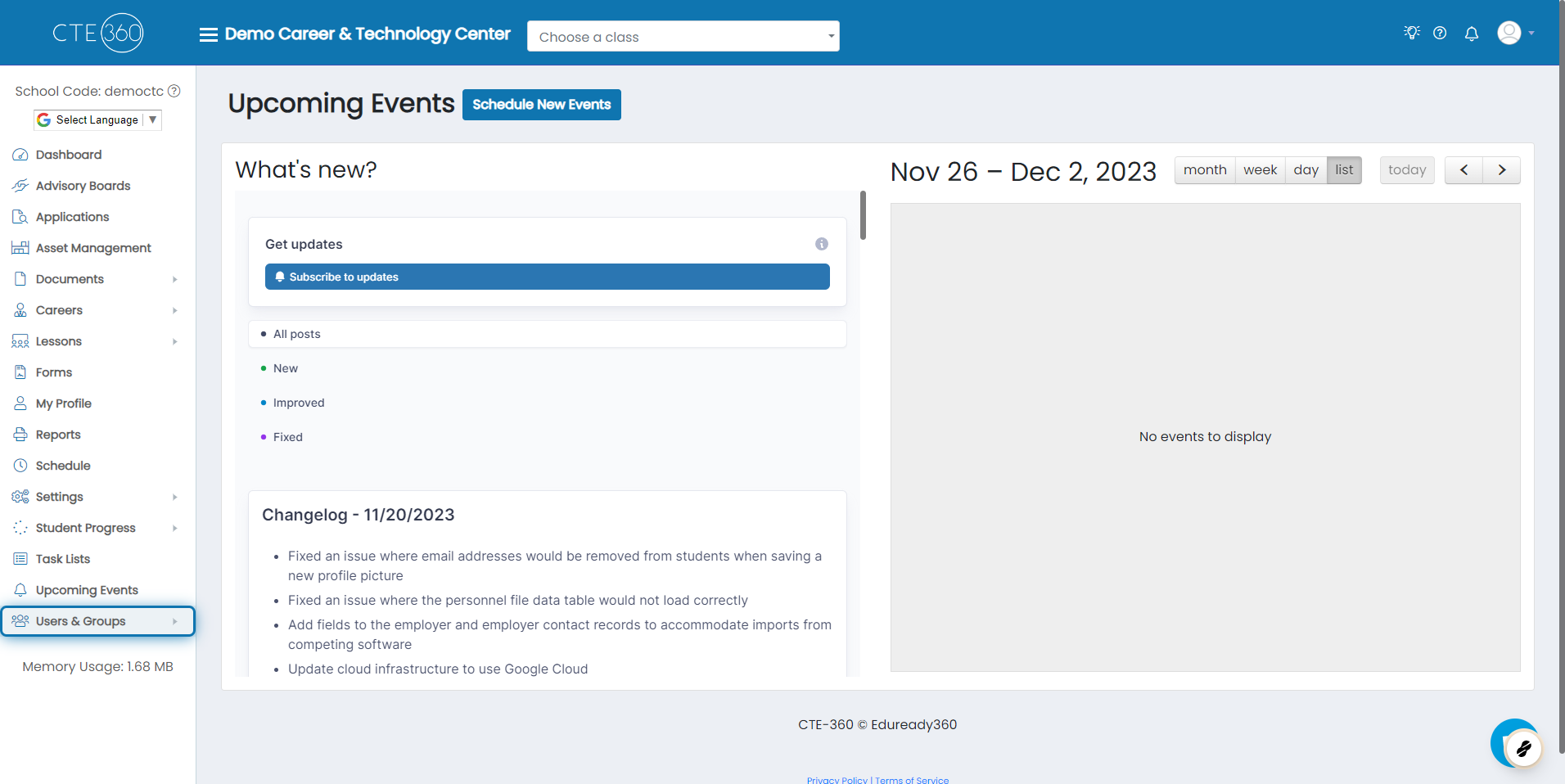
1. Click on Users & Groups
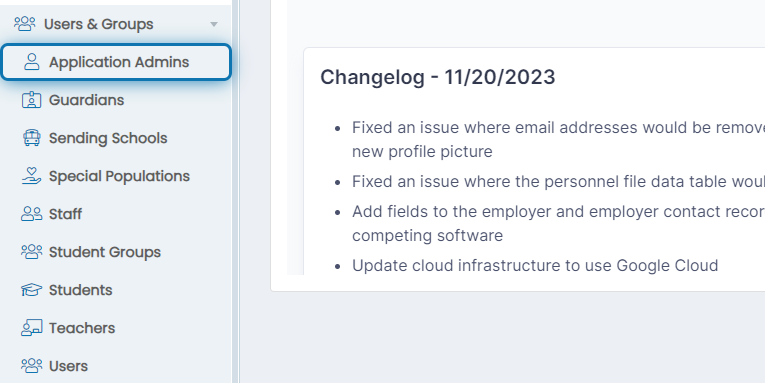
2. Click on Application Admins
If you are not an Application Admin, that's fine. It works for Staff users and Teachers as well.
3. Click on the Status flag under the Personnel File column for a user
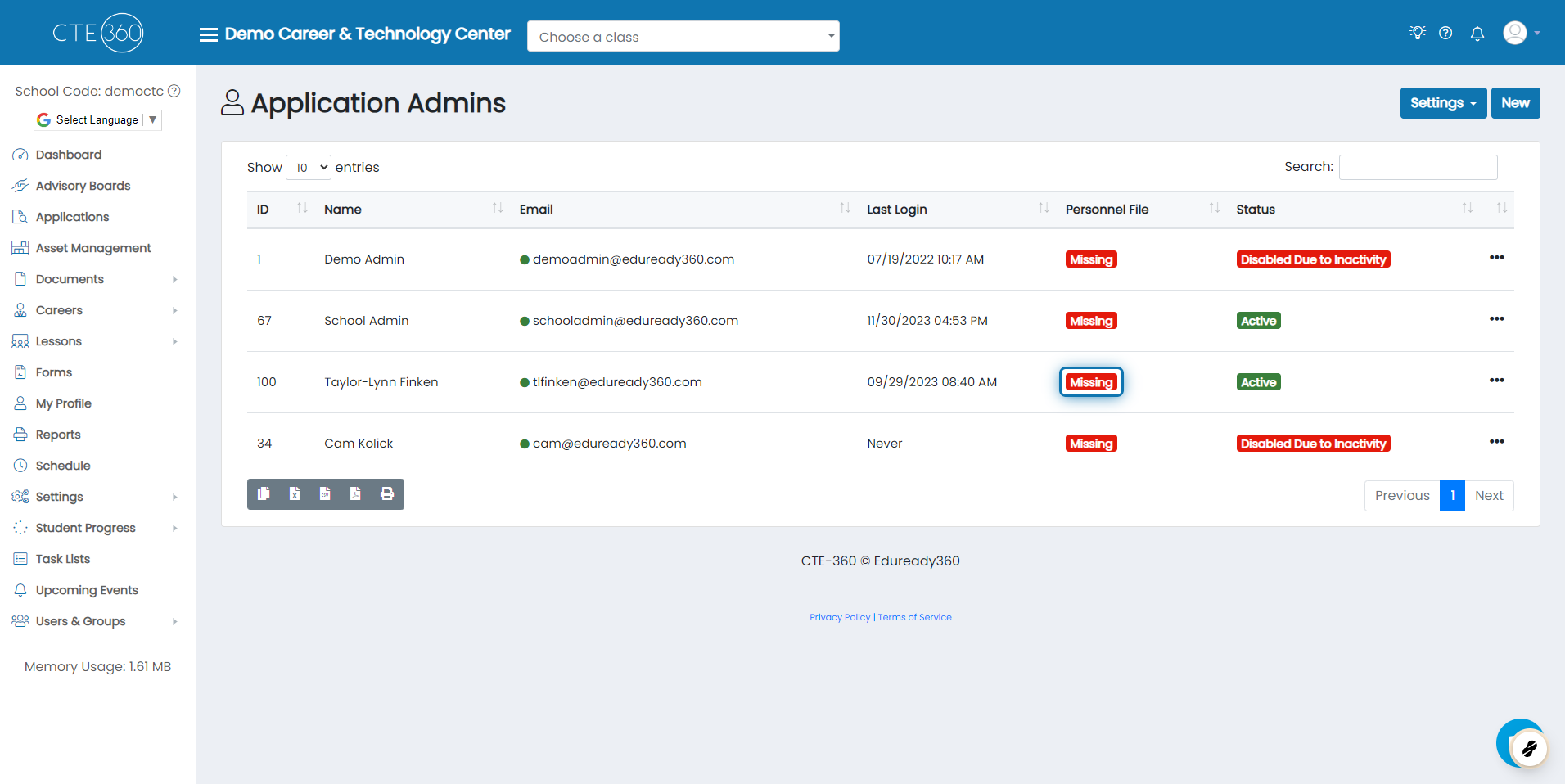
4. Click the Action Button
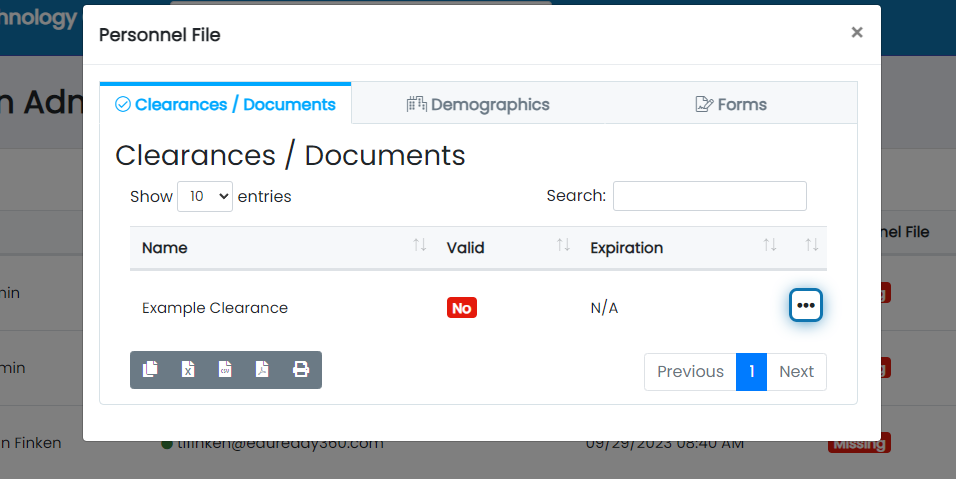
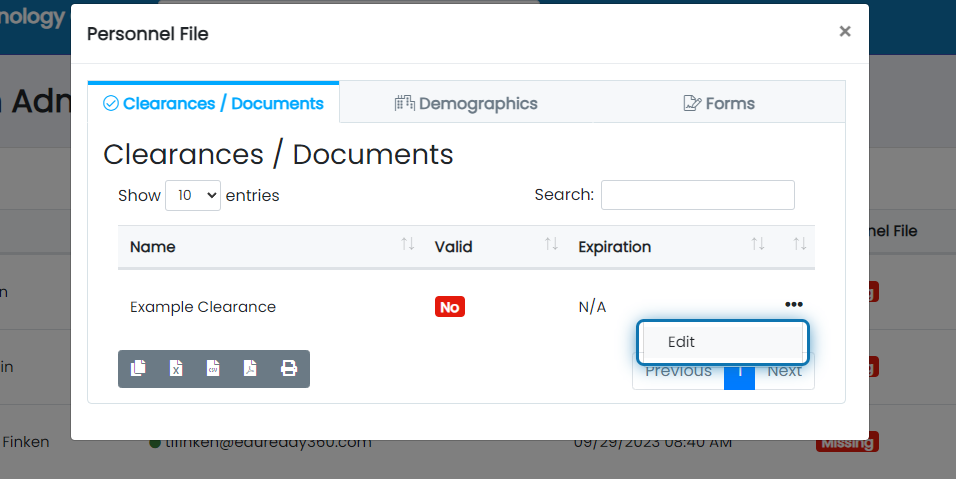
5. Click on Edit
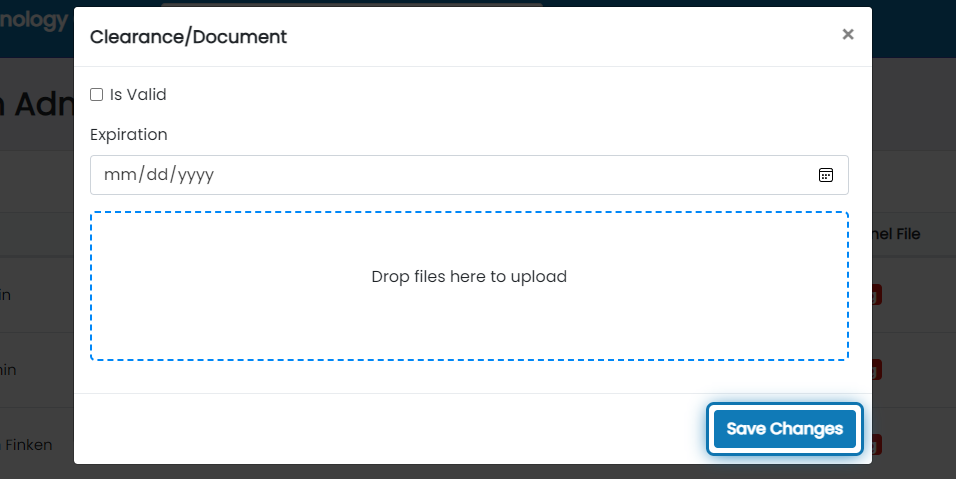
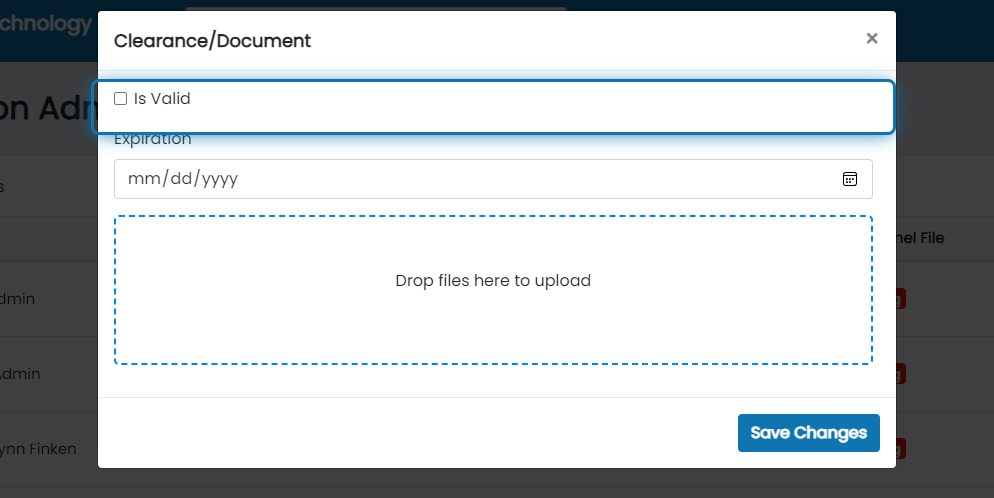
6. Click on Is Valid
This means that the clearance being uploaded is up-to-date.
7. Fill in the Expiration of the Clearance
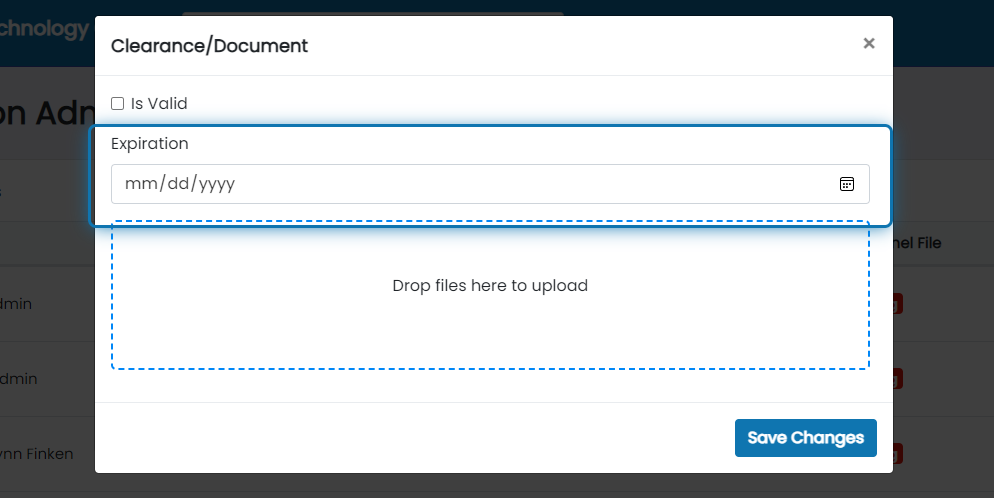
8. Then Select and Upload Clearance
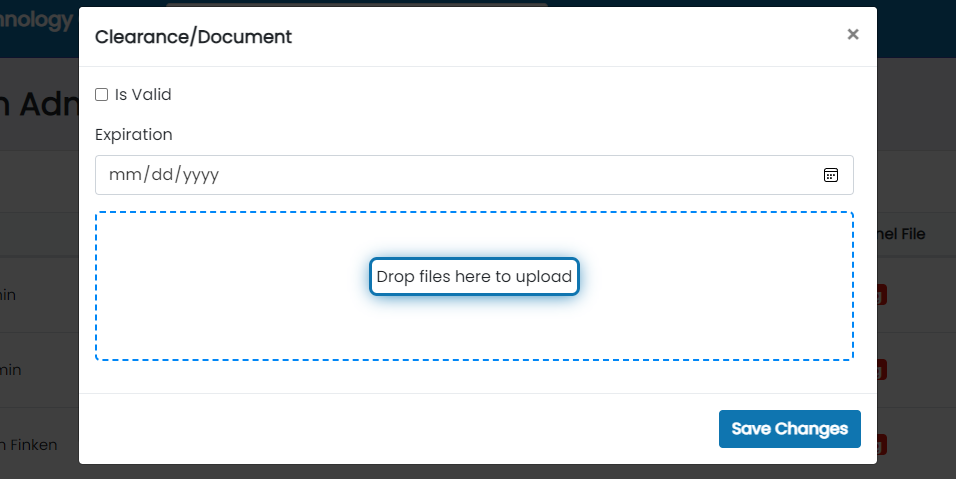
9. Then Save Changes