How do I enable On-Site Visits? How do I make On-Site Visits Optional?
This article will show you how to enable On-Site Visits. You follow the same steps to make them optional except you will ensure the box is unchecked instead of checked.
Last updated About 2 hours ago
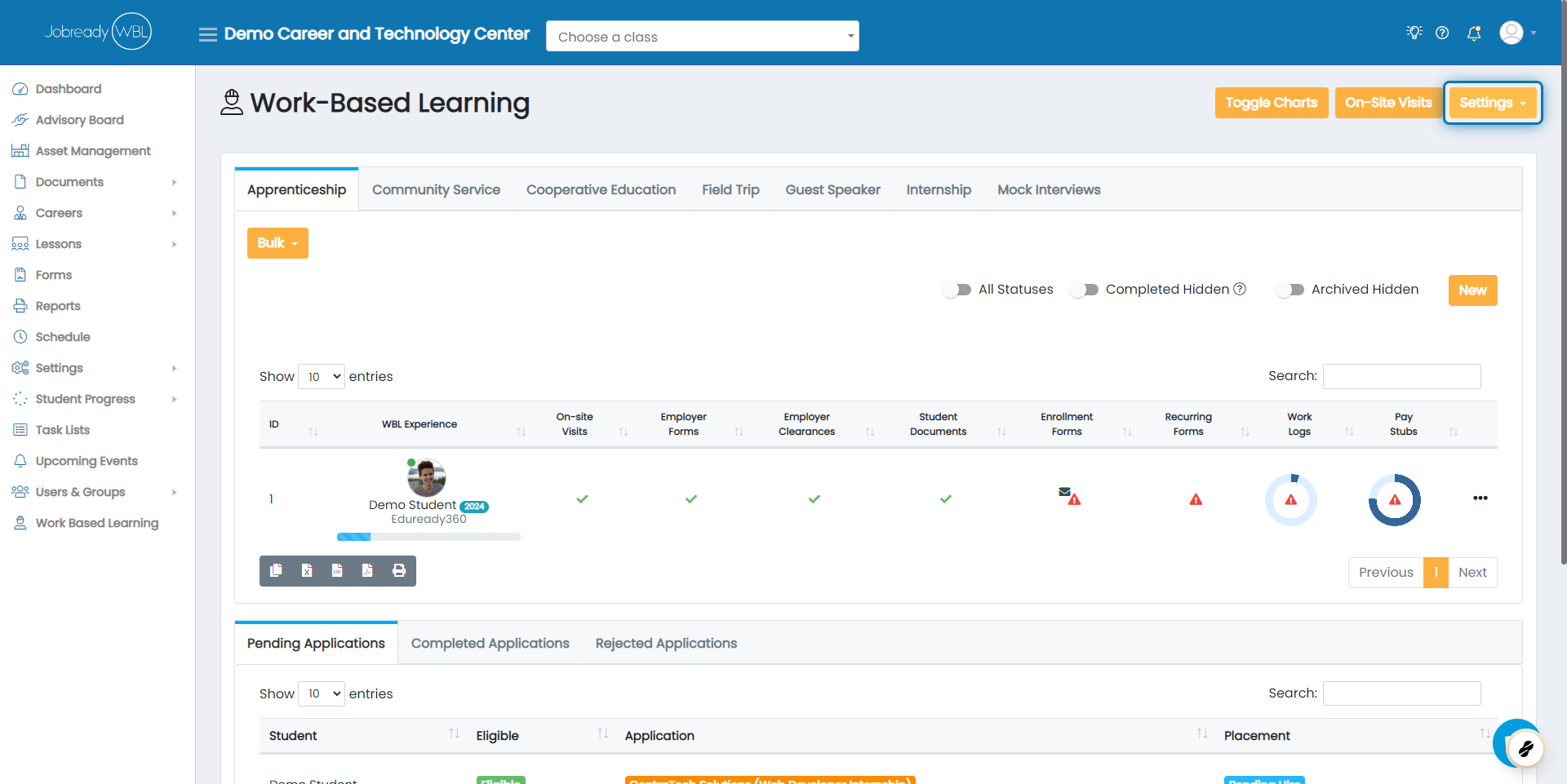
Click on Settings
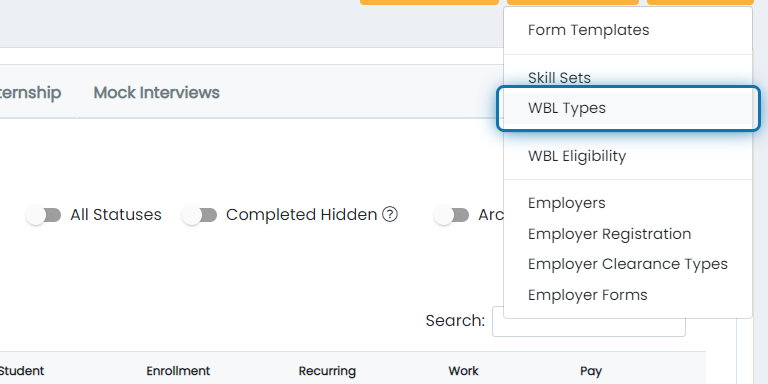
Click on WBL Types
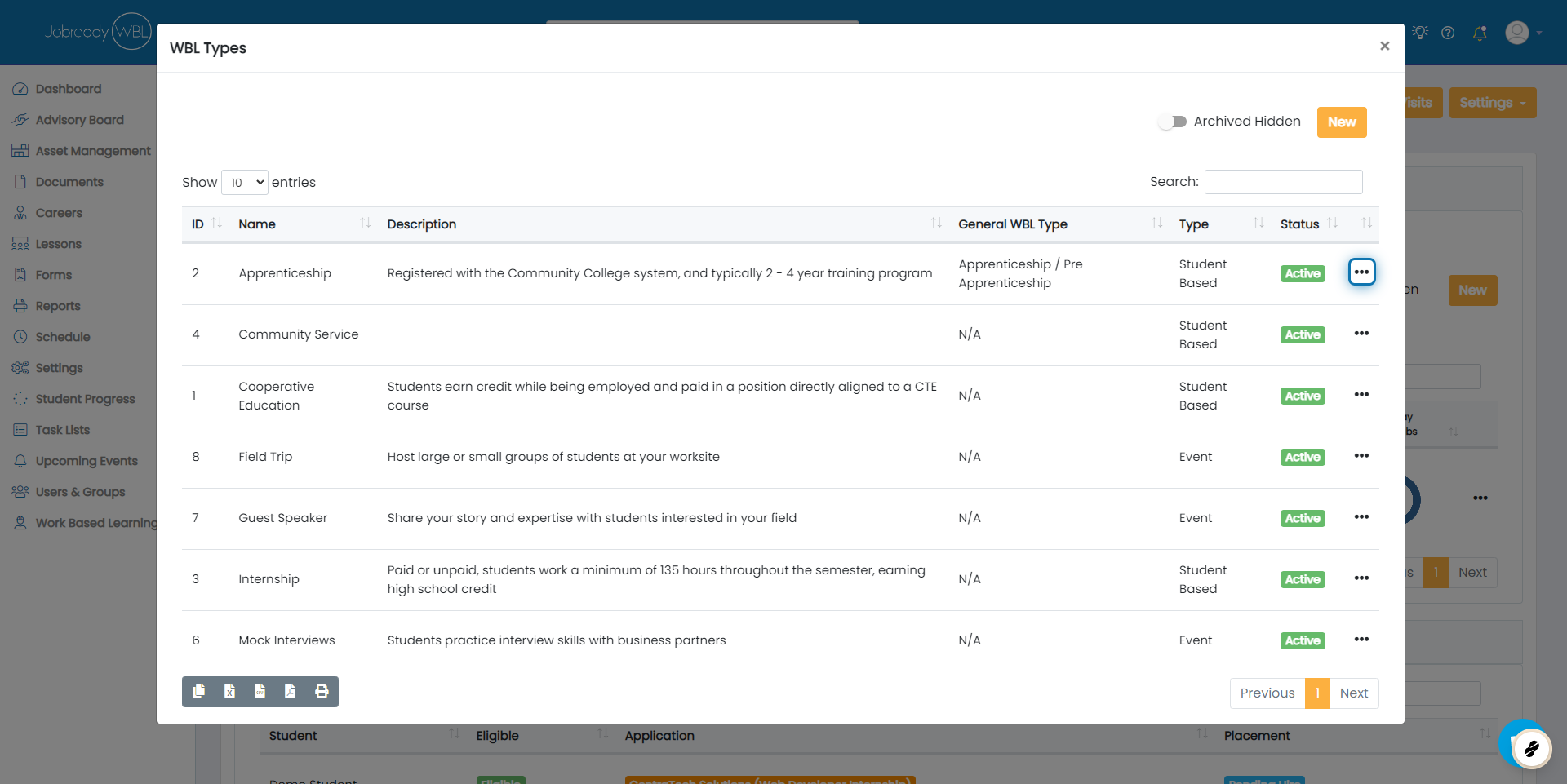
Click on the Action Button
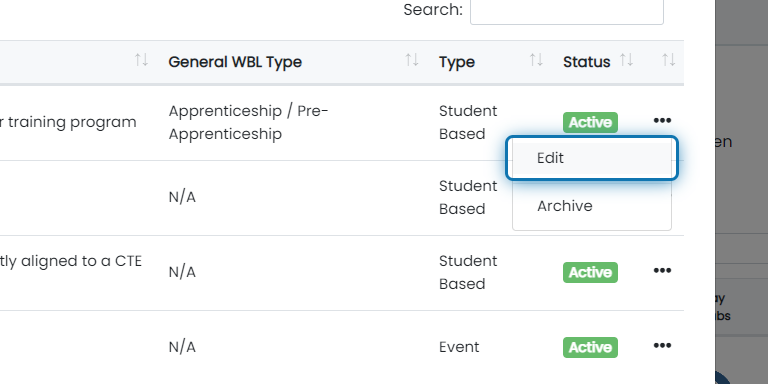
Click on Edit
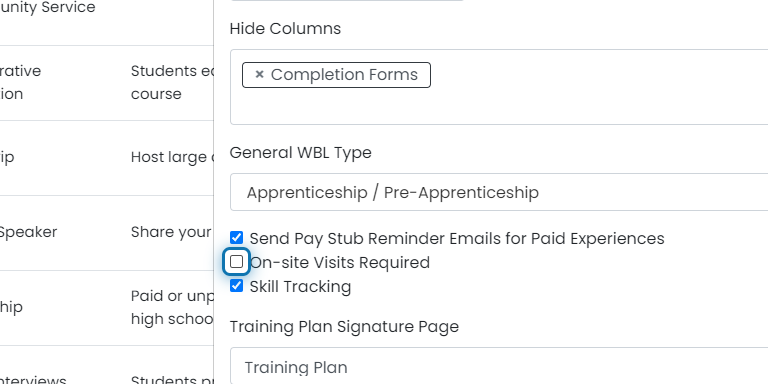
Scroll down and check the box next to "On-site Visits Required"
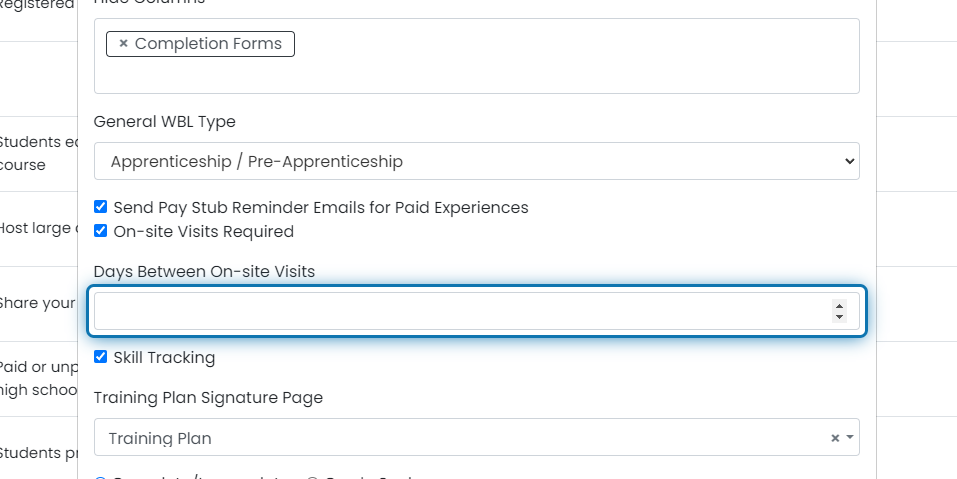
Set the number of days between on-site visits
Click on Save Changes

Please note to make On-Site Visits optional, you will repeat Steps 1-4. You will then scroll down to the On-Site Visits required box and ensure it is Unchecked. Then you will Save Changes.
Click the following link to learn how to record your site visits - How do I track an On Site Visit?
Was this helpful?
Still need help? Ask the team