Employer Participation
Use this report to see which employers hosted work-based learning experiences, by WBL type, and when each was last active. It helps you spot your most involved partners and the ones you haven't worked with in a while.
Last updated About 8 hours ago
Available in: Jobready CTE, Jobready CCR, Jobready WBL
Filters
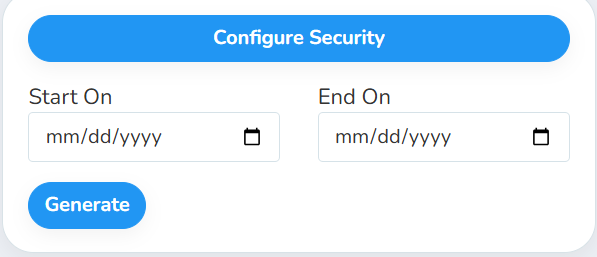
All filters are optional. Leave them blank to include every employer.
What's in the file
One row per employer for each WBL type they hosted. An employer with no experiences in the date range gets one row with N/A for the WBL type.
Good to know
Picking dates narrows the employer list. With a date range, an employer is included if it had an experience active during the range, has an experience with no end date, or was added during the range. Both the first and last day count.
Leave the dates blank to see every employer, including employers that have never hosted a student. They show Never under Last Active and 0 experiences.
Deleted employers and deleted experiences are left out.
The report covers your whole district. It includes every employer, no matter which school or class you have selected.
Student data: This report doesn't list students. It includes employer names, addresses and notes.
Related reports
Employer Contacts: contact details for each person at these employers
Employer Document Status: check which employers have their required documents on file
BEDS Participating Employers and Students: employer and student counts by WBL type for state reporting
Was this helpful?
Still need help? Ask the team