Event-Based Experience Summary
Use this report to see each event-based WBL experience on one line, with how many people were invited, how many attended and the student hours it produced. It's a quick way to total up career fairs, job shadows and other group events for a date range.
Last updated About 8 hours ago
Available in: Jobready CTE, Jobready CCR, Jobready WBL
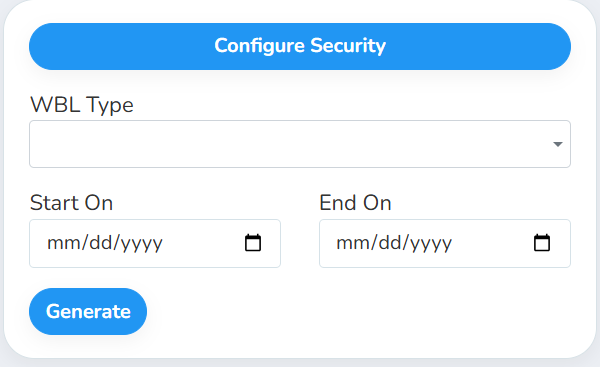
Filters
All filters are optional. Leave them blank to include every event.
What's in the file
One row per event, sorted by when the event ended, with these columns:
Good to know
Only events with invited students appear. An event with no students on its invite list isn't included.
Attendance drives the hours. Student Hours only counts students marked present, so take attendance on the event before you run the report.
Empty counts show N/A. A count column shows N/A instead of 0 when there's nothing to count.
Your access applies. An event is included when at least one invited student is someone you have access to, and the report uses your selected school and class.
Student data: This report doesn't list individual students. It shows event details, the name of the person who created each event and attendance counts.
Related reports
Event-Based Experience Detail: see the same events with one row per invited student
BEDS Participating Employers and Students: count students and employers by WBL type and grade
Annual WBL Comparison: compare event counts from one school year to the next
Was this helpful?
Still need help? Ask the team