Agilities Assessment Results
Use this report to see which students have completed the agile work profile and the agilities it found for each of them. It helps you plan career conversations around each student's strengths.
Last updated About 8 hours ago
Available in: Jobready CTE, Jobready CCR, Jobready WBL
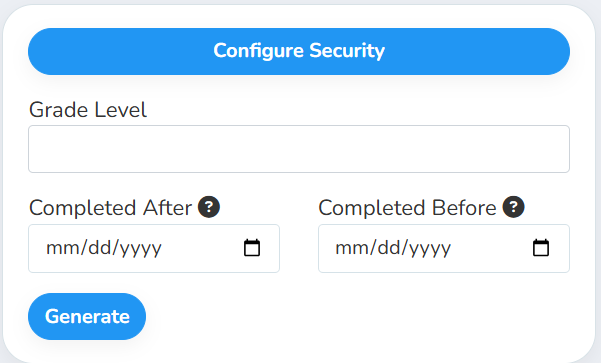
Filters
All filters are optional. Leave them blank to include every completed assessment.
What's in the file
One row per completed assessment, sorted by student last name and then first name, with each student's newest assessment first.
The number of Agility columns matches the longest set of results in the file. If a student has fewer agilities, the extra cells show N/A.
Good to know
The file lists agility names, not scores. Each Agility column holds the name of one agility, in the same order the student sees them on their Agilities tab.
Students who retook the assessment appear more than once, one row per completed assessment. Their newest result is listed first.
Only students who completed an assessment are listed. Students who haven't taken it yet don't appear. Removed assessments are left out.
Current students only. Graduated and deleted students are left out.
Your access applies. The report only includes students you have access to, and it uses your selected school and class. Students who used to be in that school or class are included too.
Student data: This report lists student names, emails, state student numbers, grade levels, classes and agile work profile results.
Related reports
Career Exploration Completion: see each student's Explore AI and Interest Profiler progress
Was this helpful?
Still need help? Ask the team