Follow-Up Study Responses
Use this report to see every student's follow-up study answers for one graduating class, with their pre-graduation and post-graduation answers side by side. It's useful for state follow-up reporting and for seeing what graduates went on to do.
Last updated About 8 hours ago
Available in: Jobready CTE, Jobready CCR, Jobready WBL
Filters
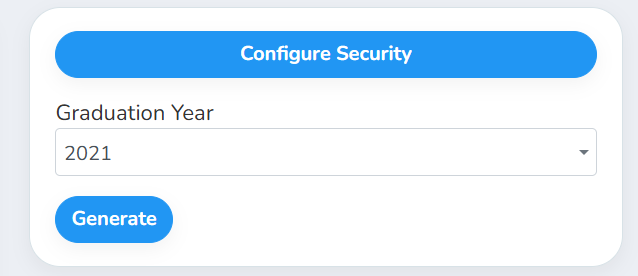
Graduation Year is required.
What's in the file
One row per student who answered at least one follow-up question. The first columns describe the student:
After those, each follow-up question gets two columns:
Each column header is the question's text. A blank cell means the student didn't answer that question.
Good to know
Pre and post answers sit next to each other, so you can compare what a student planned before graduating with what they reported afterward.
Graduates are included. Students stay in the report after they graduate or leave your selected school or class, so you can report on the whole graduating class.
Your access applies. The report only includes students you have access to, and it uses your selected school and class.
Student data: This report lists student names, email addresses, alternative email addresses, classes and each student's follow-up study answers.
Related reports
Follow-Up Study Deviation: see how often pre-graduation and post-graduation answers match for each question
Was this helpful?
Still need help? Ask the team