Project Hours
Use this report to export every project hour entry your students logged, with the date, role and notes for each. It's a quick way to review or total project-based learning hours for a date range.
Last updated About 9 hours ago
Available in: Jobready CTE, Jobready CCR, Jobready WBL
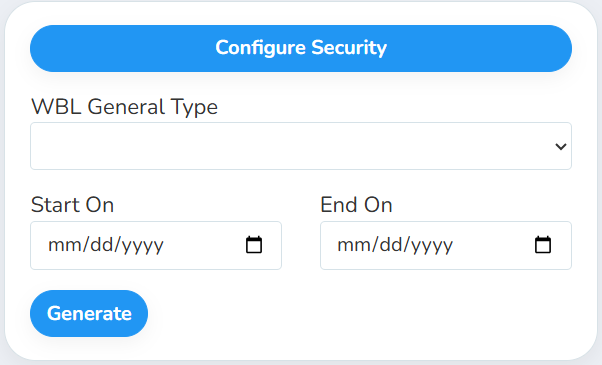
Filters
All filters are optional. Leave them blank to include every project hour entry.
What's in the file
One row per project hour entry, sorted by student last name, first name and date.
Good to know
Only entries with hours count. Entries with 0 hours and deleted entries are left out.
Custom field columns follow your filter. If you pick a WBL General Type, you only get the custom fields for WBL types of that general type.
Your access applies. The report only includes students you have access to. It also uses your selected school and class. Students who have since left the selected class are still included, so their earlier hours aren't lost.
The school is matched to the date of the hours. When you have a school selected, an entry is included if the student belonged to that school on the date of the hours.
Student data: This report lists student names and grade levels, along with any notes and custom field answers on each entry.
Related reports
Total Hours By WBL Type: see project hours next to every other kind of WBL hours, totaled per student
Work-Based Learning Export: project hours summed per student and type for state reporting
Was this helpful?
Still need help? Ask the team