Pay Statistics
Use this report to see pay totals, averages and ranges for paid work-based learning experiences. Group the numbers by career cluster, industry, job title and more to compare what students earn.
Last updated About 8 hours ago
Available in: Jobready CTE, Jobready CCR, Jobready WBL
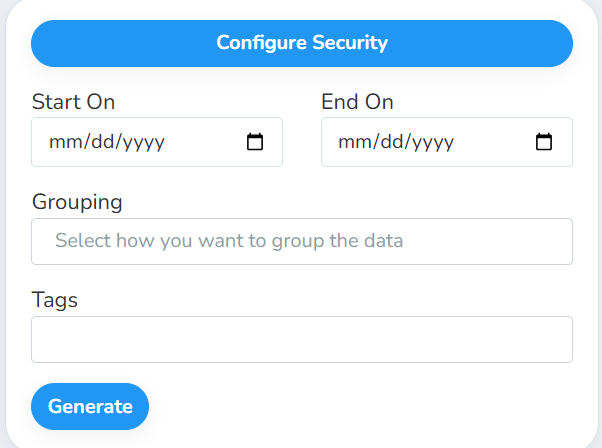
Filters
All filters are optional. Leave them blank to include every approved pay stub.
What's in the file
With no grouping, the file has one row that sums up every matching pay stub. With grouping, there is one row for each combination of the groups you chose. The grouping columns come first, then the pay columns.
Pay columns are shown with two decimal places. A blank value shows as 0.00.
Grouping columns
Good to know
Only approved pay stubs count. Pending and rejected pay stubs are left out, and so are deleted pay stubs and deleted experiences.
Only paid experiences are included. An experience must be marked as paid for its pay stubs to count.
Hourly rate figures are counted per pay stub. An experience with more approved pay stubs in the date range has more weight in Avg Hourly Rate.
Employer tags can repeat pay stubs across rows. If an employer has two tags, its pay stubs count toward both tag rows.
Your access applies. The report only includes students you have access to, and it uses your selected school and class.
Student data: This report shows totals and averages only. It does not list student names or other personal information.
Related reports
Pay Stub - All WBL Experiences: see the individual pay stubs behind these numbers
Pay Stubs: print pay stubs by experience as a PDF
Was this helpful?
Still need help? Ask the team